Step 1 of 7
Get discovered
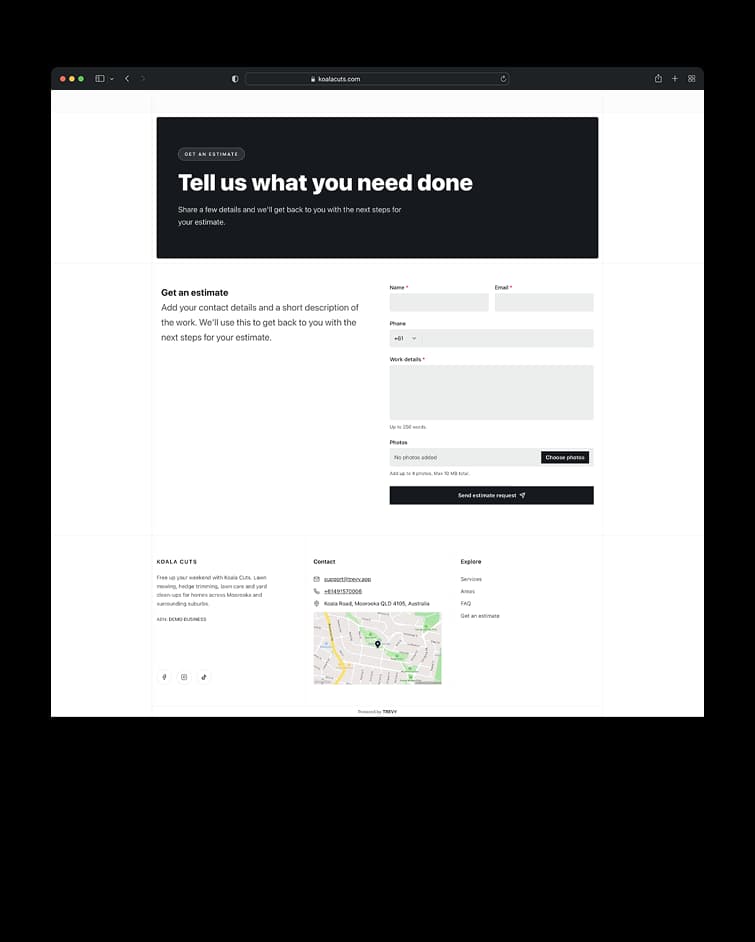
The journey begins when a customer finds your business and quickly understands what you do and where you work. A clear website gives them the confidence to take the next step and send an enquiry.
Book one-off, recurring and multi-visit jobs without double-booking your day. Plan exact times or arrival windows, optimise routes, handle reschedule requests and share live arrival tracking from one app.
Everything included. Free for 7 days, then $19.99 AUD/month. Cancel anytime.



The client has said yes. Now give the work a place in your day. Schedule jobs around the way you actually work, keep clients informed and carry everything from booking through to completion in one place.
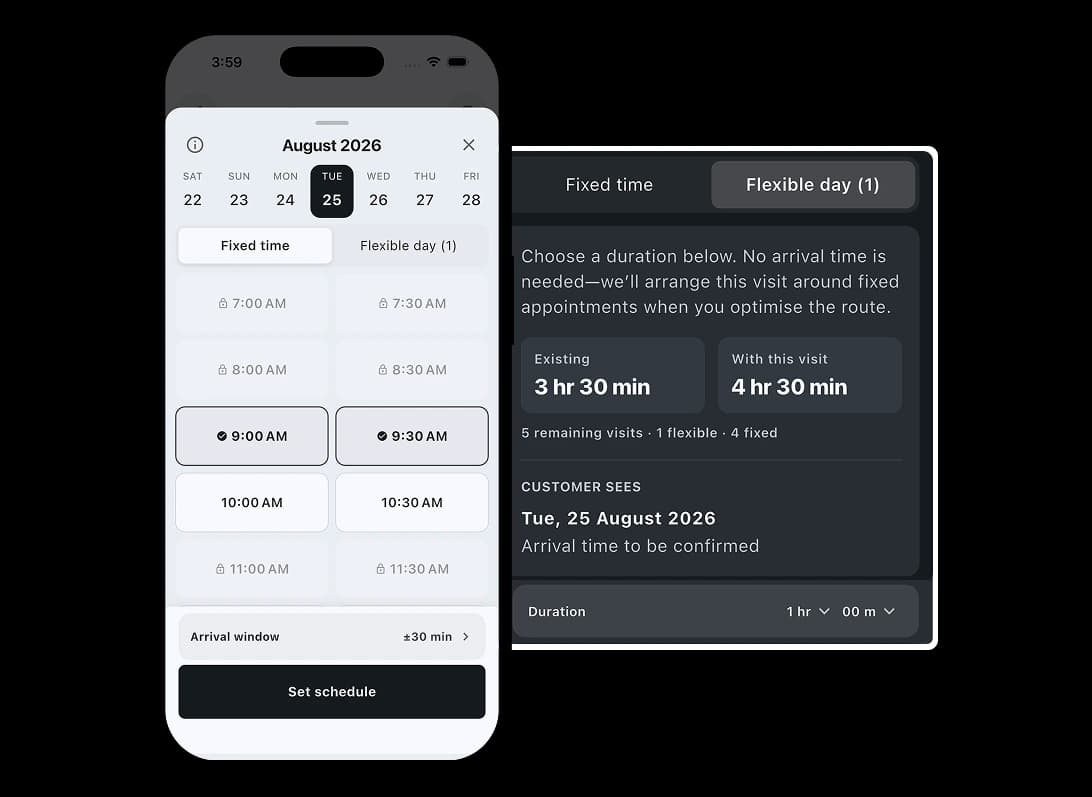
The client has said yes. Now give the work a place in your day. Choose an exact appointment time, a flexible arrival window, or multiple time slots for longer work. Saved work hours, default durations and reusable flex windows make booking quick while keeping your schedule realistic.
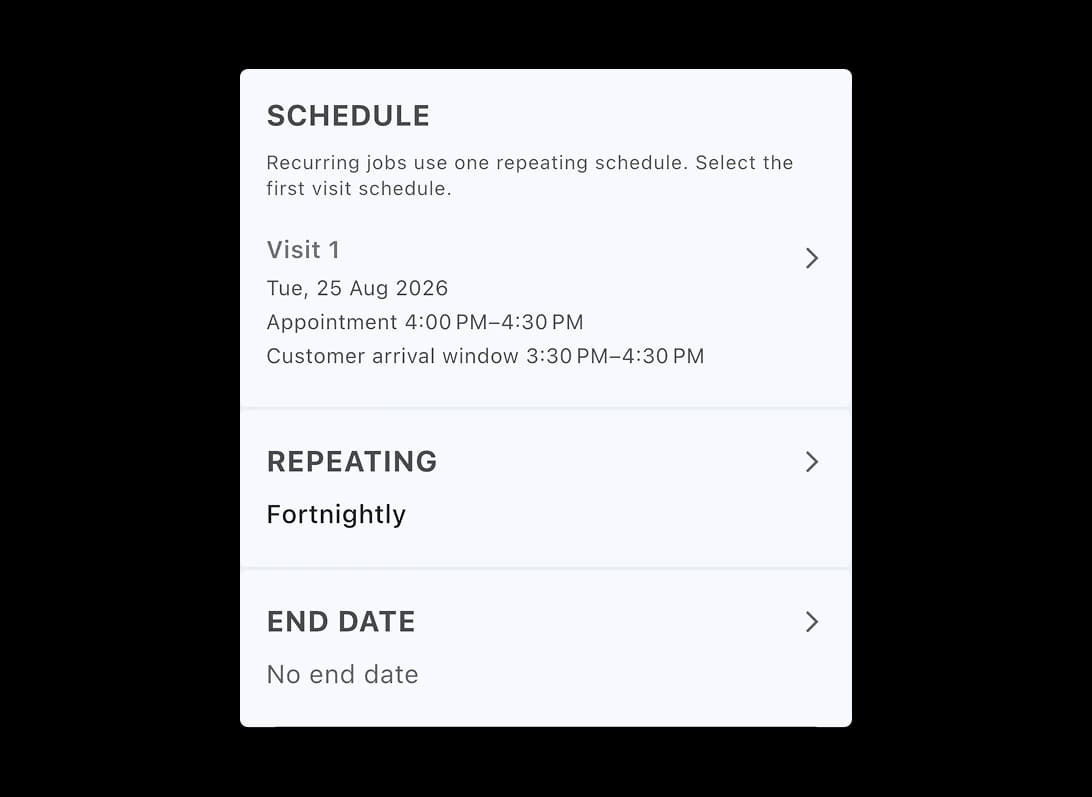
When one job becomes ongoing work, don’t rebuild it every time. Turn the original booking into a recurring schedule or add another visit when needed.
When one job becomes ongoing work, don’t rebuild it every time. Create repeat schedules with intervals and end dates, check for conflicts and manage the series from the job itself. For work that only needs another stop, add a return visit without replacing the original booking.
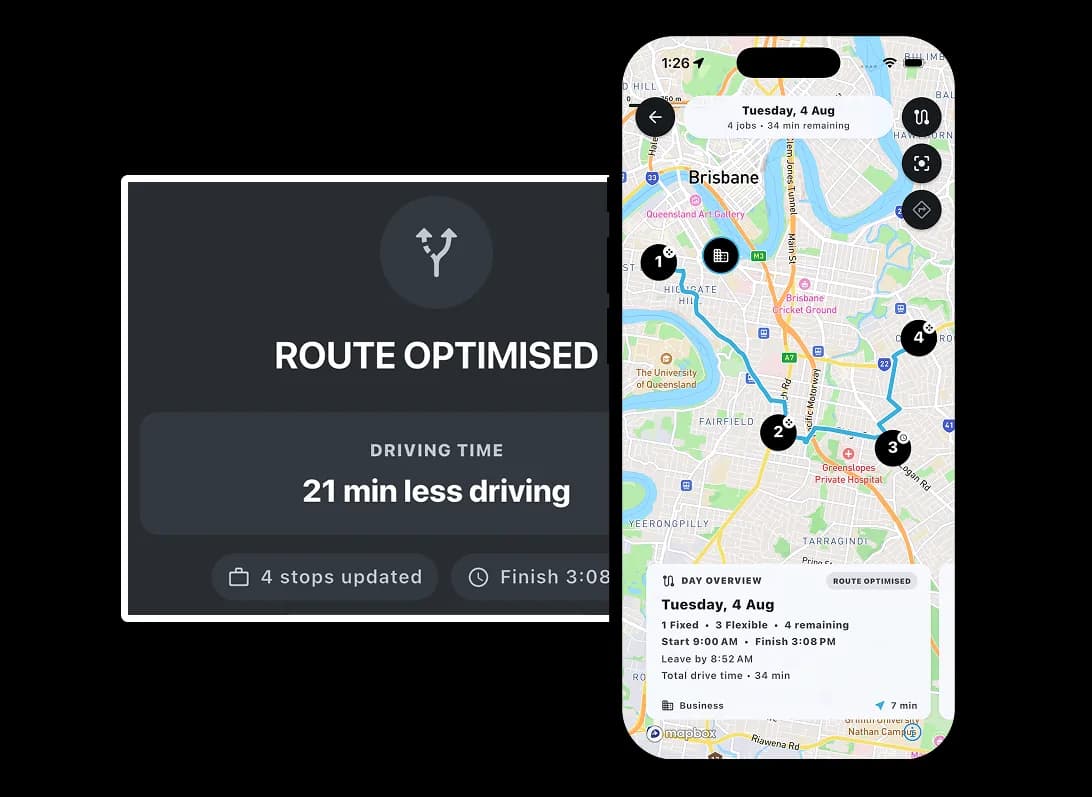
Once the work is booked, make the day work around it. Keep fixed commitments in place and organise flexible jobs around them before you head out.
Once the work is booked, make the day work around it. Organise flexible jobs around fixed appointments to fit more work within your working hours and reduce unnecessary driving where possible. Preview the stop order, drive-time change and planned finish before applying the route.
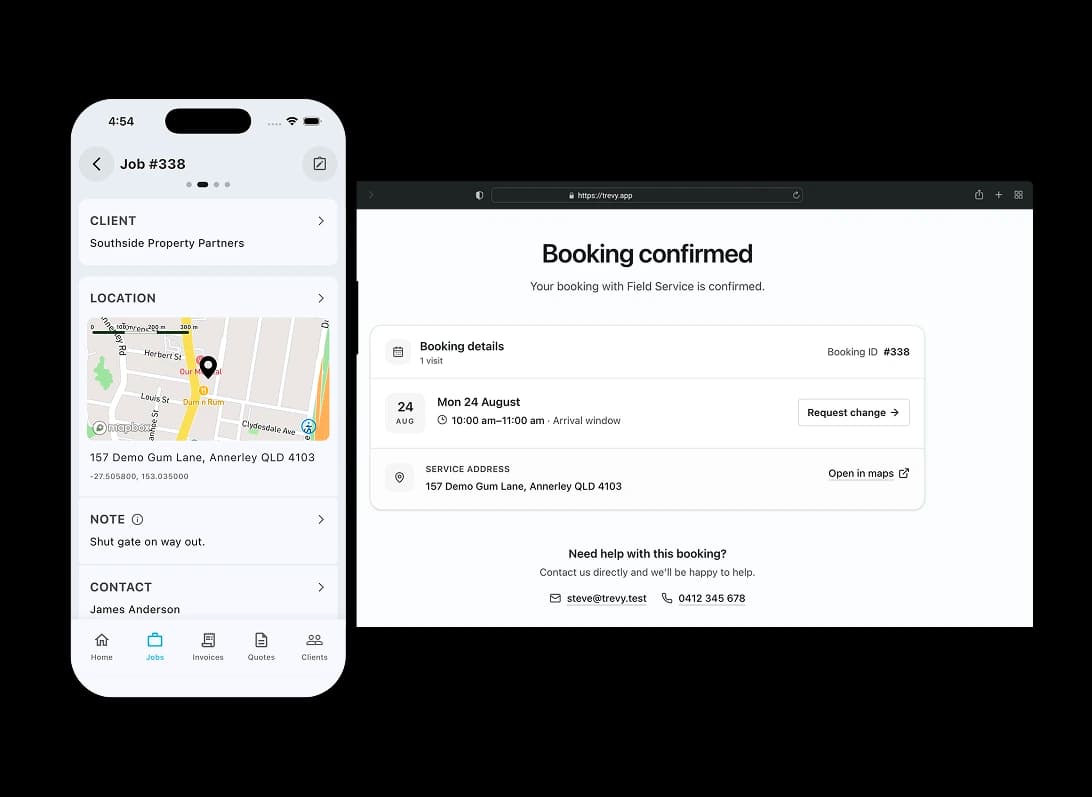
With the day planned, keep the client on the same page. Booking details and change requests stay connected to the schedule instead of disappearing into messages and phone calls.
With the day planned, keep the client on the same page. Clients can review confirmed booking details in the portal and request another time when rescheduling is enabled. TREVY keeps scheduled, reschedule requested, completed and cancelled states visible while you stay in control of the calendar.
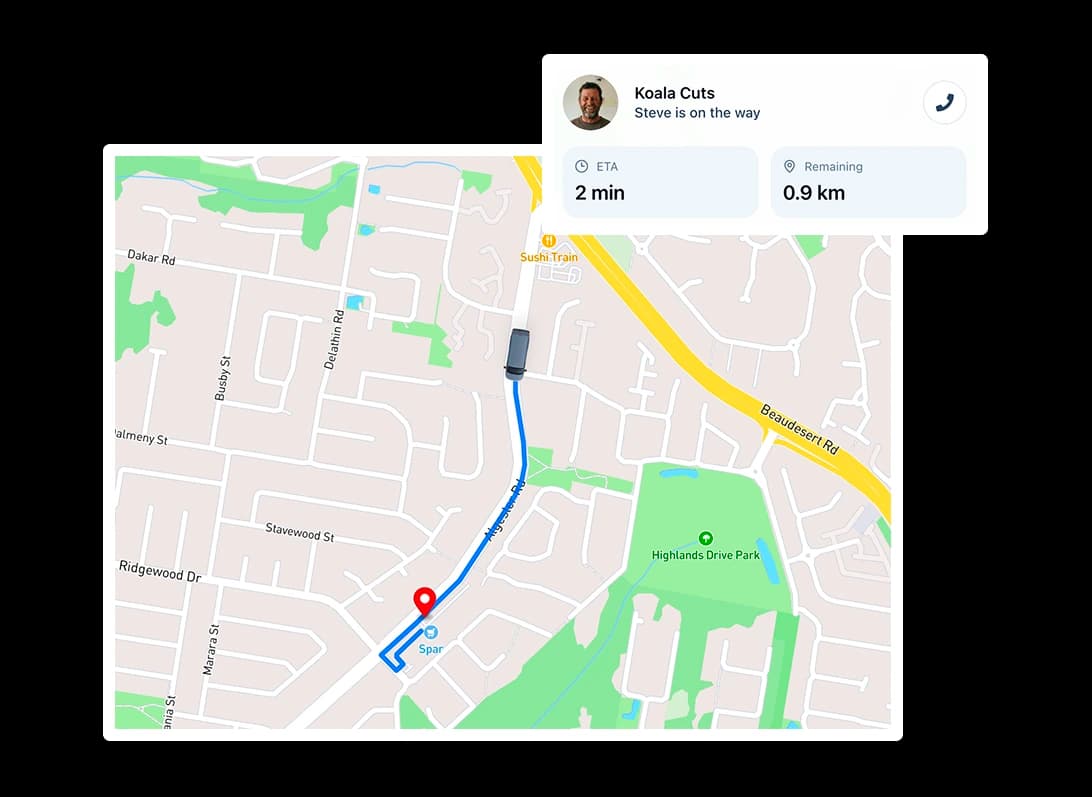
When it’s time to head out, keep the client informed automatically. Turn the scheduled booking into a live arrival update without starting another conversation.
When it’s time to head out, keep the client informed automatically. Start On My Way tracking from the scheduled job and give the client live visibility of your arrival. Travel updates stay connected to the job, with your route and estimated arrival available in one place.
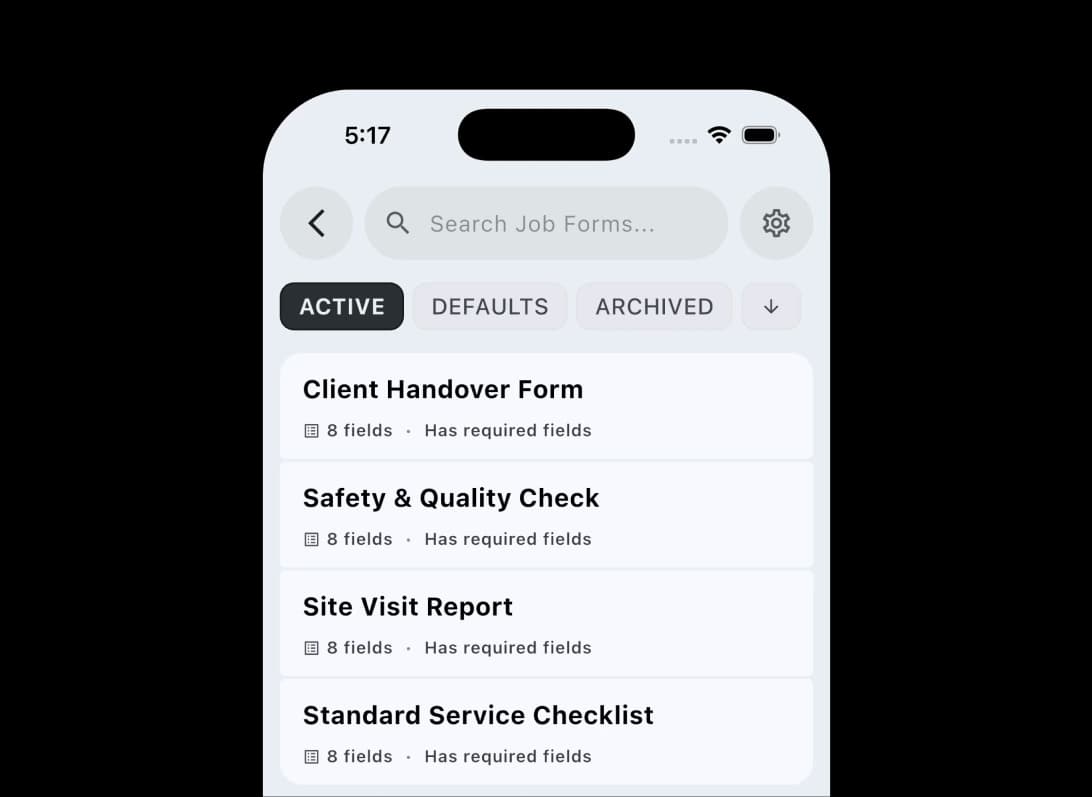
Once you arrive, keep the work inside the job too. Capture the information you need on site without switching to paper or another app.
Once you arrive, keep the work inside the job too. Attach form templates by default or add an ad-hoc form when a visit needs one. Checklists, required fields and structured notes stay tied to the scheduled job, giving every visit a consistent record.
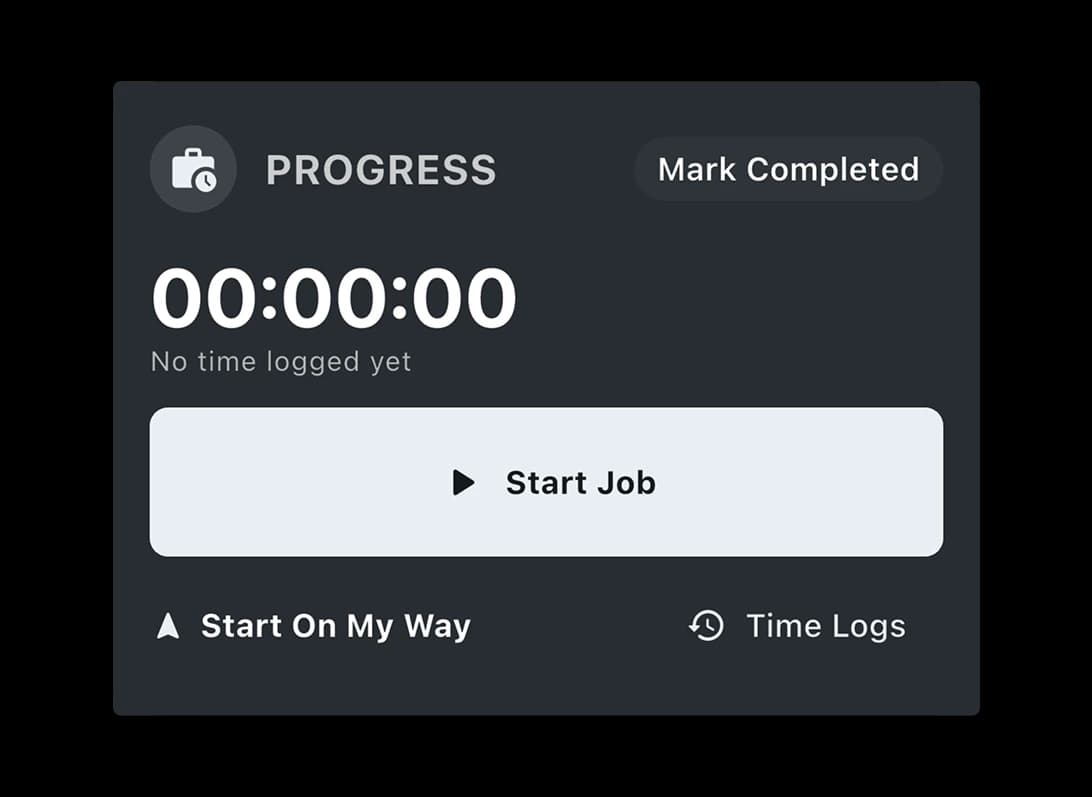
While the work is happening, record the time as it happens. Keep an accurate history without trying to remember everything at the end of the day.
While the work is happening, record the time as it happens. Start, pause and resume the stopwatch from the job details screen. Every session stays in the time logs, giving you a clear record of when work happened and how long it took across one visit or several.
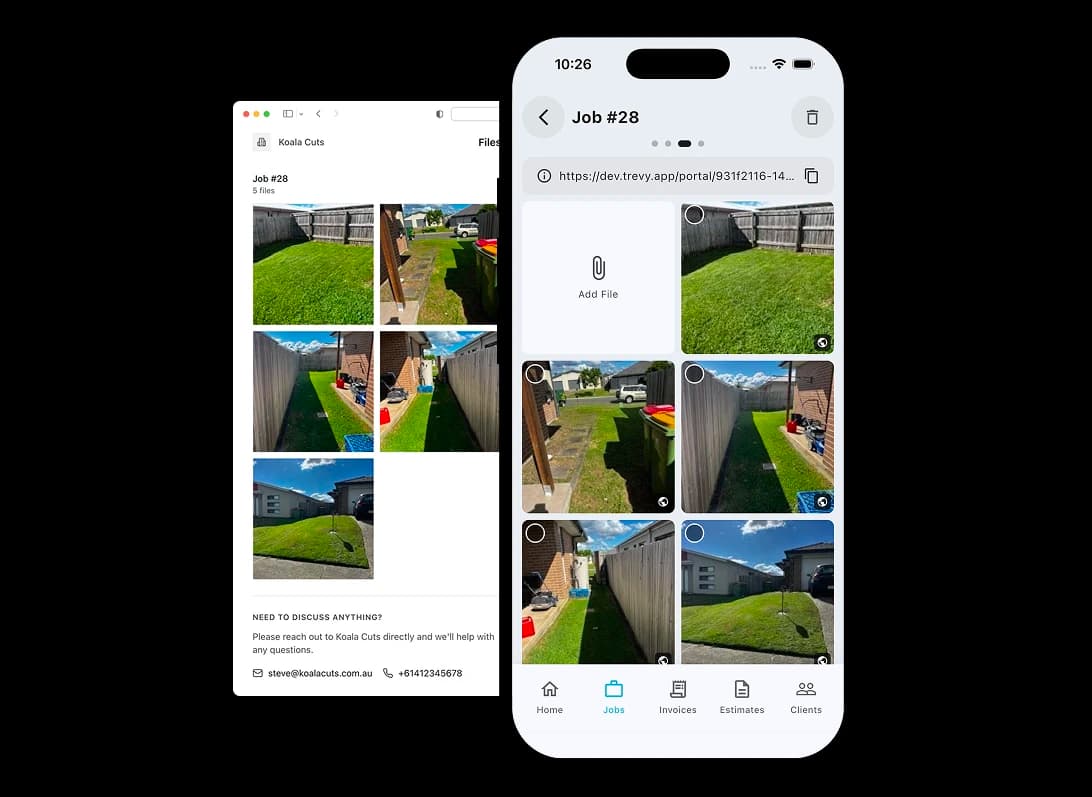
When the work is finished, leave the job with the full story. Keep photos, forms and time records together so everything is ready for what comes next.
When the work is finished, leave the job with the full story. Save completed-work photos against the job and share selected images through the client portal. The booking, forms, time logs and photos remain connected, ready for follow-up, a return visit or invoicing.
Built for the way your industry works. TREVY keeps your customers, jobs and paperwork organised as work moves forward.
Swipe to explore











Simple, Transparent Pricing. One plan. Every feature. No lock-in.
Start your 7-day free trial and explore every feature. You won't be charged if you cancel before the trial ends.
Cancel anytime via the App Store or Google Play.
Available to Australian businesses only. All features are included in one plan with no tiers or add-ons.
No lock-in contracts. Cancel anytime.
Resources
Explore straightforward guides for managing schedules, quotes, invoices, clients, and the day-to-day work that keeps your business moving.
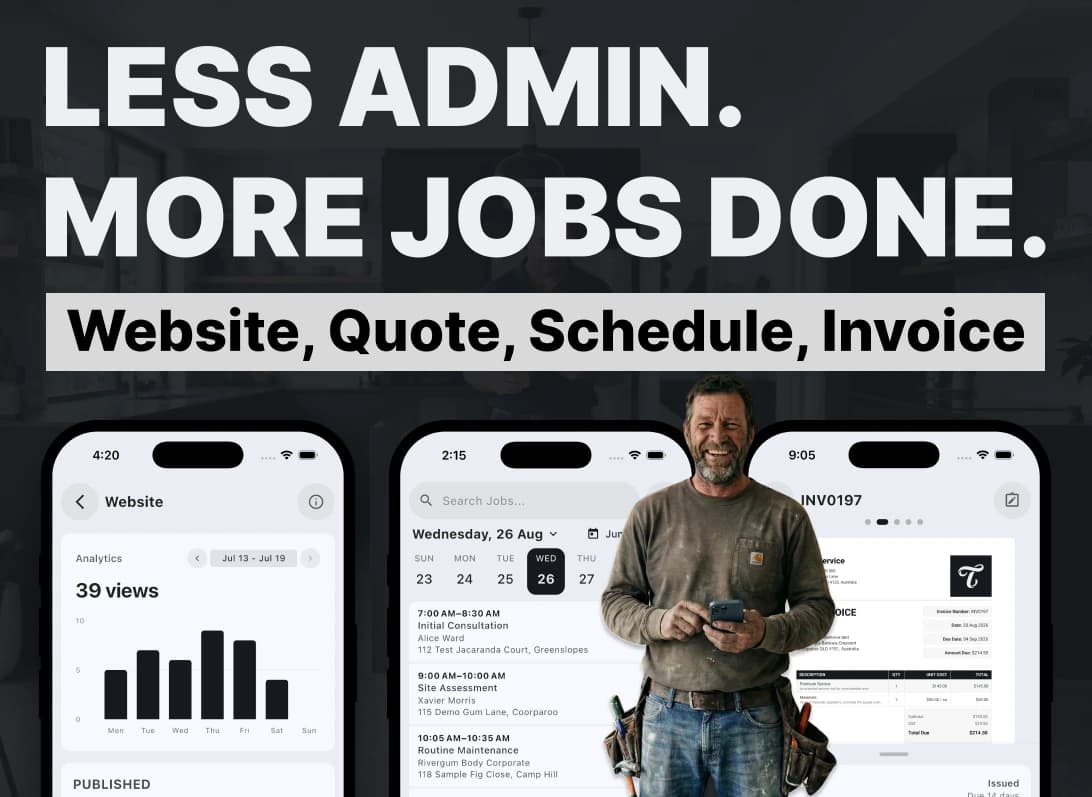
I built TREVY to help hard-working tradies and service providers spend less time on admin, paperwork, quotes, and invoices, and more time on the rest of life.
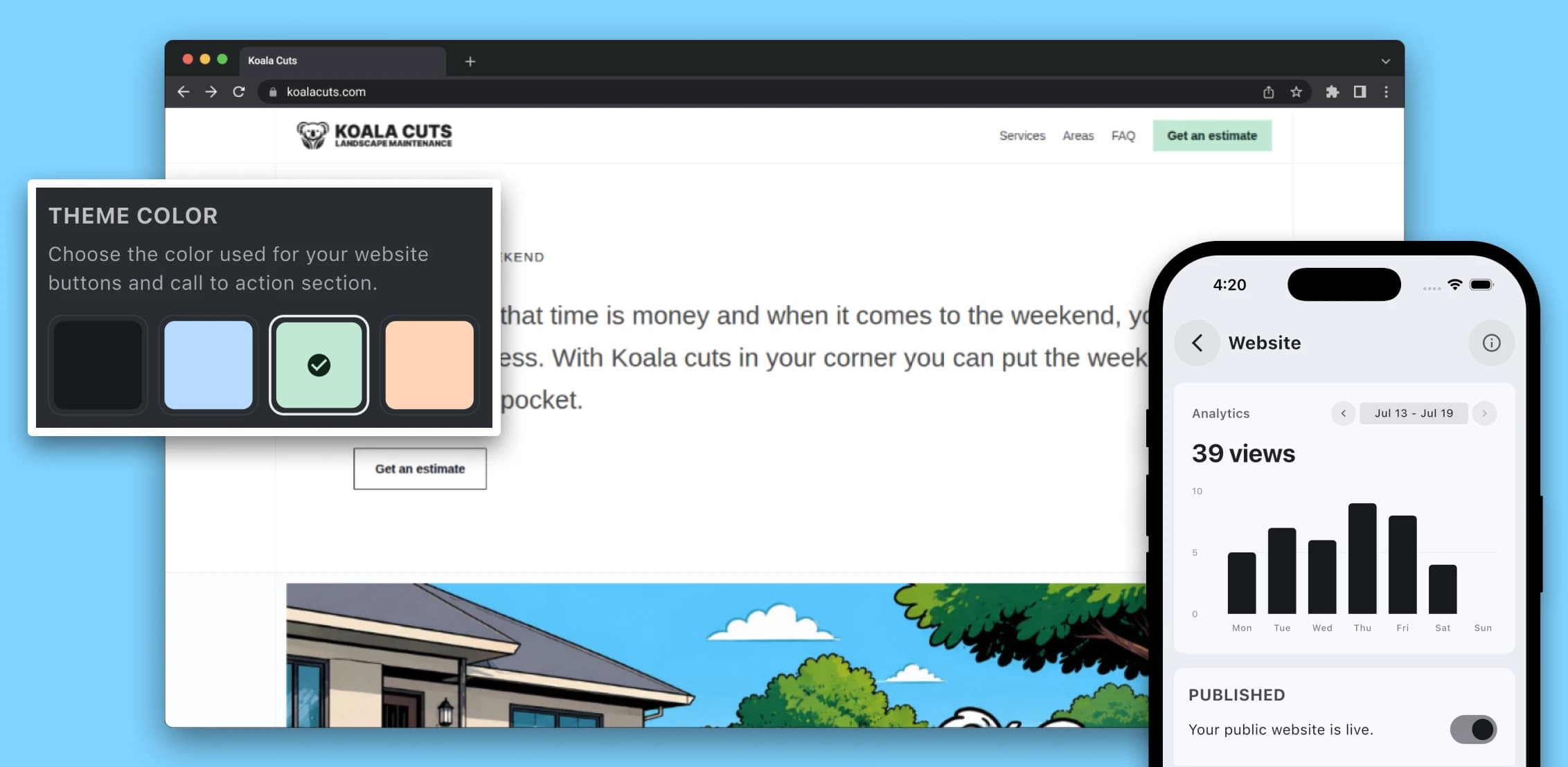
Learn why a professional website matters for service providers in 2026, from local SEO and lead generation to brand awareness, credibility, and converting more enquiries.

A practical guide for Australian service providers who want to price jobs with more confidence by accounting for labour, materials, travel, overhead, margin, GST, and risk.
Questions? Answers. Everything you need to know about TREVY.
Yes. You can create jobs without booking them straight away, then schedule them later when the timing is confirmed.
Yes. You can schedule recurring jobs for repeat work, add return visits to the same job, or split one job across multiple scheduled visits when needed.
Yes. Fixed visits reserve an exact appointment, while Flexible visits store a date and expected duration for route optimisation. Once a time is committed, you can optionally show the customer an arrival window without changing the internal schedule.
Yes. TREVY can let clients request a reschedule while you stay in control of approving and managing any changes.
Yes. TREVY can send booking confirmations to clients and let them request a reschedule through the client portal where you allow it, while you stay in control of approving and managing any changes.
Yes. TREVY supports return visits so follow-up work can stay connected to the original job instead of becoming disconnected appointments.
Yes. TREVY keeps job photos connected to the scheduled job so clients can review shared work photos from the portal.
Yes. TREVY includes live GPS tracking so clients can see when you are en route to a job, helping reduce no-shows and create a more professional experience.
Yes. TREVY lets you group related work into projects so jobs, quotes, invoices, photos, and client activity stay connected in one place.
Yes. You can use TREVY for jobs, quotes, or invoices on their own depending on how you run your business. You do not have to use the full workflow or send emails automatically, and client links are available whenever you want to share something.
Yes. TREVY is available to Australian businesses only and is designed around the way local tradies, sole traders and service businesses work. It supports Australian business details and GST settings for registered businesses. You remain responsible for your registration details and tax treatment.
Yes. You get full access to TREVY for 7 days. The trial is handled through the App Store or Google Play, so a payment method on file with your store account is required, but you will not be charged until the trial ends.
You can choose to upgrade to keep using TREVY. If you decide not to continue, your account switches to read-only mode.
Yes. There are no lock-in contracts. You can cancel your subscription at any time through your App Store or Google Play subscription settings.
TREVY is built for Australian solo tradies, sole traders and independent service professionals who need a simple way to manage jobs, quotes, invoices, scheduling, and client communication.
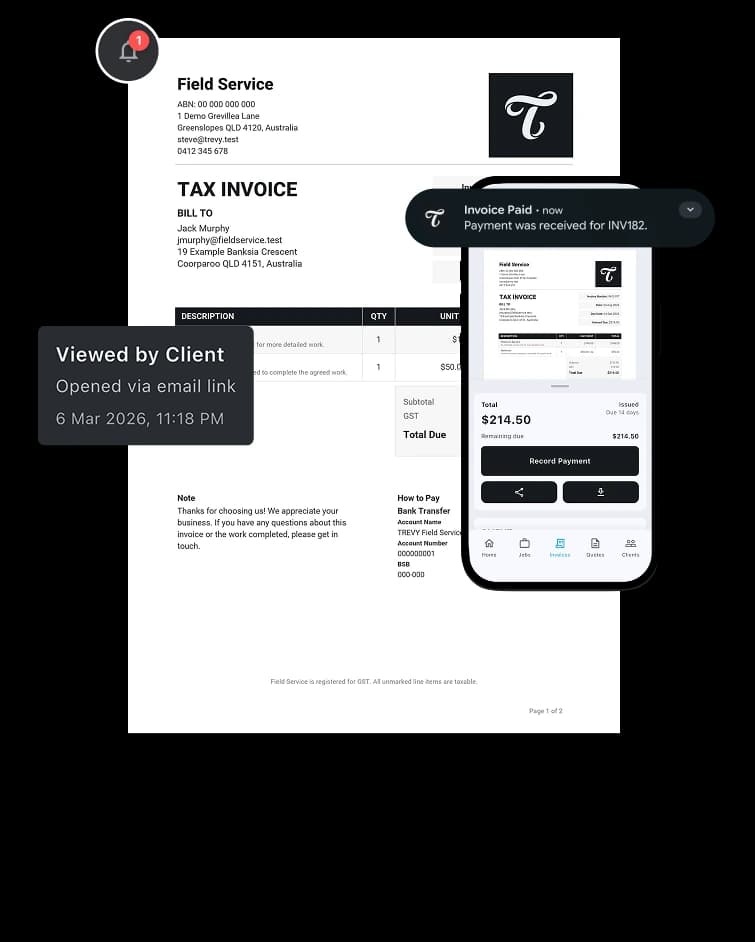
Yes. TREVY tracks quote activity and lets you know when a client views, accepts, or rejects a quote so you can follow up quickly.
Yes. You can set an expiry date on quotes, and TREVY keeps you updated when clients view, accept, reject, or when the quote expires.
Yes. TREVY supports online invoice payments through Stripe payment links when enabled, and invoice status tracking helps with follow-up.
Yes. You can save common services and line items in your price book so creating quotes and invoices is faster and more consistent.
Ready When You Are
Streamline your business admin. Save time and get paid faster with the app built for service pros. Download TREVY today.