Step 1 of 7
Get discovered
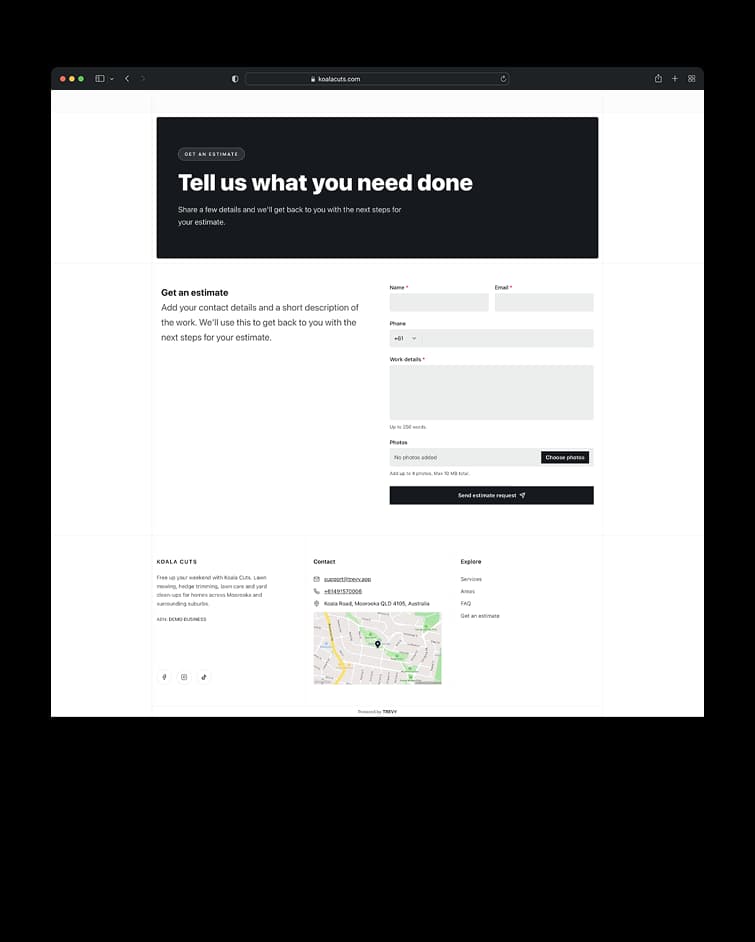
The journey begins when a customer finds your business and quickly understands what you do and where you work. A clear website gives them the confidence to take the next step and send an enquiry.
Scan a receipt and let AI prefill the supplier, date, total, description and category. Review the result and link the cost to the job or project it belongs to.
Everything included. Free for 7 days, then $19.99 AUD/month. Cancel anytime.



Turn everyday spending into organised business records. Capture receipts, automate recurring costs and keep expenses connected to the work they belong to without adding more admin to your day.
Turn everyday spending into organised business records. Capture a receipt with your phone and let TREVY read the supplier, purchase date, total, description and category. It can match an existing supplier when possible and help you create one when needed. Review the details before saving so you stay in control.
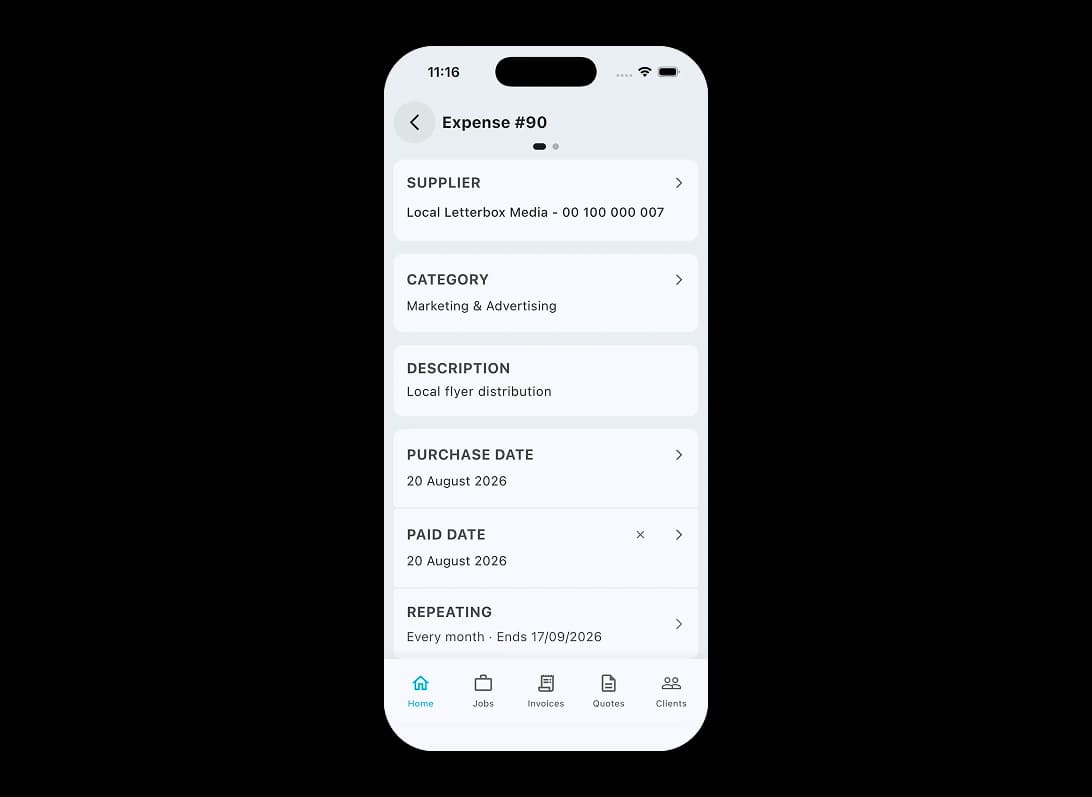
Not every expense starts with a new receipt. Keep regular business costs visible without entering the same information again every month.
Not every expense starts with a new receipt. Create recurring schedules for subscriptions, monthly charges and other repeat costs. TREVY keeps regular overhead recorded without making you recreate the same expense each time.
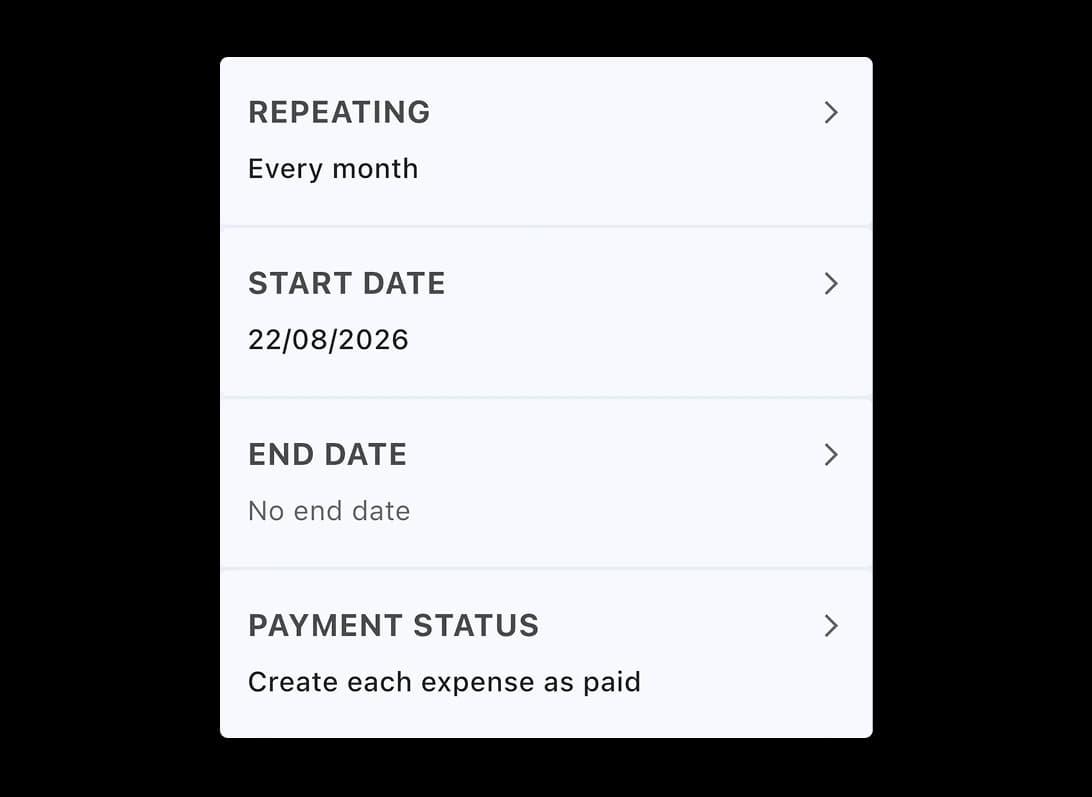
Once the spending is recorded, keep the details consistent. Good expense records make it easier to understand where your money is going and review everything later.
Once the spending is recorded, keep the details consistent. Record the supplier, category, GST treatment, business-use details, payment status and billable state. Consistent information makes expenses easier to find, review and reconcile when you need them.
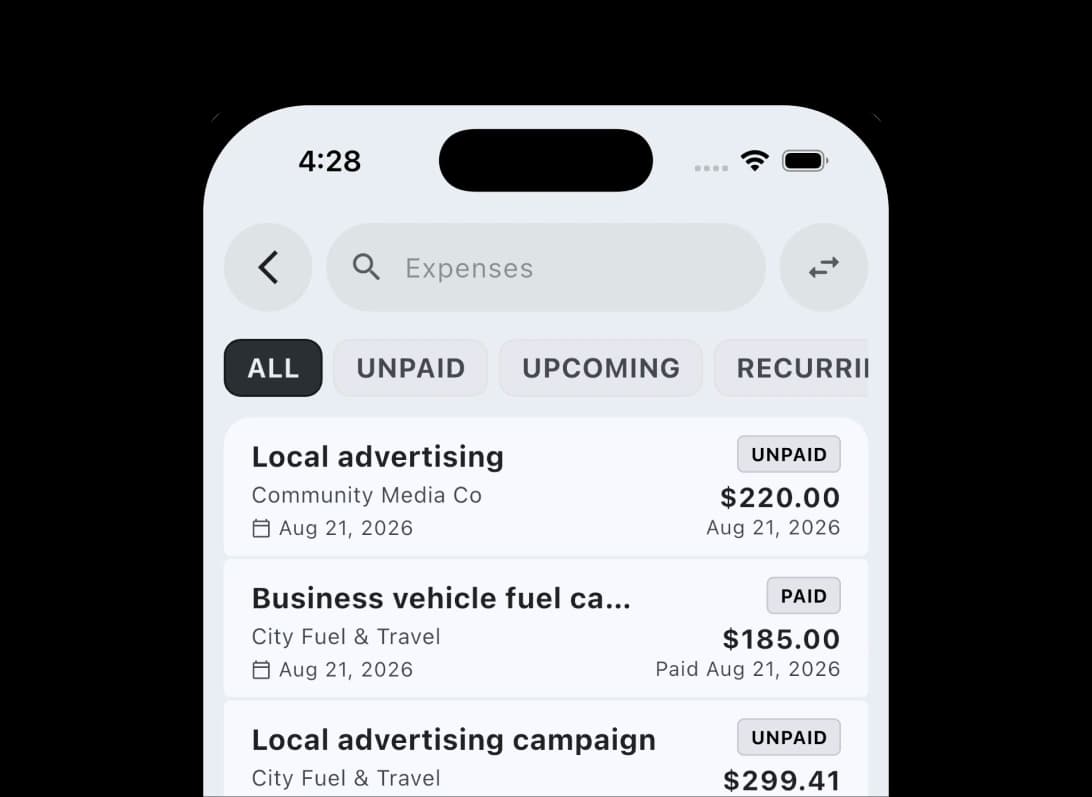
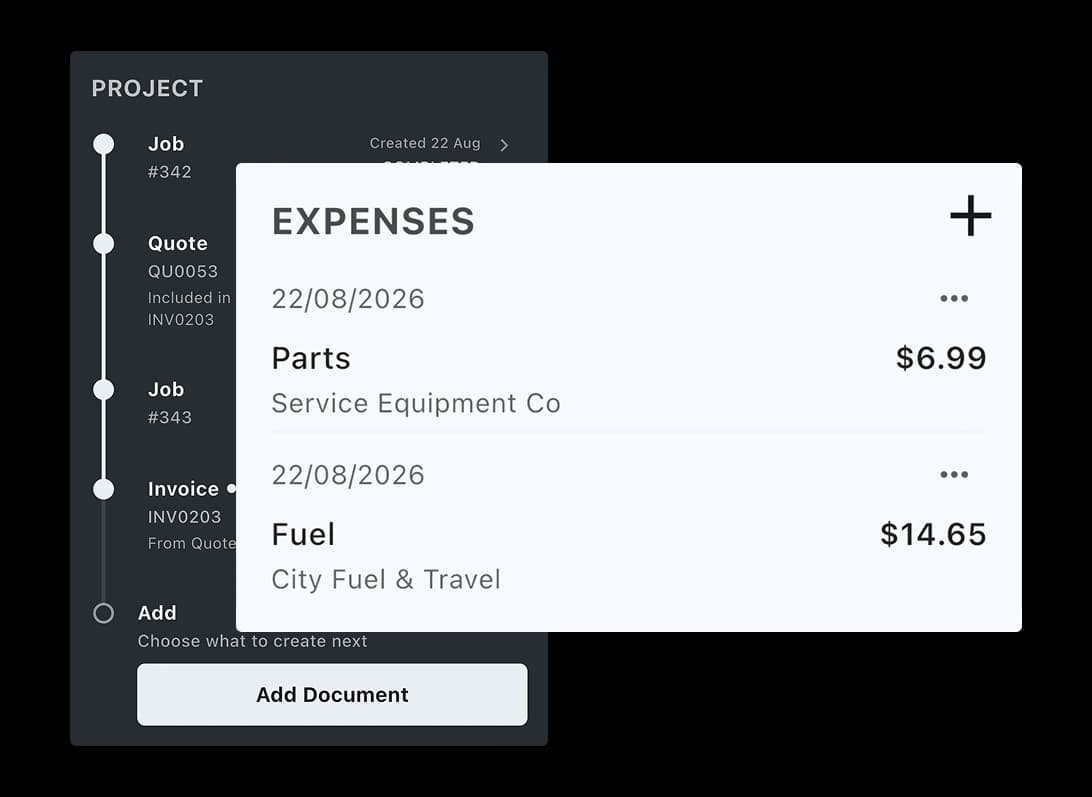
A business total only tells part of the story. Connect costs to the work behind them so you can see what each job is actually costing.
A business total only tells part of the story. Link expenses to jobs, quotes, invoices and projects instead of leaving purchases disconnected from the work. See where costs are coming from and identify billable expenses that should be carried through to invoicing.
Explore more features. Switch to another core workflow and see how TREVY keeps your business moving.
Built for the way your industry works. TREVY keeps your customers, jobs and paperwork organised as work moves forward.
Swipe to explore












Simple, Transparent Pricing. One plan. Every feature. No lock-in.
Start your 7-day free trial and explore every feature. You won't be charged if you cancel before the trial ends.
Cancel anytime via the App Store or Google Play.
Available to Australian businesses only. All features are included in one plan with no tiers or add-ons.
No lock-in contracts. Cancel anytime.
Resources
Explore straightforward guides for managing schedules, quotes, invoices, clients, and the day-to-day work that keeps your business moving.
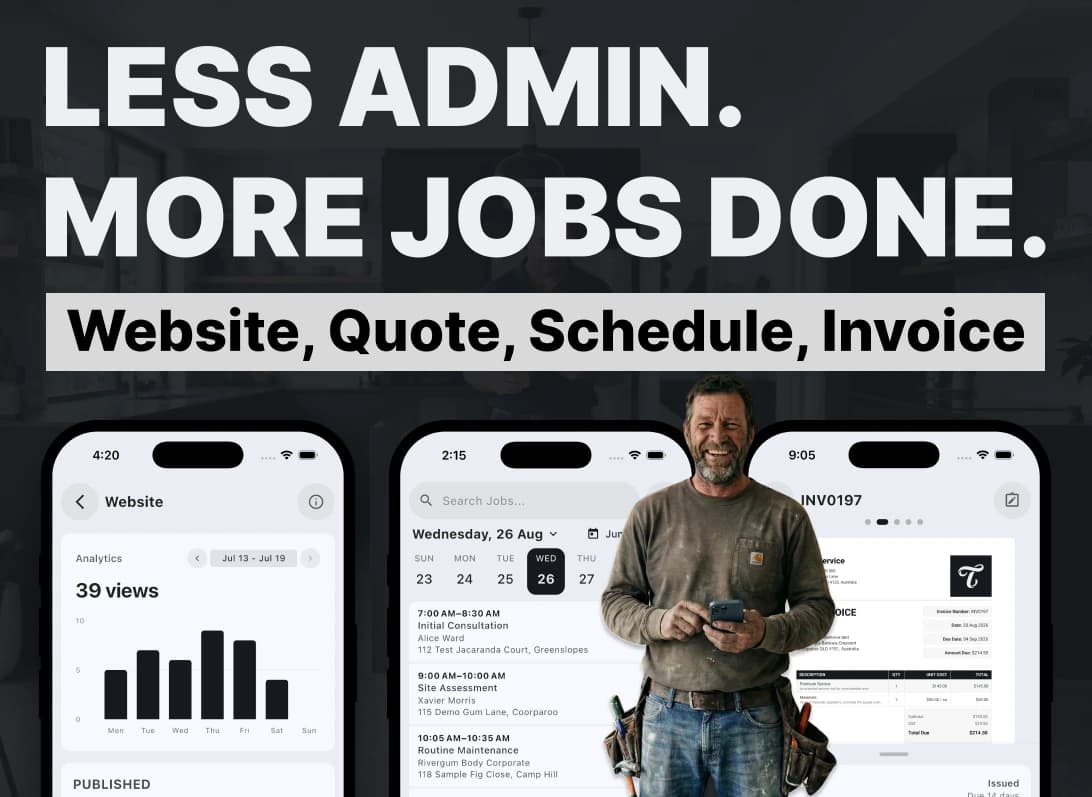
I built TREVY to help hard-working tradies and service providers spend less time on admin, paperwork, quotes, and invoices, and more time on the rest of life.
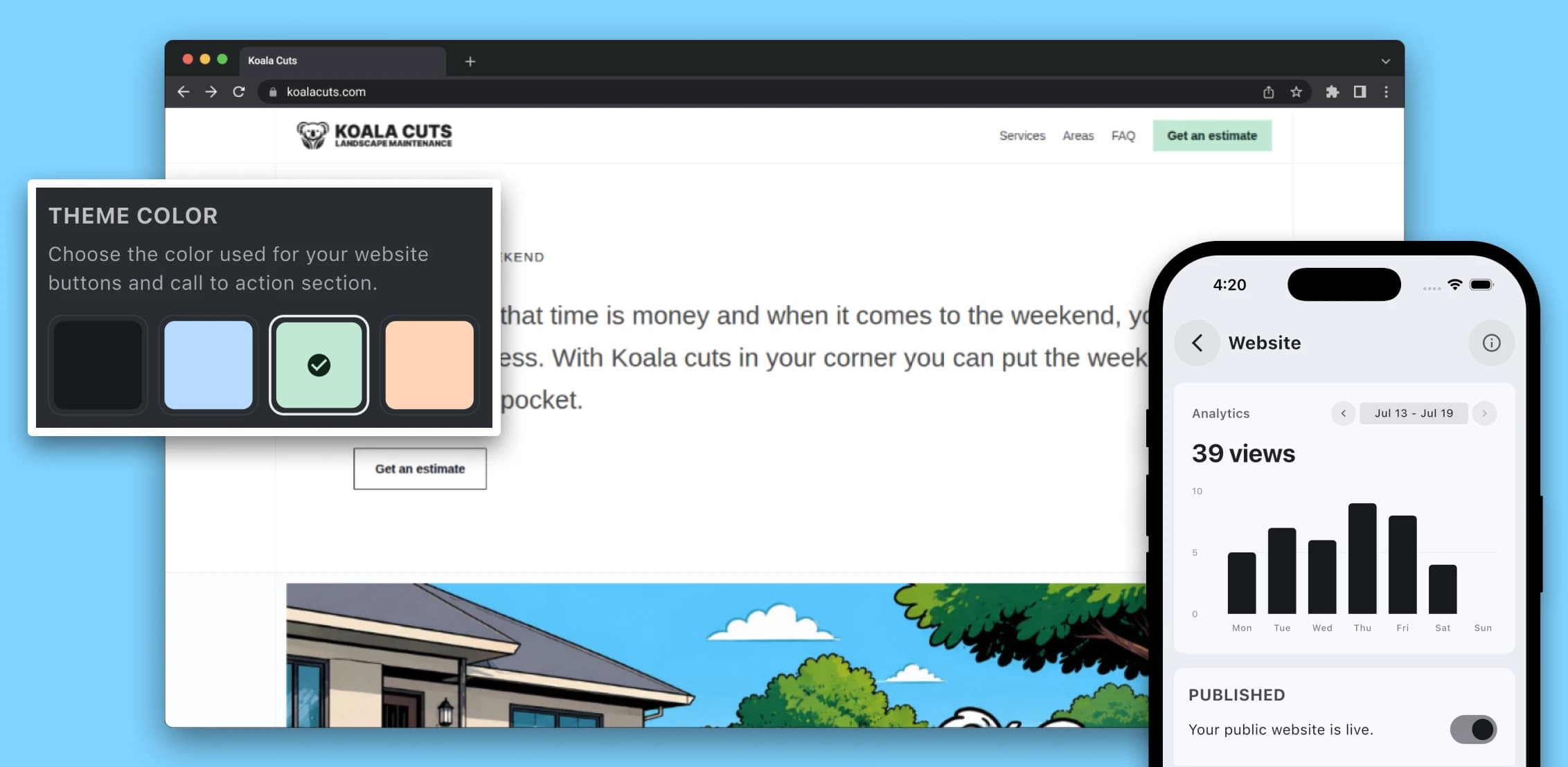
Learn why a professional website matters for service providers in 2026, from local SEO and lead generation to brand awareness, credibility, and converting more enquiries.

A practical guide for Australian service providers who want to price jobs with more confidence by accounting for labour, materials, travel, overhead, margin, GST, and risk.
Questions? Answers. Everything you need to know about TREVY.
Yes. TREVY helps capture expenses, receipts, and job costs so business spending is easier to organise and recover where appropriate.
Yes. Scan a receipt when creating an expense and TREVY's AI reads the supplier, purchase date, final total, description, and category. It matches a saved supplier when possible and can help you create one when needed. The form is then pre-filled for you to review before saving.
Yes. TREVY supports linking expenses to jobs, quotes, invoices, and project records so costs do not live in isolation.
Yes. TREVY supports recurring expense templates for repeat costs such as subscriptions, monthly charges, and other regular overhead.
Yes. TREVY helps keep supplier and category details structured so expenses are easier to review and reconcile.
Yes. TREVY helps you capture expenses and use them in your quoting and invoicing workflow, making it easier to record costs and recover billable expenses.
Yes. TREVY lets you group related work into projects so jobs, quotes, invoices, photos, and client activity stay connected in one place.
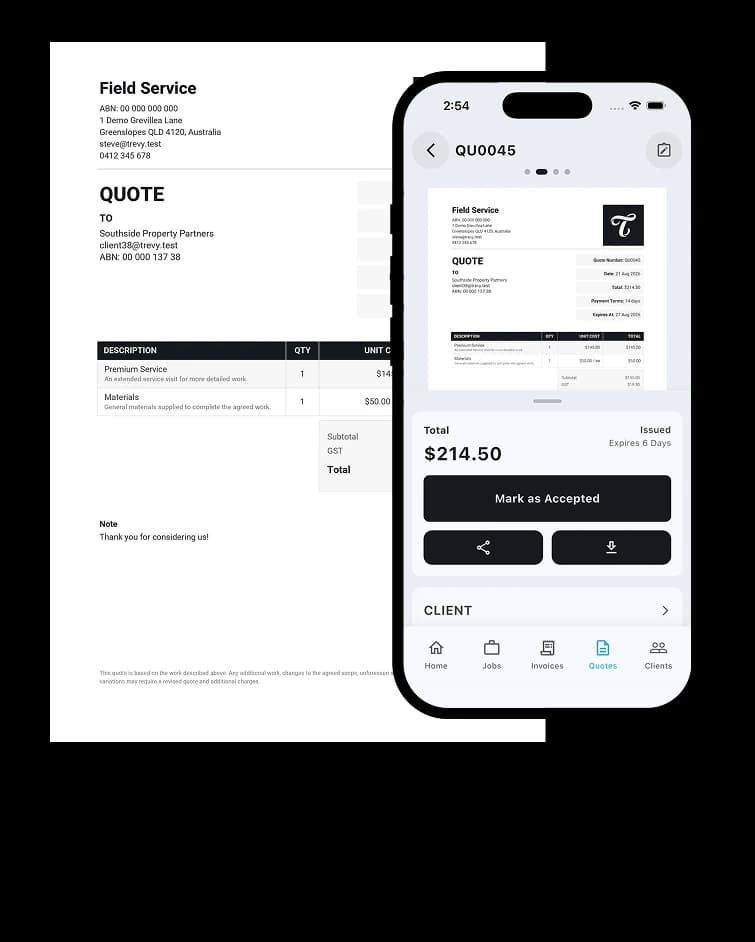
Yes. You can save common services and line items in your price book so creating quotes and invoices is faster and more consistent.
Yes. You can attach photos and notes to your work as you go, making it easier to document site details, completed work, and important context.
Yes. You can use TREVY for jobs, quotes, or invoices on their own depending on how you run your business. You do not have to use the full workflow or send emails automatically, and client links are available whenever you want to share something.
Yes. TREVY is available to Australian businesses only and is designed around the way local tradies, sole traders and service businesses work. It supports Australian business details and GST settings for registered businesses. You remain responsible for your registration details and tax treatment.
Yes. You get full access to TREVY for 7 days. The trial is handled through the App Store or Google Play, so a payment method on file with your store account is required, but you will not be charged until the trial ends.
You can choose to upgrade to keep using TREVY. If you decide not to continue, your account switches to read-only mode.
Yes. There are no lock-in contracts. You can cancel your subscription at any time through your App Store or Google Play subscription settings.
TREVY is built for Australian solo tradies, sole traders and independent service professionals who need a simple way to manage jobs, quotes, invoices, scheduling, and client communication.
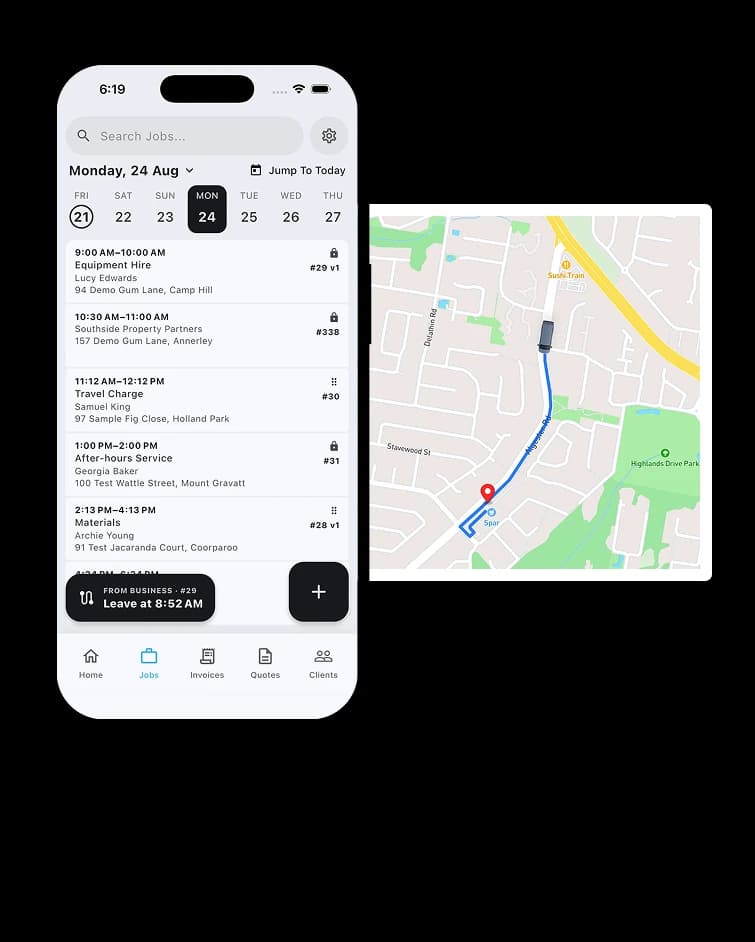
Yes. You can create jobs without booking them straight away, then schedule them later when the timing is confirmed.
Yes. You can schedule recurring jobs for repeat work, add return visits to the same job, or split one job across multiple scheduled visits when needed.
Yes. Fixed visits reserve an exact appointment, while Flexible visits store a date and expected duration for route optimisation. Once a time is committed, you can optionally show the customer an arrival window without changing the internal schedule.
Yes. TREVY can send booking confirmations to clients and let them request a reschedule through the client portal where you allow it, while you stay in control of approving and managing any changes.
Ready When You Are
Streamline your business admin. Save time and get paid faster with the app built for service pros. Download TREVY today.