Pest Control Job Management Software

Built for Australian pest control businesses managing inspections, treatments and recurring service visits. Capture enquiries, schedule recurring jobs, complete forms, keep treatment photos and notes with the work, track expenses, quote and invoice clients.

Everything included. Free for 7 days, then $19.99 AUD/month. Cancel anytime.

Download on the App StoreGet it on Google Play
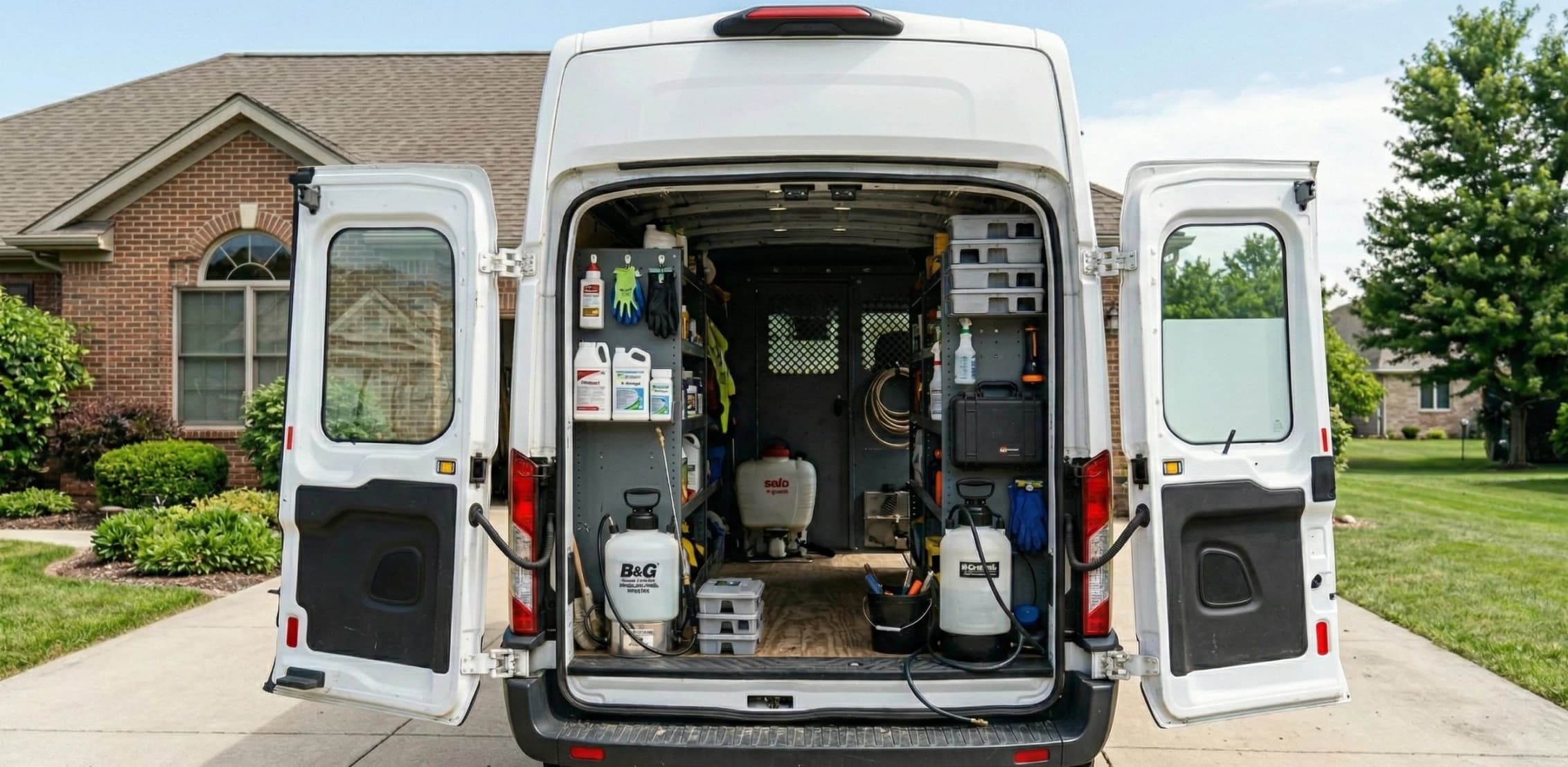
Open pest control service van stocked with spray tanks and supplies

From first visit to final payment

Get discovered

The journey begins when a customer finds your business and quickly understands that you handle inspections, treatments, and prevention in their area. A clear website gives them the confidence to take the next step and send an enquiry.

Core Features

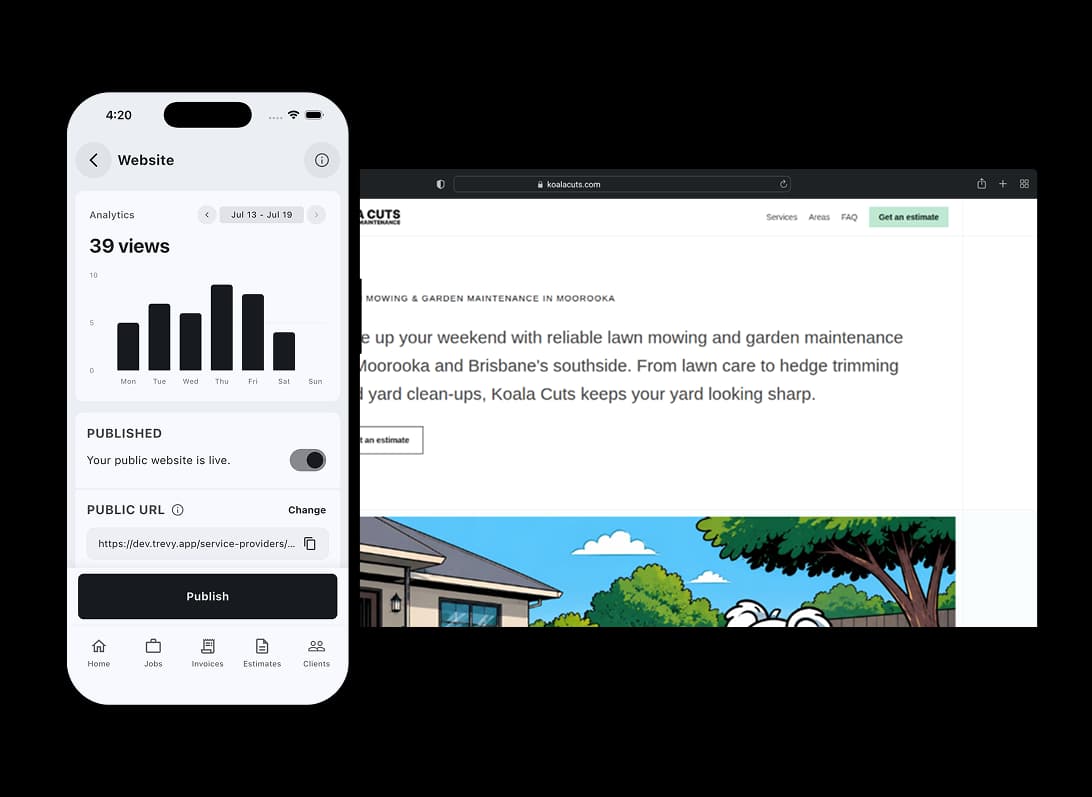
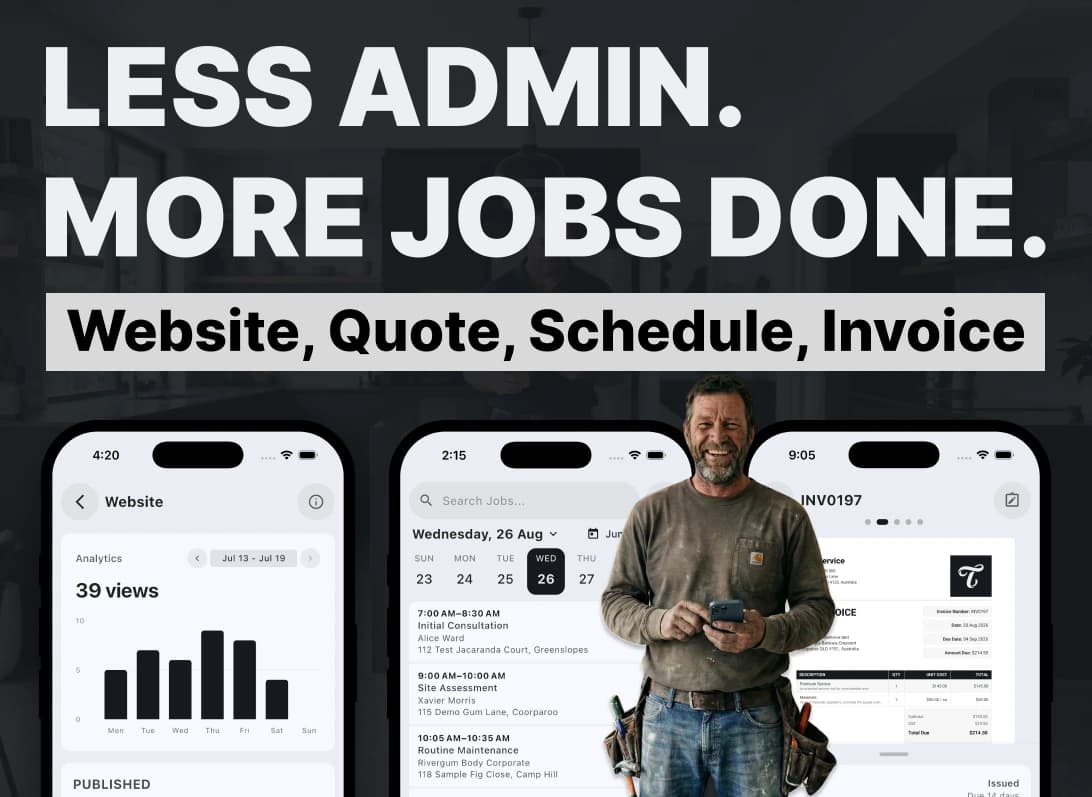
Build Your Pest Control Website & Capture Leads

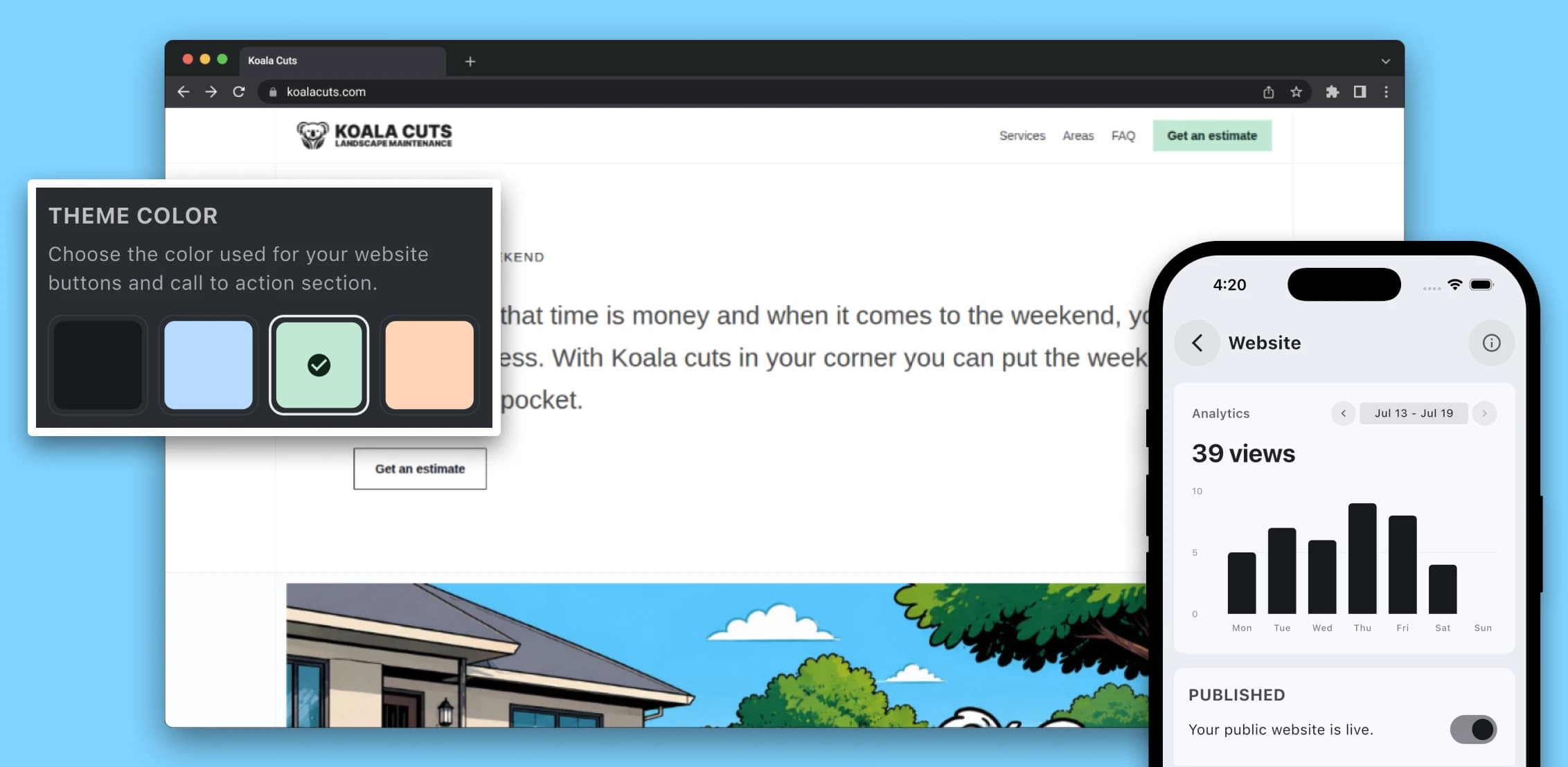
Everything you need to manage pest control work from first enquiry to final invoice. Create a professional website for your pest control business with your branding, services and service areas. Enquiries for inspections, treatments, termite work and follow-up services arrive in TREVY as leads ready for you to follow up.

Explore Websites
TREVY website builder for pest control businesses shown on mobile beside a published service website

Create Professional Pest Control Quotes

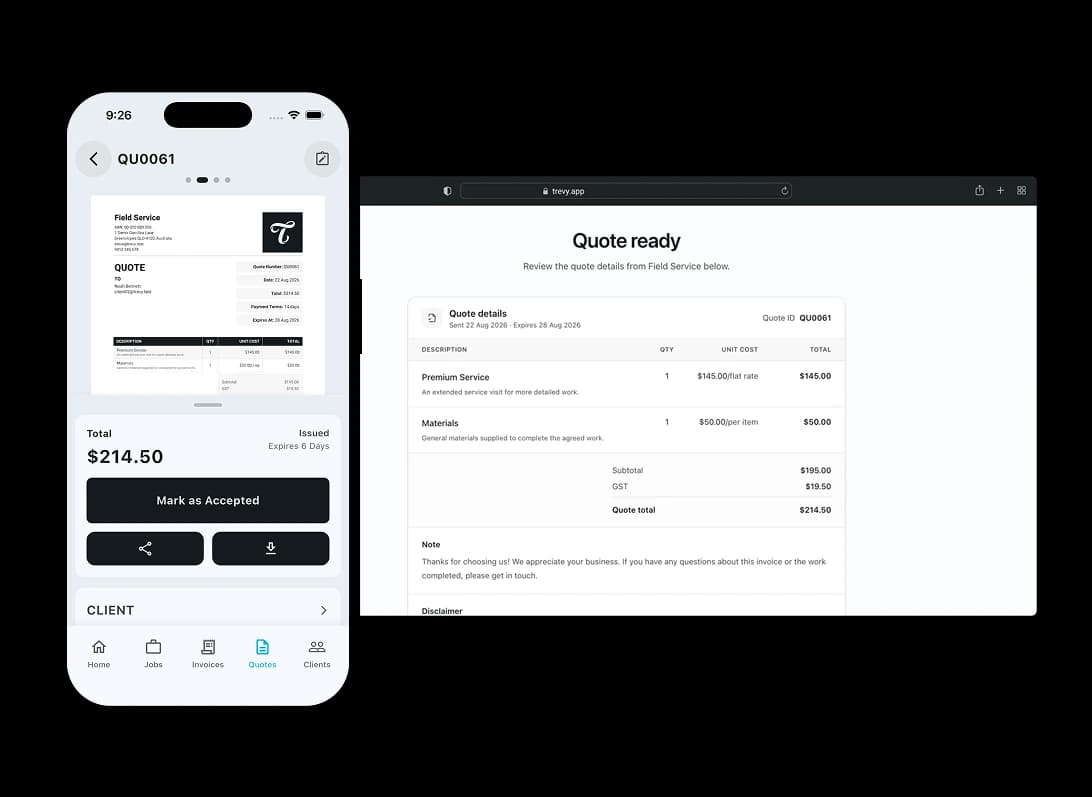
Turn pest control enquiries into booked treatments. Create polished quotes using your saved services and pricing for inspections, treatments, termite work and follow-up visits. Send them straight to clients to review and accept online, and TREVY lets you know when they do.

Explore Quotes
TREVY quote preview beside a client portal with Accept and Reject options

Pest Control Scheduling Software

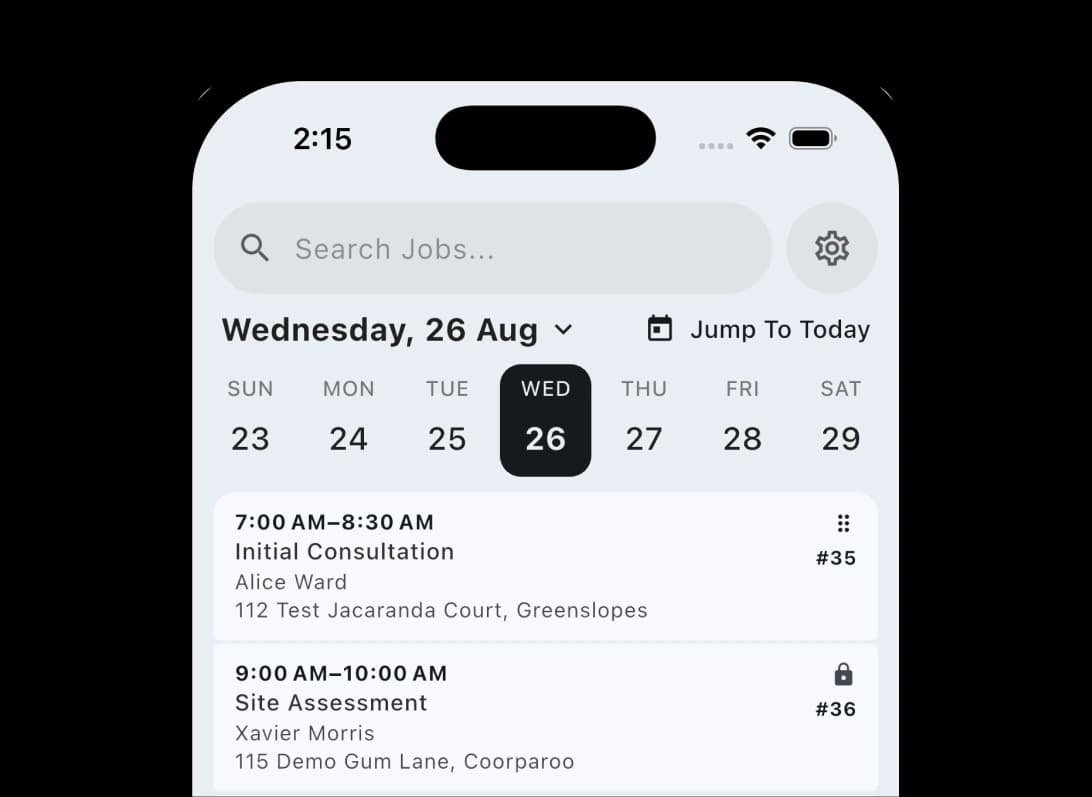
From accepted quote to booked treatment. Keep inspections, treatments, recurring services and follow-up visits organised in a clear daily schedule. Optimise your route between properties and see client details, appointment times and job status together, so you always know where you need to be and what comes next.

Explore Scheduling
TREVY daily job schedule showing timed and recurring jobs with client locations and status

Pest Control Invoice Software

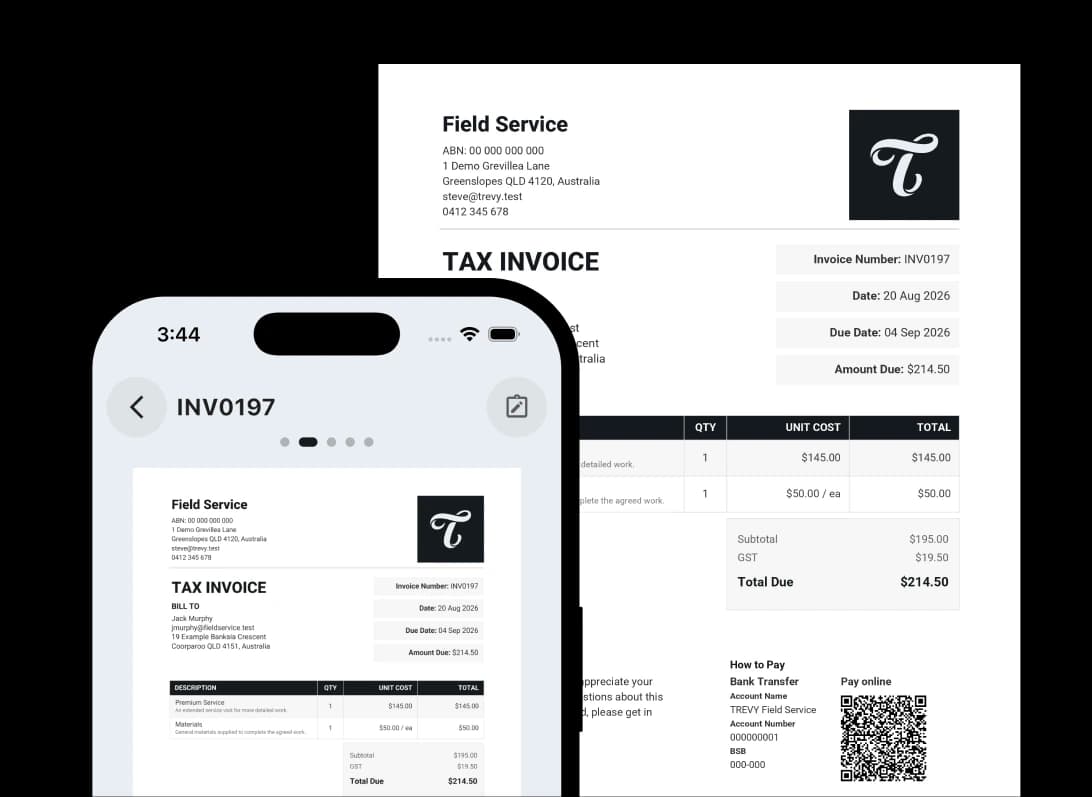
Finish the treatment and keep things moving. Create and send professional pest control invoices using your existing job details and saved services. Invoice clients from site, offer your preferred payment options and keep payment status connected to the visit.

Explore Invoicing
TREVY invoicing app showing a professional tax invoice with bank transfer details and an online payment QR code

Track Pest Control Job Costs

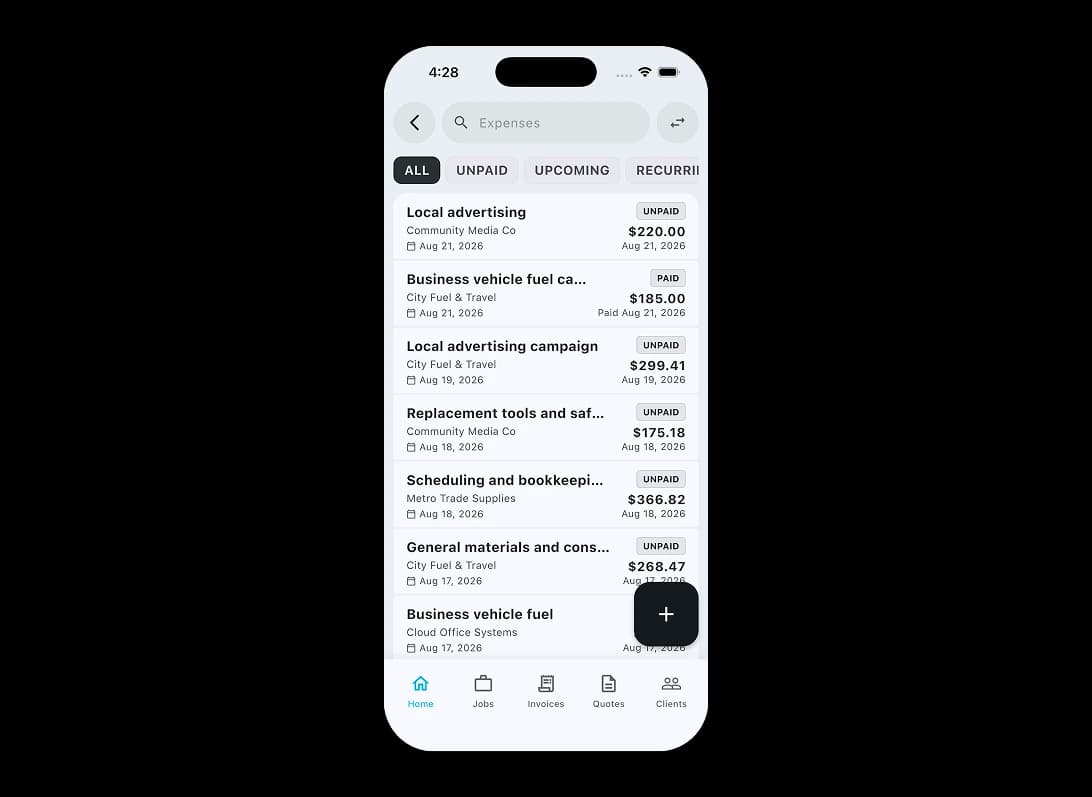
Know what each pest control job really made. Scan receipts and let TREVY prefill the supplier, date, total, description and category. Review and save each expense so your pest control job costs stay organised for reconciliation and tax time.

Explore Expenses
TREVY expense tracking app showing searchable paid and unpaid business expenses with supplier, date and amount details

The TREVY Mission. Keep inspections, treatments and follow-up visits connected.

A pest control enquiry can lead to an inspection, treatment, recurring service or follow-up visit. The useful record is the context around the work: site details, completed forms, notes, photos, expenses and client history.

TREVY keeps that operational record with the job. Schedule visits, complete custom forms, save photos and expenses, send quotes and invoices, and return to the previous context when follow-up work is needed.

TREVY is shaped by the people doing the work. Tell us where your pest control workflow still slows down or loses context. Your feedback helps us decide what to improve next.

Help Us Build TREVY For You

Tell us what slows you down day to day. Your challenges help us make TREVY the only app you need.

Made for Australian service businesses

Built for the way your industry works. TREVY keeps your customers, jobs and paperwork organised as work moves forward.

Swipe to explore

Lawn care professional standing on a freshly cut lawn beside a mower, service truck, and trailer outside a client's home

Lawn Care

Plan recurring mowing and garden maintenance, keep property notes and photos together, track costs, send quotes and invoice from your phone.
Explore Lawn Care
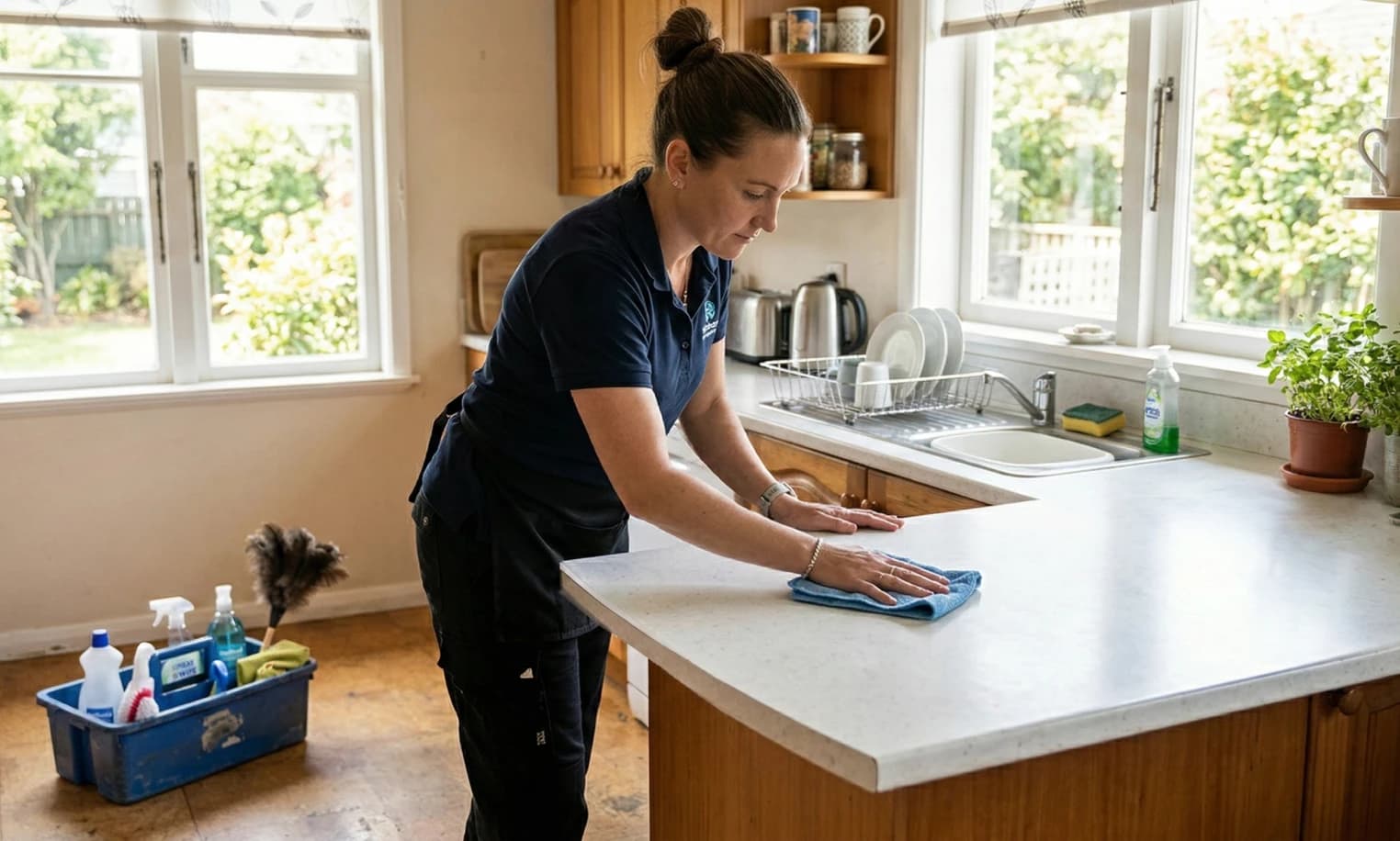
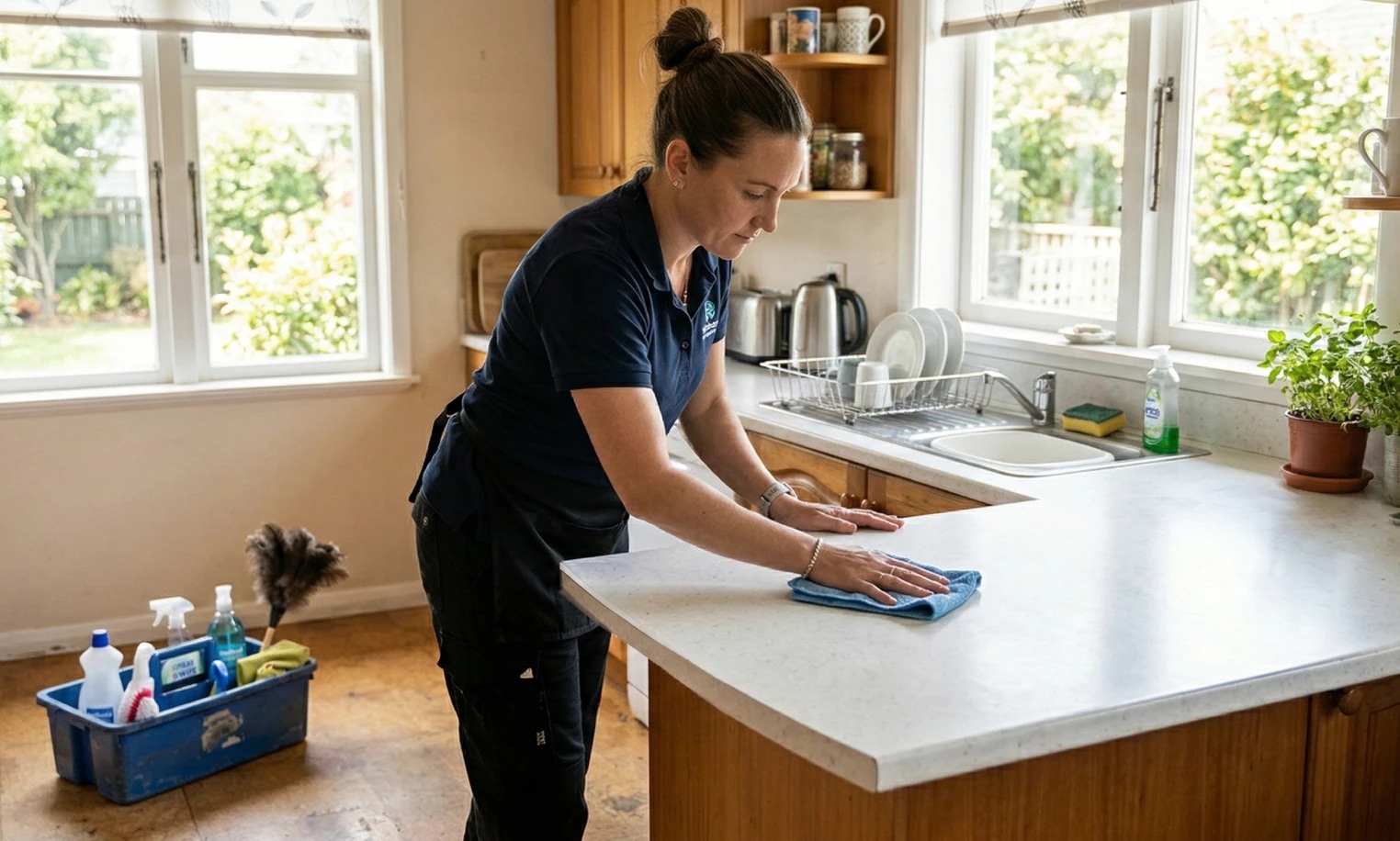
House cleaner wiping down a kitchen island in a client's home with cleaning supplies nearby

Cleaners

Organise one-off, regular and end-of-lease cleans, keep client notes and checklists with each job, track supplies and send invoices.
Explore Cleaners
Handyman standing beside a work ute and ladder outside a residential job site

Handyman

Capture local repair requests, quote work, schedule visits, track materials and expenses, and turn completed jobs into invoices.
Explore Handyman
Locksmith standing beside an open service van stocked with key cutting and lock repair equipment

Locksmiths

Manage urgent call-outs, re-keying and installation work, keep job notes and photos together, send quotes and invoice from site.
Explore Locksmiths
Pool service professional skimming leaves from a backyard swimming pool with a net

Pool Service

Plan recurring pool service runs, record visit details and photos, track chemicals and parts, send quotes and invoice clients.
Explore Pool Service
Electrician testing wiring inside an electrical panel while wearing safety glasses and a headlamp

Electricians

Quote repairs and installations, schedule call-outs, complete job forms, keep photos and material costs together, and invoice from site.
Explore Electricians
Plumber standing beside an open service van loaded with pipes, fittings, and tools

Plumbers

Manage urgent call-outs, repairs and return visits, keep forms, photos and costs with the job, send quotes and invoice from site.
Explore Plumbers
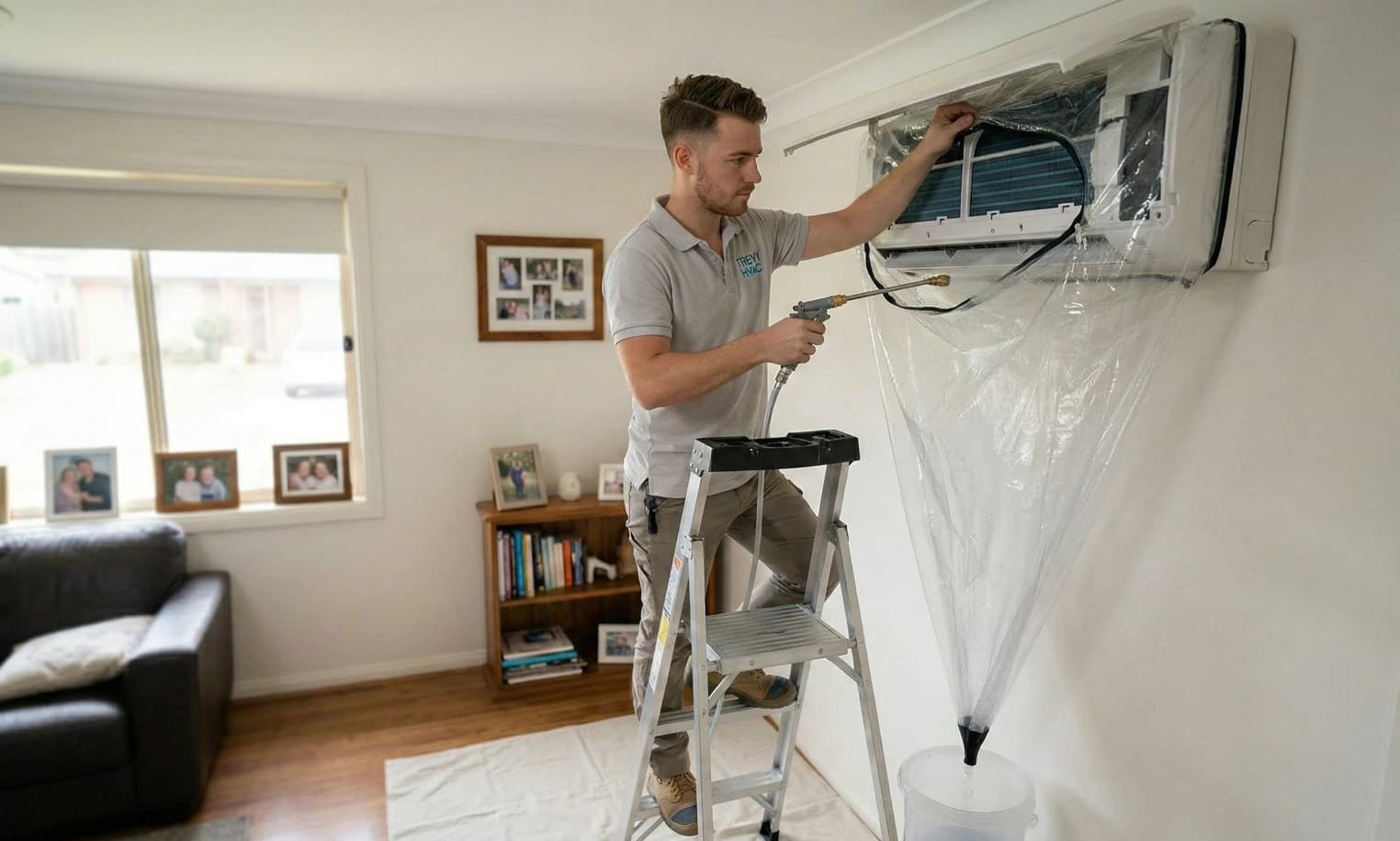
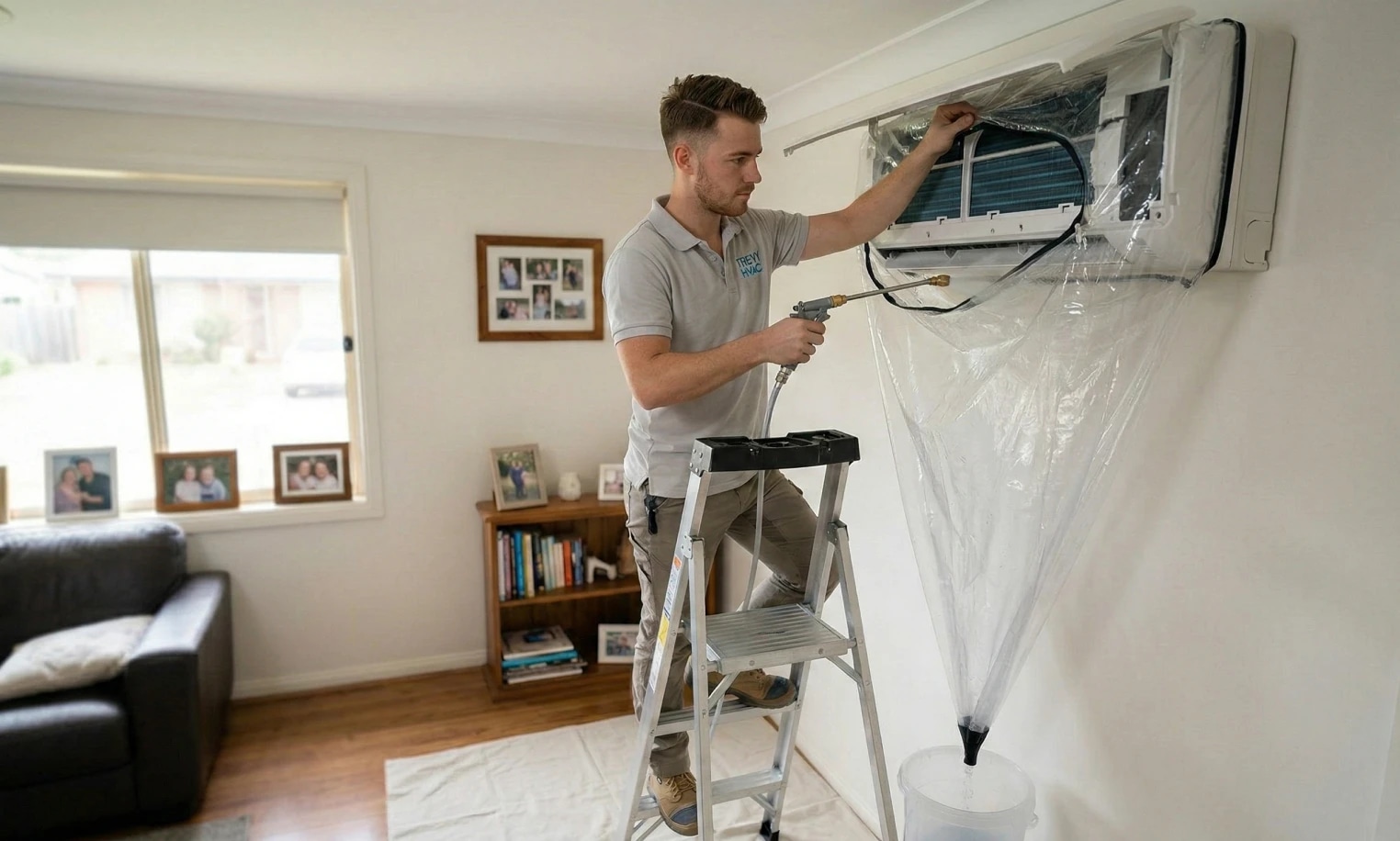
HVAC technician cleaning a wall-mounted indoor air conditioning unit from a step ladder inside a home

HVAC Technicians

Schedule air conditioning service calls, installations and maintenance, keep job history and photos together, send quotes and invoice clients.
Explore HVAC Technicians
Carpenter installing and leveling cabinetry in a modern kitchen

Carpenters

Quote decks, renovations and joinery, schedule site work, keep measurements and photos together, track materials and send invoices.
Explore Carpenters
Painter on a step ladder cutting in teal paint along the top edge of a living room wall

Painters

Capture painting enquiries, create detailed quotes, schedule site visits and project days, track materials and invoice completed work.
Explore Painters
Glazier positioning a large pane of glass into a storefront window using suction lifters

Glaziers

Manage glass repair and replacement enquiries, record measurements and photos, schedule call-outs, send quotes and invoice clients.
Explore Glaziers

Simple, Transparent Pricing. One plan. Every feature. No lock-in.

7-Day Free Trial

7 Days Free

Start your 7-day free trial and explore every feature. You won't be charged if you cancel before the trial ends.

Cancel anytime via the App Store or Google Play.

One Simple Price

TREVY Core

$19.99/month AUD

Available to Australian businesses only. All features are included in one plan with no tiers or add-ons.

Download on the App StoreGet it on Google Play

No lock-in contracts. Cancel anytime.

Questions? Answers. Everything you need to know about TREVY.

Can TREVY work as job management software for pest control?

Yes. TREVY helps pest control businesses manage jobs, quotes, invoices, client details, photos, notes, expenses, and scheduling.

Can I schedule recurring pest control visits?

Yes. TREVY supports recurring jobs, making it useful for repeat inspections, routine treatments, and follow-up pest control visits.

Can I create pest control quotes and invoices?

Yes. You can create quotes for pest control work, send them to clients, and turn accepted work into invoices.

Can I keep photos and notes against a pest control job?

Yes. TREVY lets you keep job notes, photos, client details, and project history connected so site details and completed work are easier to review.

Can clients request reschedules for pest control visits?

Yes. When you allow it, clients can request a reschedule through the client portal while you stay in control of approving and managing the change.

Can I record pest control materials and expenses?

Yes. TREVY supports expense and receipt capture so you can keep materials, tools, fuel, supplier costs, and other business expenses organised.

Can I create custom pest control job forms?

Yes. TREVY lets you build job forms with fields, selections, required answers, and photos so site notes, checklists, and service details can stay connected to the job.

Can clients accept pest control quotes online?

Yes. Clients can view, accept, or reject quotes through TREVY's client-facing links, and you can track quote activity in the app.

Does TREVY replace specialist chemical compliance software?

No. TREVY is focused on business admin around pest control work, including scheduling, quotes, invoices, expenses, photos, and client records. It is not specialist chemical compliance software.

Is TREVY built for Australian businesses?

Yes. TREVY is available to Australian businesses only and is designed around the way local tradies, sole traders and service businesses work. It supports Australian business details and GST settings for registered businesses. You remain responsible for your registration details and tax treatment.

Is the 7-day trial really free?

Yes. You get full access to TREVY for 7 days. The trial is handled through the App Store or Google Play, so a payment method on file with your store account is required, but you will not be charged until the trial ends.

What happens after my trial ends?

You can choose to upgrade to keep using TREVY. If you decide not to continue, your account switches to read-only mode.

Can I cancel my subscription anytime?

Yes. There are no lock-in contracts. You can cancel your subscription at any time through your App Store or Google Play subscription settings.

Who is TREVY best suited for?

TREVY is built for Australian solo tradies, sole traders and independent service professionals who need a simple way to manage jobs, quotes, invoices, scheduling, and client communication.

Can I create a job now and schedule it later?

Yes. You can create jobs without booking them straight away, then schedule them later when the timing is confirmed.

Does TREVY support recurring jobs, return visits, and multi-visit jobs?

Yes. You can schedule recurring jobs for repeat work, add return visits to the same job, or split one job across multiple scheduled visits when needed.

Can I schedule both Fixed and Flexible jobs?

Yes. Fixed visits reserve an exact appointment, while Flexible visits store a date and expected duration for route optimisation. Once a time is committed, you can optionally show the customer an arrival window without changing the internal schedule.

Will my clients receive booking confirmations and be able to request a reschedule?

Yes. TREVY can send booking confirmations to clients and let them request a reschedule through the client portal where you allow it, while you stay in control of approving and managing any changes.

Will I know when a client accepts my quote?

Yes. TREVY tracks quote activity and lets you know when a client views, accepts, or rejects a quote so you can follow up quickly.


Ready When You Are

Ready to grow your business?

Streamline your business admin. Save time and get paid faster with the app built for service pros. Download TREVY today.

Download on the App StoreGet it on Google Play