The Simple
Invoicing App
For Contractors
Create and send professional tax invoices from your phone. Track payments and reduce admin time.
What is Invoicing Software?
Invoicing software helps you generate professional tax invoices efficiently. For contractors, it ensures you get paid for every hour and material used, replacing slow paper books with a digital system that tracks payments automatically.
With a TREVY subscription, you can create unlimited invoices on the go. Convert a quote to an invoice instantly, or create a new one from scratch as soon as the job is done.
Whether you are a plumber billing for an emergency call-out or an electrician invoicing a rewire, TREVY ensures your paperwork is done before you start the engine.
Key Capabilities
- One-Click InvoicingConvert any quote or job into a tax invoice instantly.
- Get Paid FasterEmail invoices before you leave the site. Professionalism gets you paid.
- Automatic TrackingSee exactly who has paid and who is overdue in seconds.
- Expense IntegrationAutomatically include tracked expenses on your final bill.
How to Invoice Clients
Follow this simple workflow to create invoices, track payments, and get paid faster.
Convert or Create
Finished the job? Open the scheduled job in the app and tap "Convert to Invoice". Or, convert an accepted Quote. All the details are already there.
Add Extras
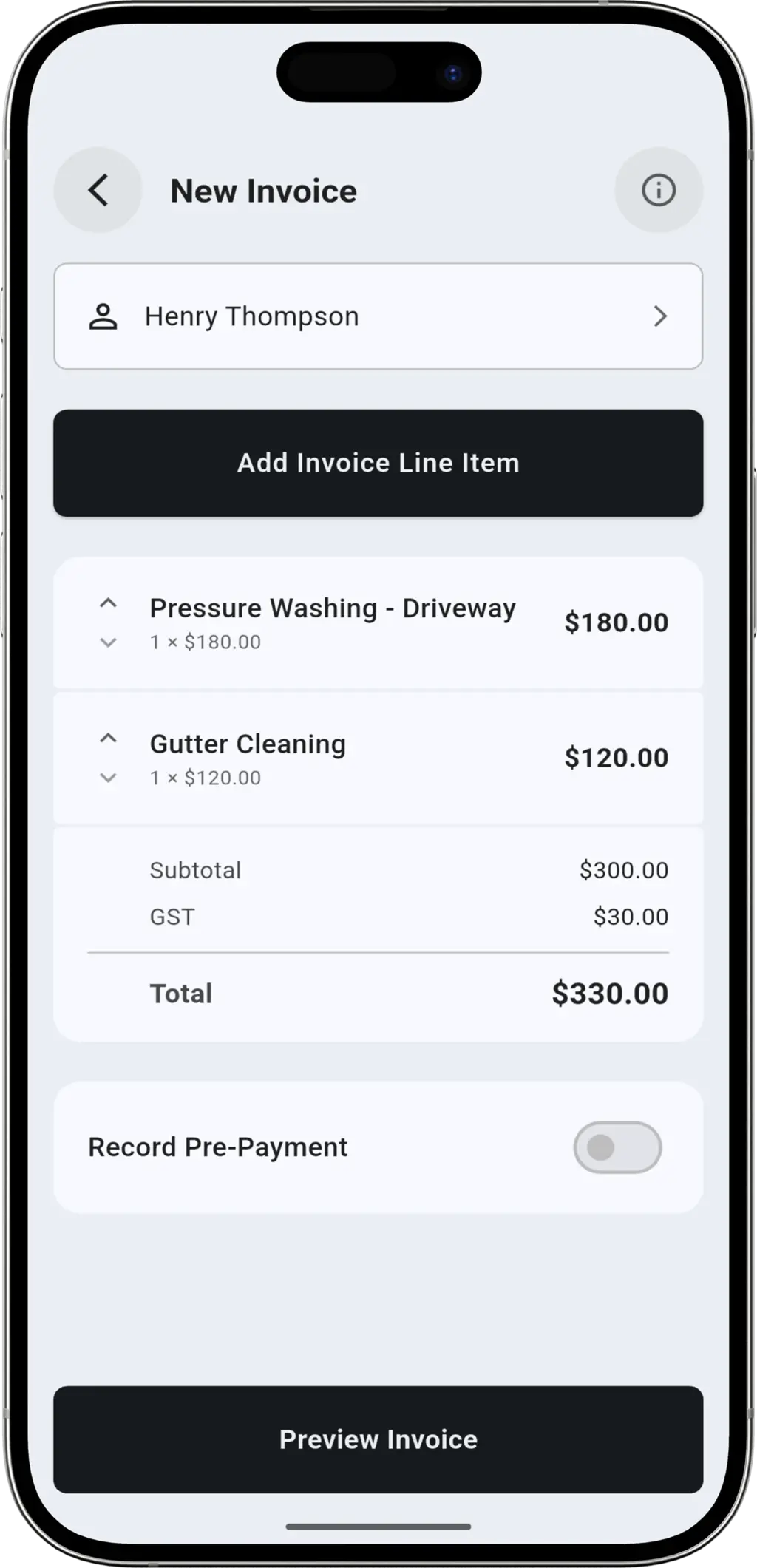
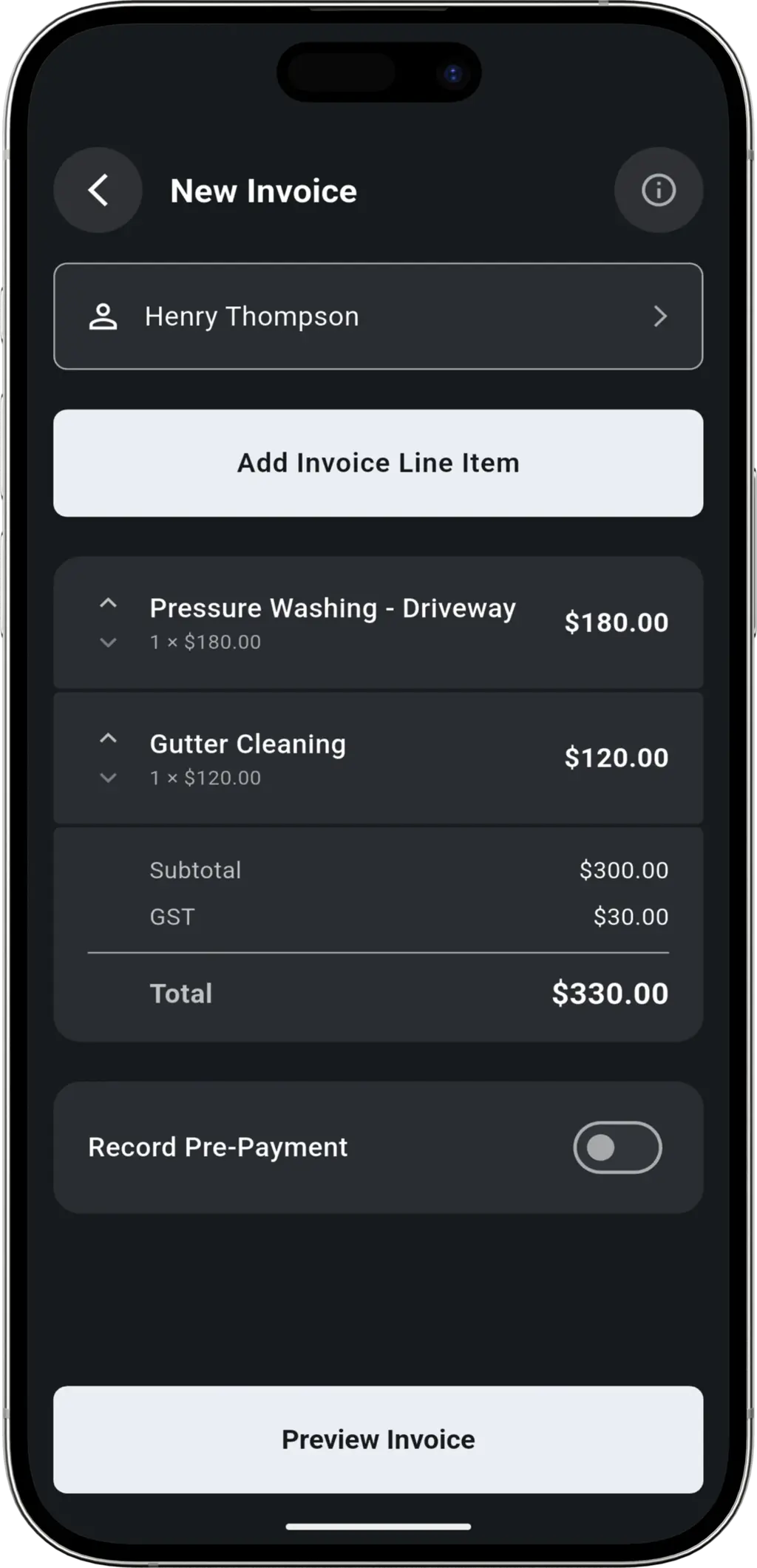
Did you use extra materials? Add line items instantly. Attach any expenses or photos to the job record for your own reference.
Send Instantly
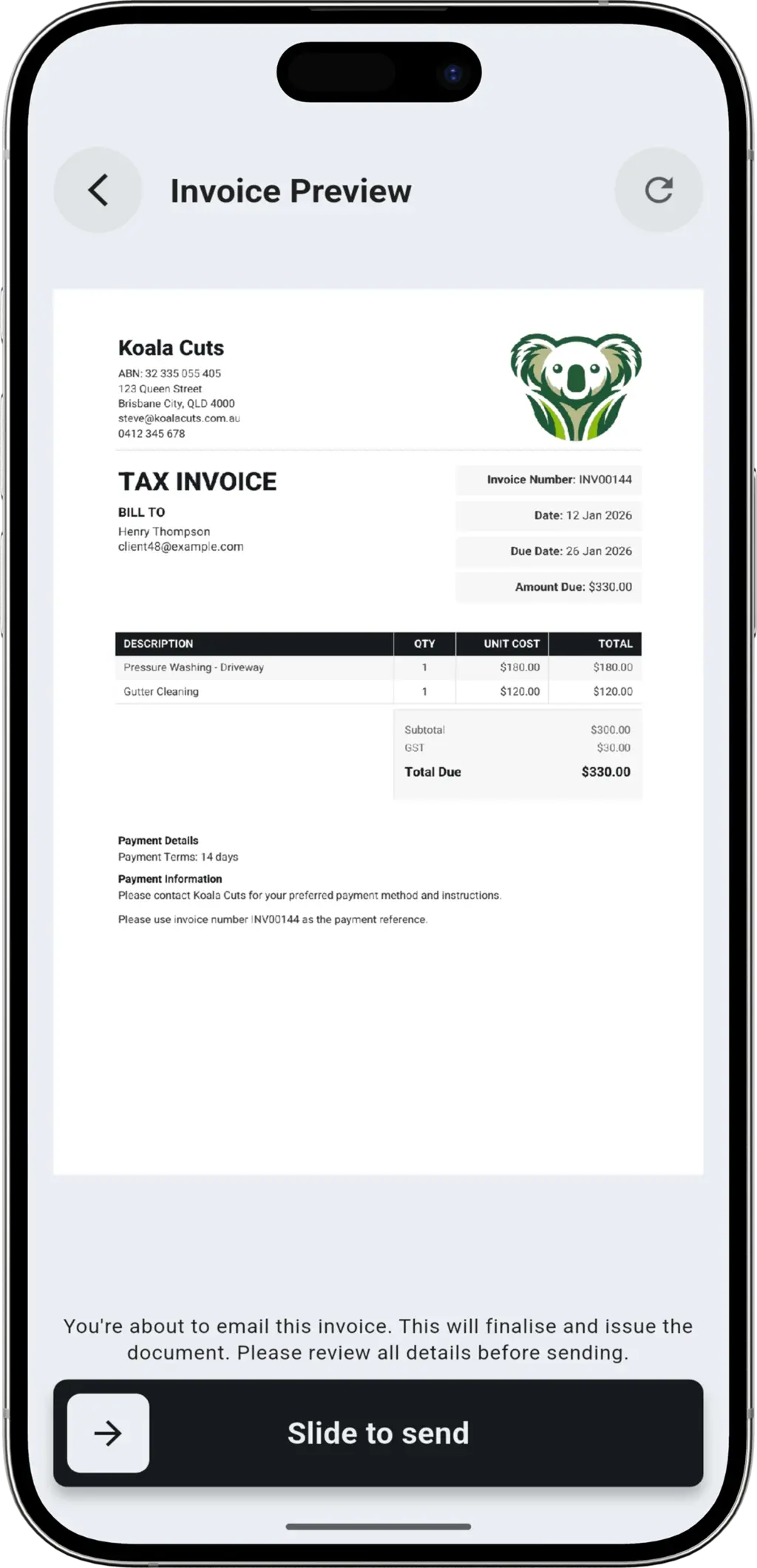
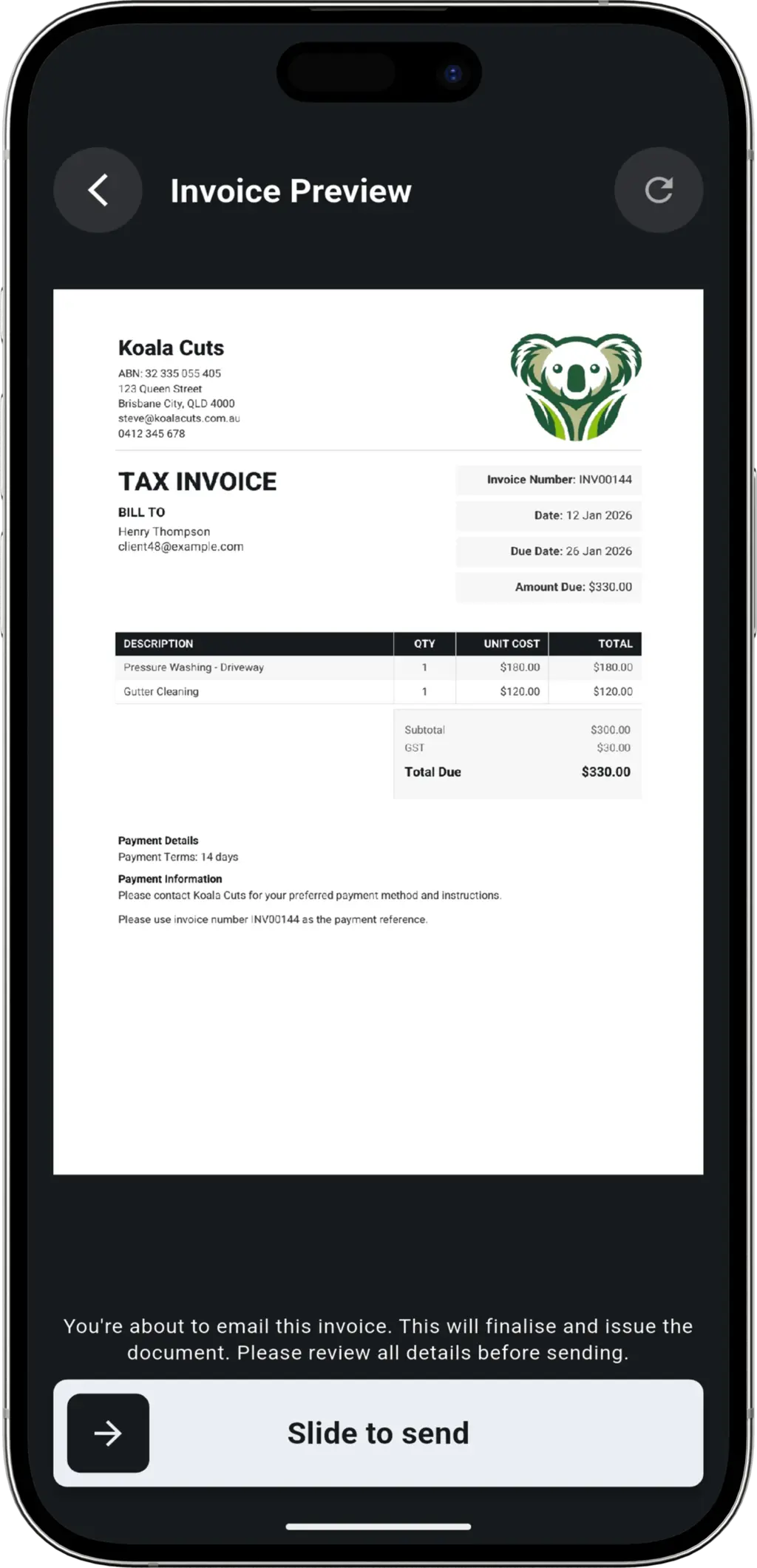
Tap send. The client receives a professional email with a link to their tax invoice. No postage, no lost paper.
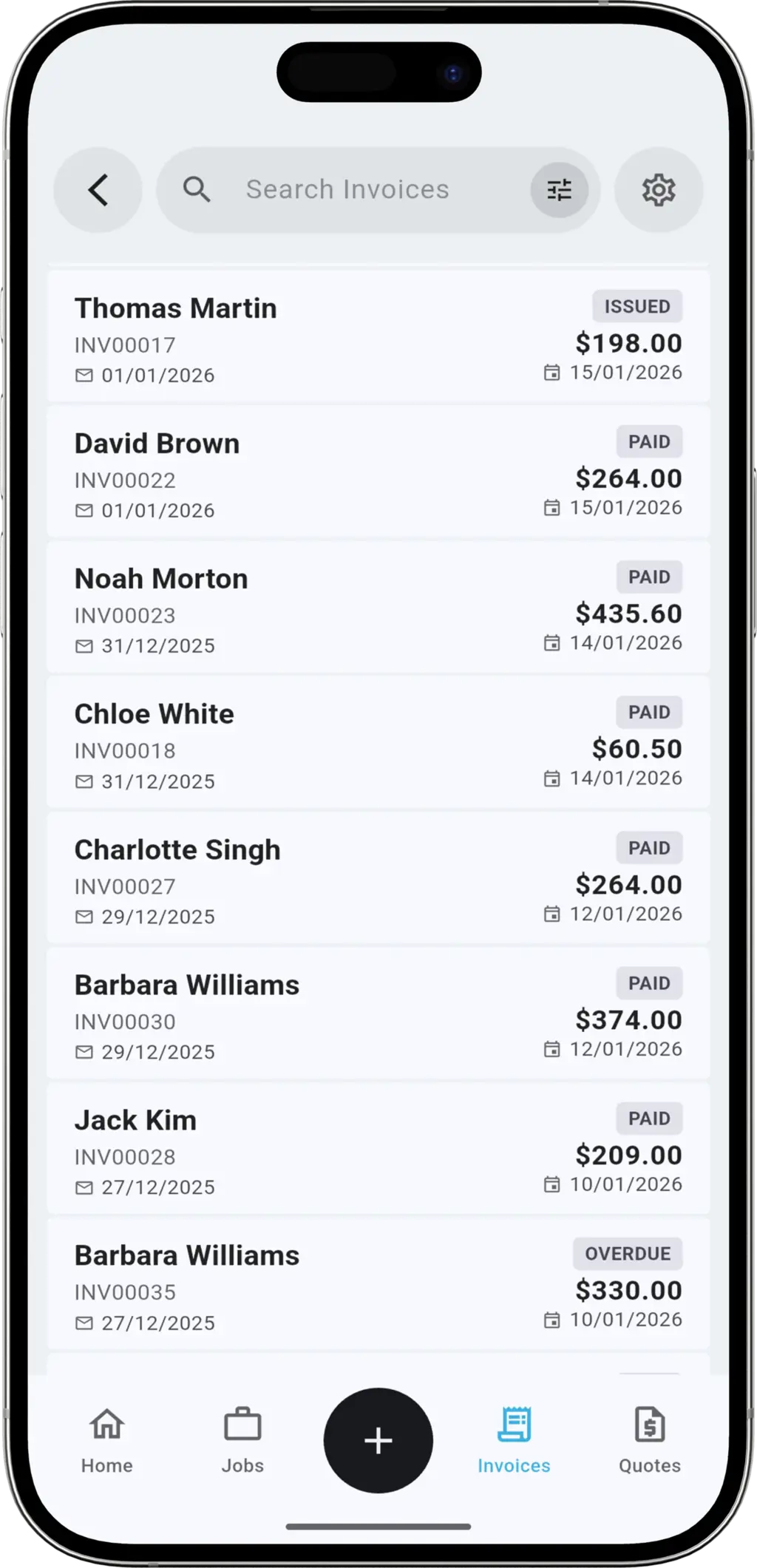
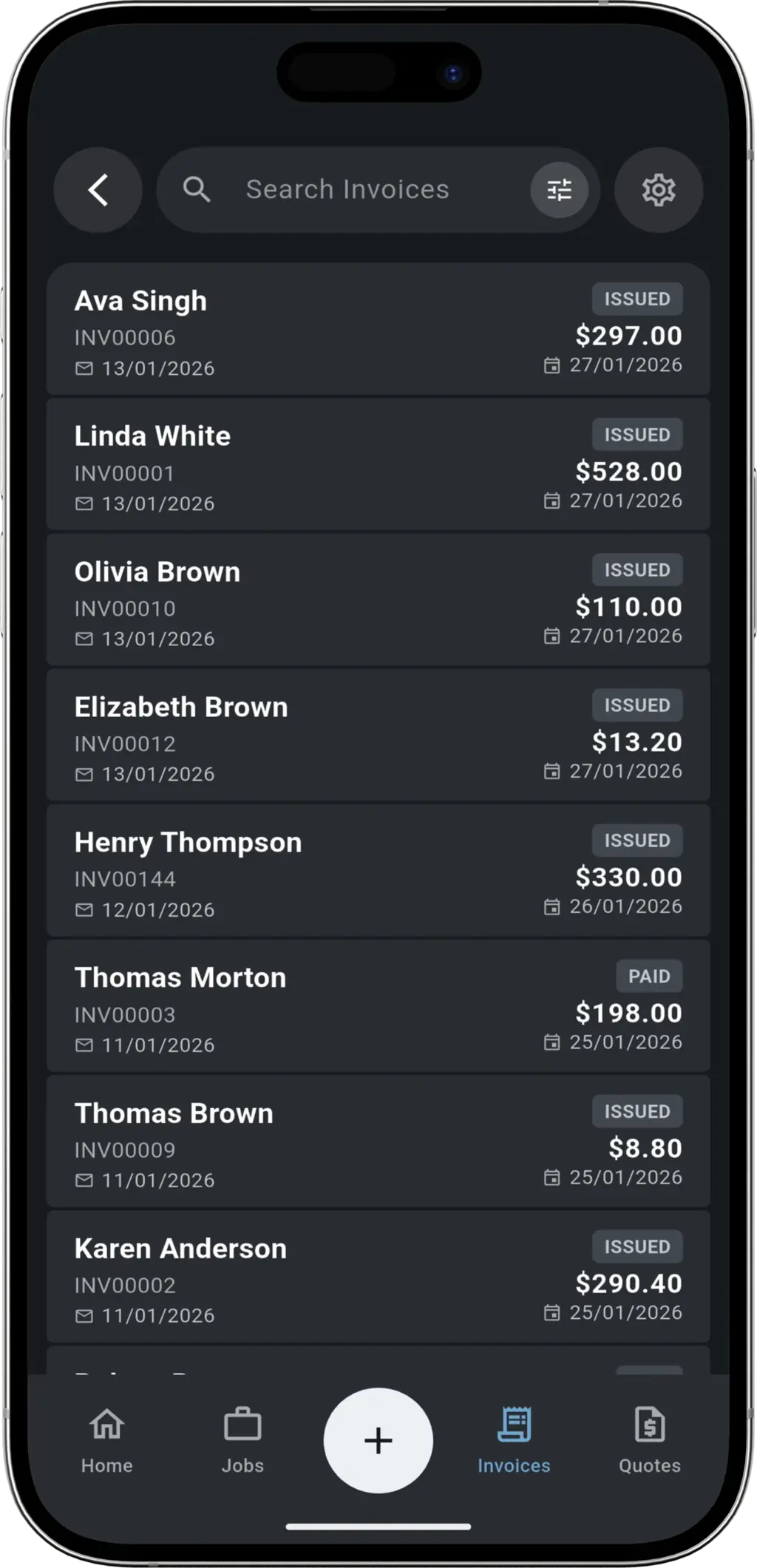
Get Paid
The dashboard shows you exactly what is owing. When payment lands, mark it as paid. Your accountant will love you at tax time.
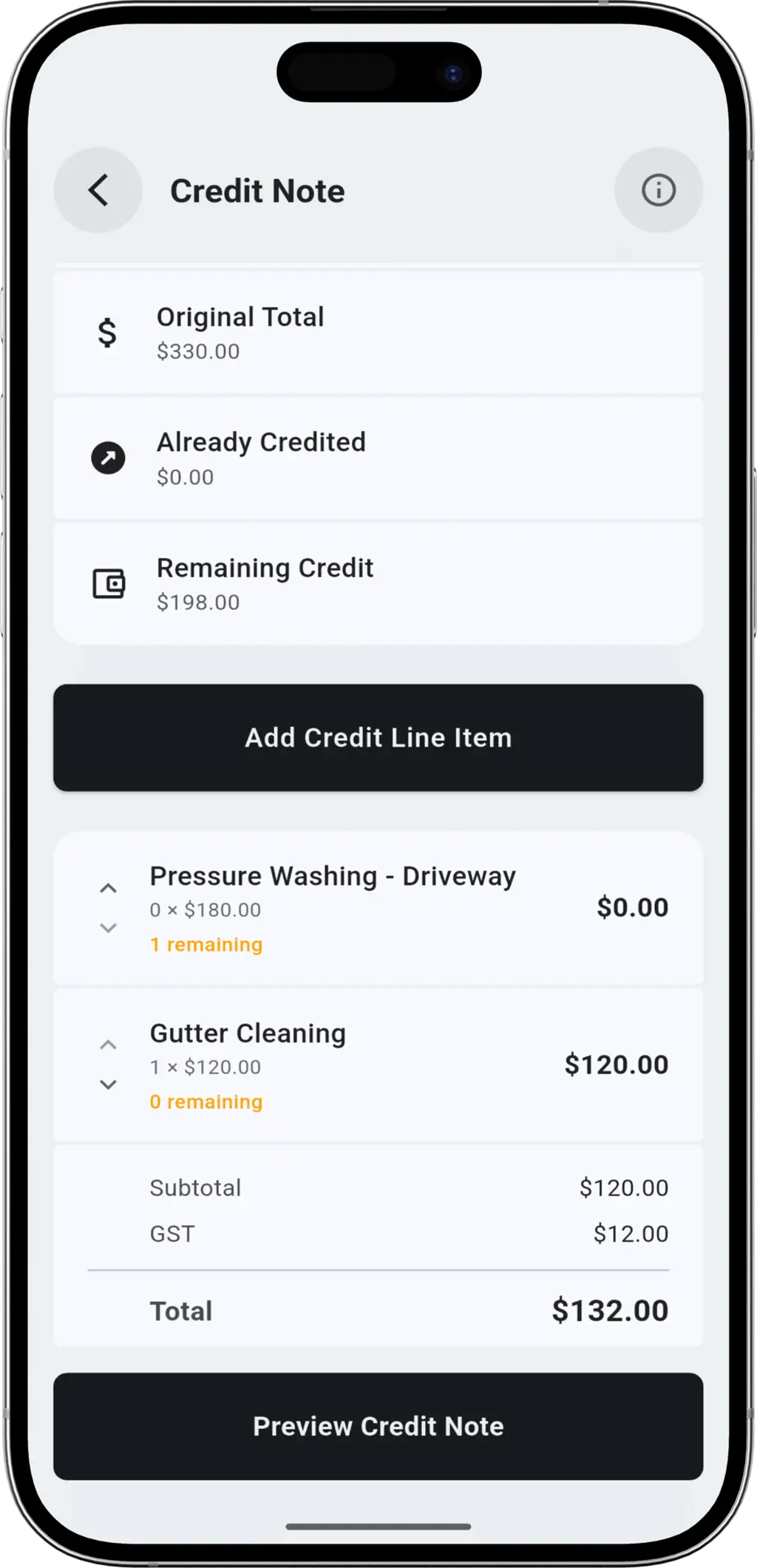
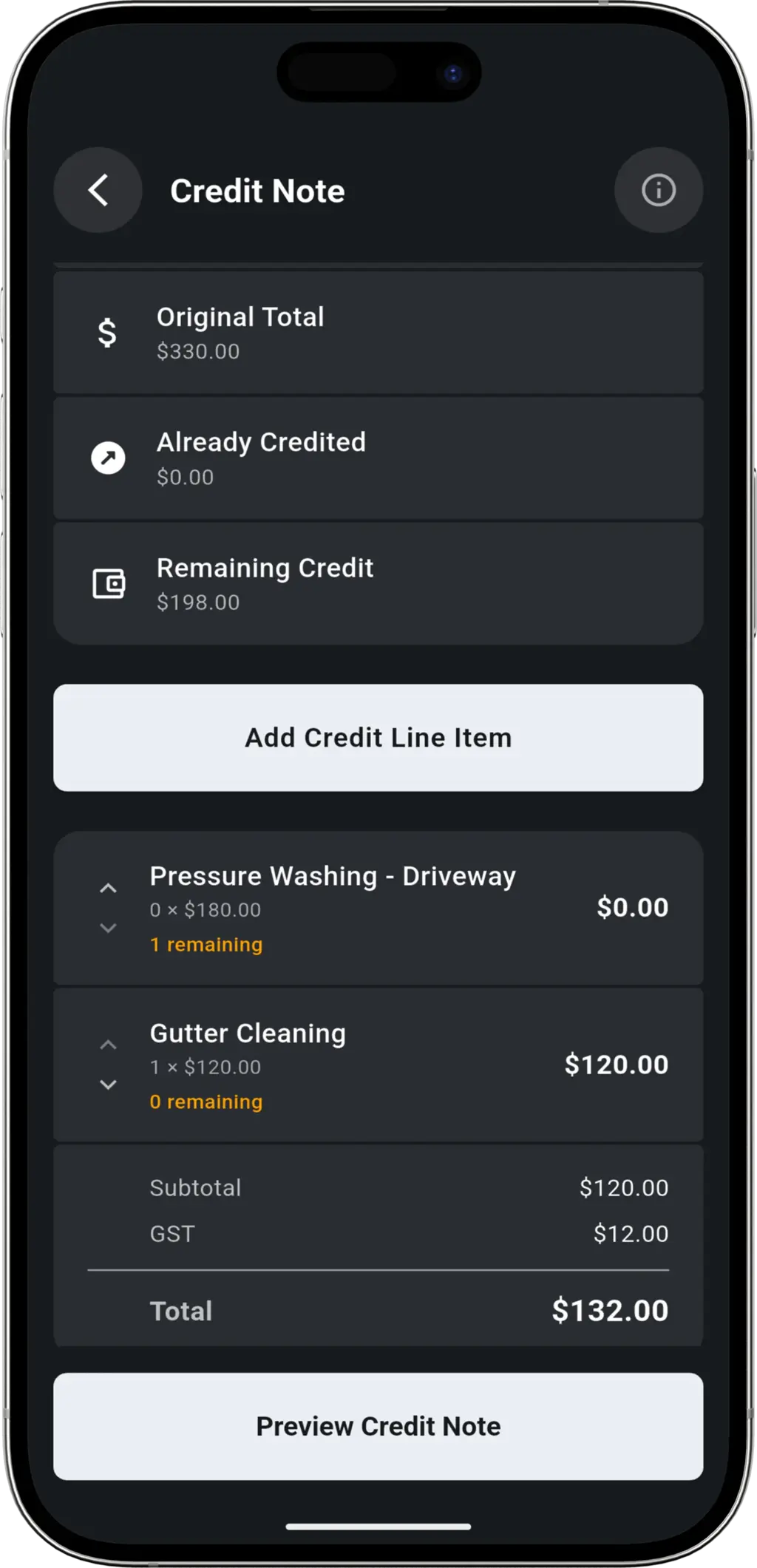
Built for Owner-Operators
We keep it simple. No complex accounting jargon, just the tools you need to bill clients and get paid.
Get Paid Faster
Add a payment link to every invoice. When clients can pay with a click, money hits your account sooner.
Tax Ready
Calculates tax automatically on every line item. Be ready for tax time without the headache.
More Features
Everything else you need to run your business.

QUOTING
Quoting
Send professional quotes to your clients for review and approval. Receive instant notifications when a quote is accepted, so you can lock in the job and start working sooner.

JOB SCHEDULING
Job Scheduling
Send smart booking confirmations that allow customers to request better times, giving you total control over your dates. Manage your schedule with a simple day view that keeps you focused on the job at hand.

ON MY WAY
On My Way
Let clients know you are on the way to their property with a single tap. They'll receive a live tracking link to see your location in real-time, reducing missed appointments and anxiety.

EXPENSE TRACKING
Expense Tracking
Snap photos of receipts and record purchases on the go. Perfect for personal business expense tracking. Manage your suppliers and keep concise records, or export to CSV via data export.

CLIENT MANAGEMENT
Client Management
Keep all your client details in one secure place. Save company names, contacts, and multiple addresses. When you're ready to invoice, just select the client and we'll fill in the rest.

RECURRING JOBS
Recurring Jobs
Set up automatic recurring jobs for your regular clients. With support for Daily, Weekly, Fortnightly, and Monthly schedules, you can ensure your steady work is always booked in on time.
Invoicing for Every Trade
Get paid faster with professional invoices, tailored for your business.


Electricians


Landscapers


Pest Control

Locksmiths

Pool Service

HVAC Techs



Carpenters
Invoicing FAQ
Common questions about billing and payments.
Yes. Add your logo, payment terms, and notes. The invoice looks professional and represents your brand.
You can mark invoices as paid, and the dashboard clearly shows you what is outstanding so you never miss a payment.
Absolutely. If you quoted the job in TREVY, you can convert that exact quote to an invoice with one tap when the work is done.
TREVY works offline. You can create the invoice without signal, and it will sync and send as soon as you are back online.
Yes. TREVY generates tax invoices that meet standard requirements, calculating tax automatically based on your settings.
Ready to grow your business?
Streamline your business admin. Save time and get paid faster with the app built for service pros. Download TREVY today.