Step 1 of 7
Get discovered
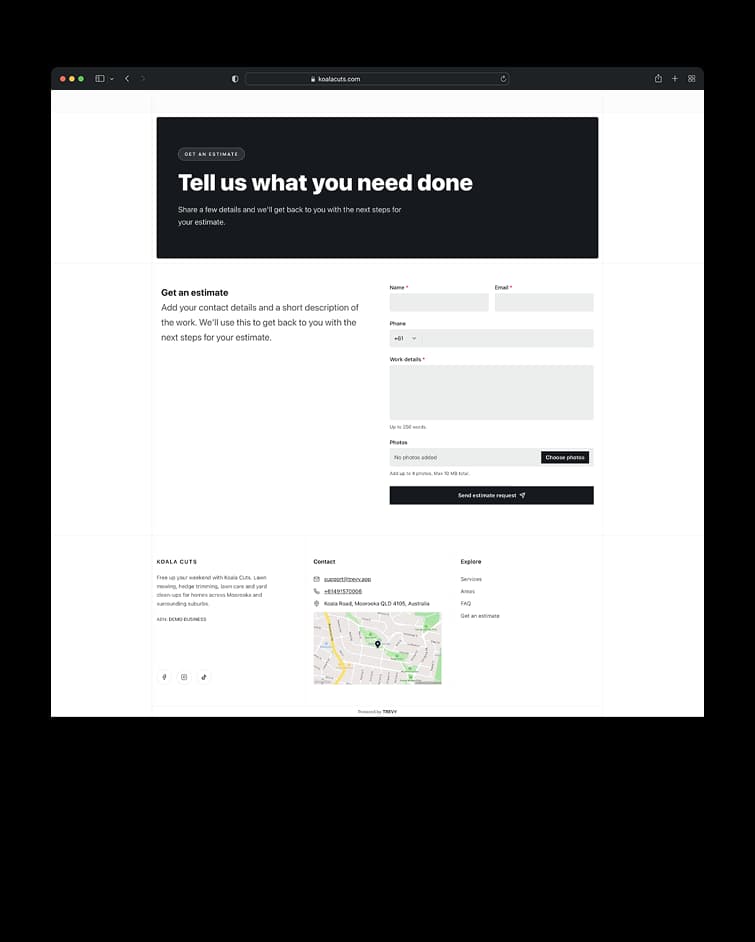
The journey begins when a customer finds your business and quickly understands what you do and where you work. A clear website gives them the confidence to take the next step and send an enquiry.
Create clear quotes, reuse saved pricing and send them while the job details are fresh. Clients can review and approve online, and accepted work stays connected to scheduling, invoicing and project history.
Everything included. Free for 7 days, then $19.99 AUD/month. Cancel anytime.



Every new opportunity needs a clear next step. Keep quotes visible from the first draft through to acceptance, so promising work never disappears into messages, notes or memory.
Every new opportunity needs a clear next step. See drafts, sent quotes, accepted work, rejections and expired quotes from one list. Quickly spot what needs attention and return to the right opportunity without searching across different tools.
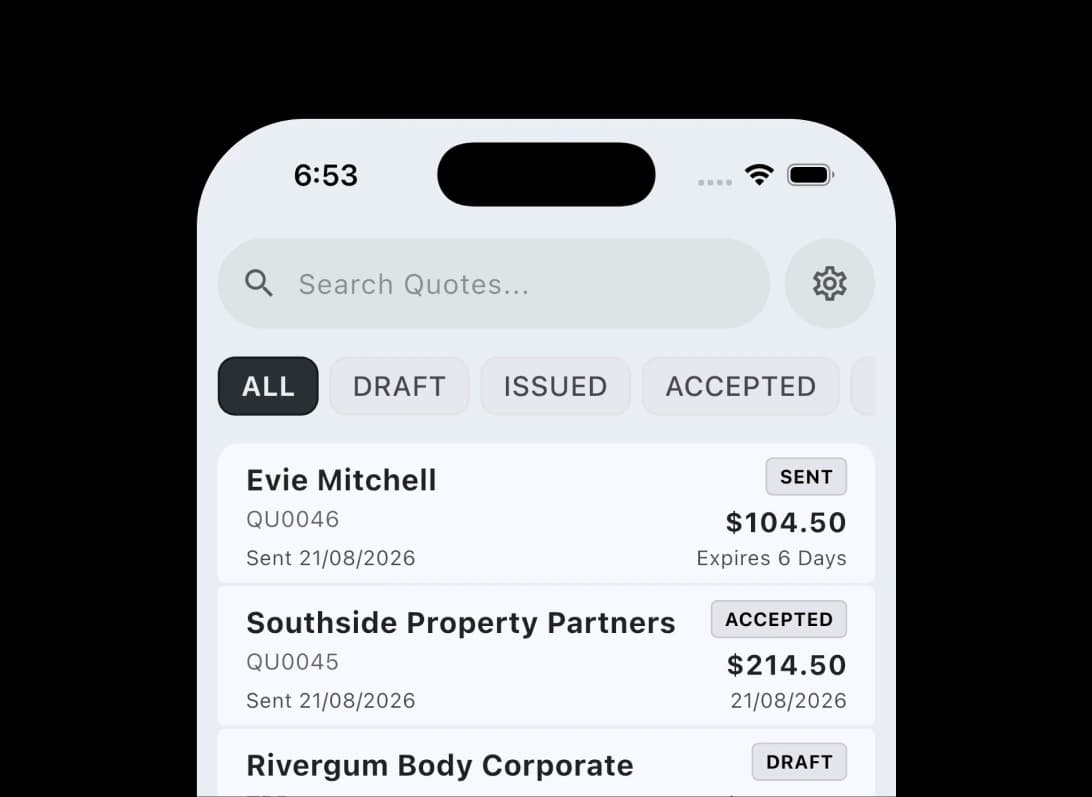
When it’s time to quote, build it while the details are still fresh. Bring the client, job and pricing context forward so you can respond quickly without piecing the scope together again.
When it’s time to quote, build it while the details are still fresh. Start from scratch or create a quote from an existing job or project. TREVY carries the client context forward and lets you add saved price book items without rebuilding familiar pricing each time.
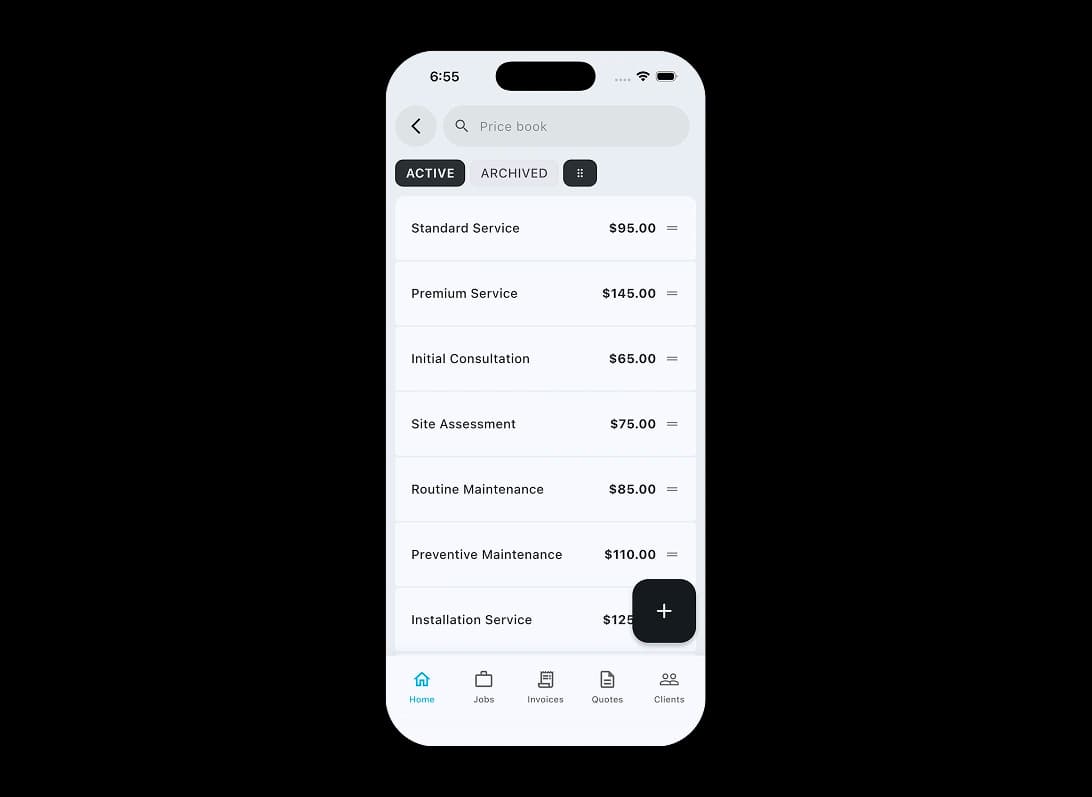
Once the scope is clear, make the price just as clear. Detailed pricing and consistent terms help clients understand the total and give you confidence that nothing important was missed.
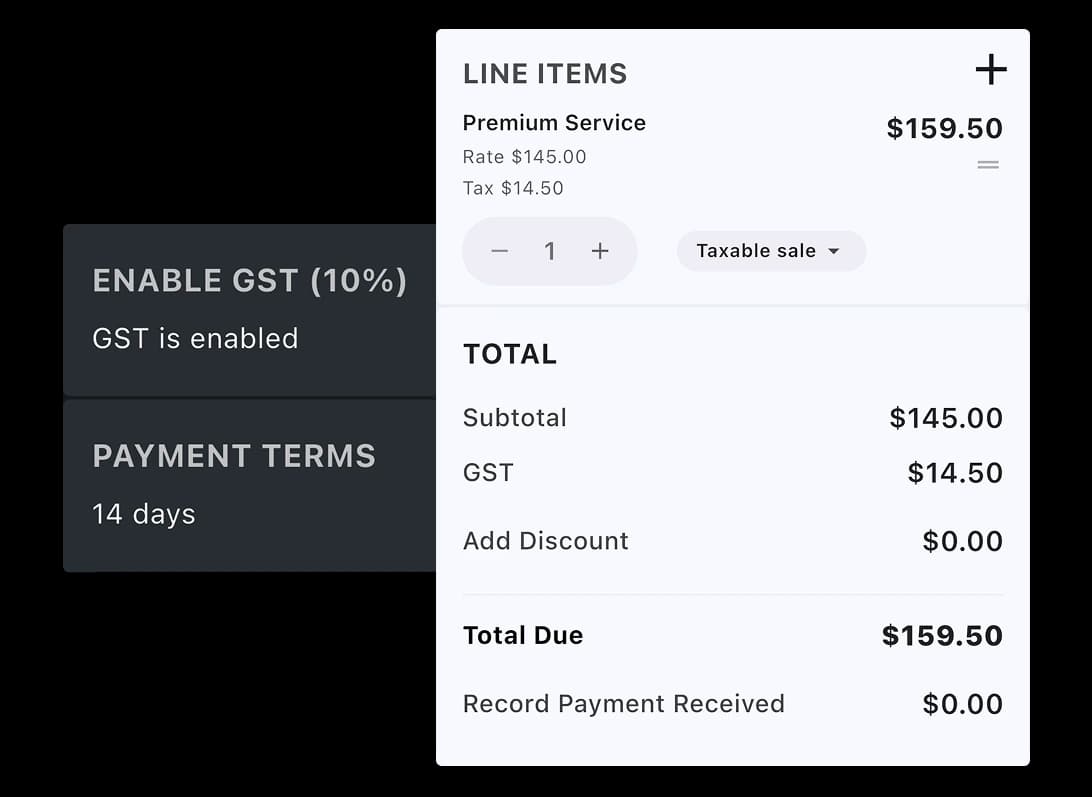
Once the scope is clear, make the price just as clear. Add detailed line items, apply GST where needed, and include payment terms, notes and conditions. Reusable defaults keep quotes consistent without slowing you down.
Once the quote is ready, make it look the part. A polished quote helps the client feel confident in your business before the work has even begun.
Once the quote is ready, make it look the part. Choose a template and preview the finished PDF before it reaches the client. Keep unfinished work as a draft, then send a professional document and shareable client link when everything is ready.
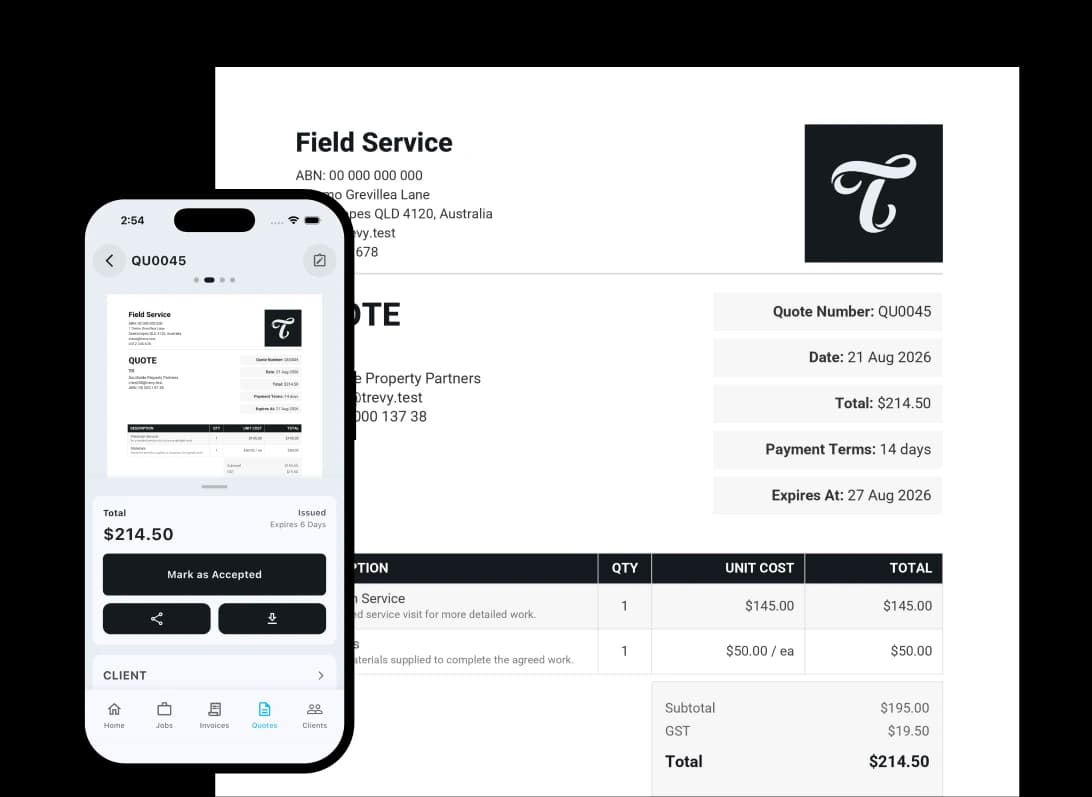
A good quote should be easy to say yes to. Give clients one clear place to review the details and make a decision without an email chain or an uncertain next step.
A good quote should be easy to say yes to. Clients can open the quote online, download it, and accept or reject it through the portal. Their decision is recorded against the quote, while acceptance windows and activity updates keep its current status clear.
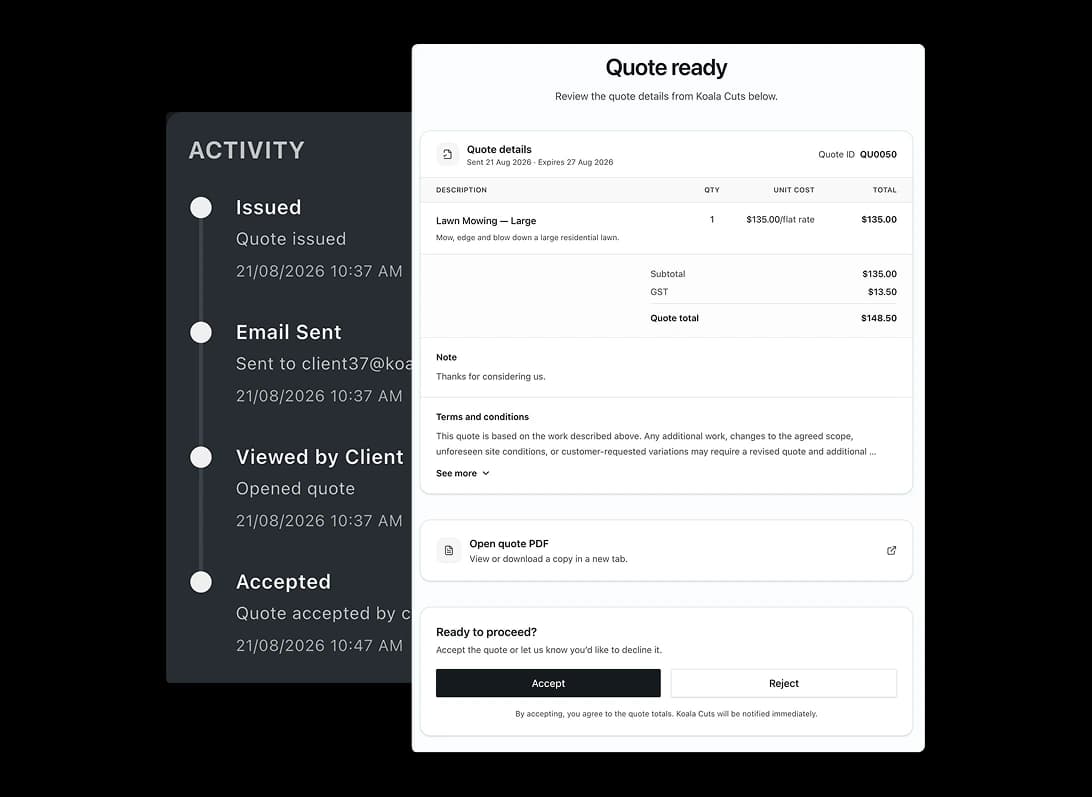
After you send it, keep everything you need to follow up in one place. Stay close to the decision without searching through separate files, messages or notes.
After you send it, keep everything you need to follow up in one place. Return to the PDF, copy the client link, review notes and photos, and see quote activity from the same record. Everything stays with the quote, so you have the full picture whenever you follow up.
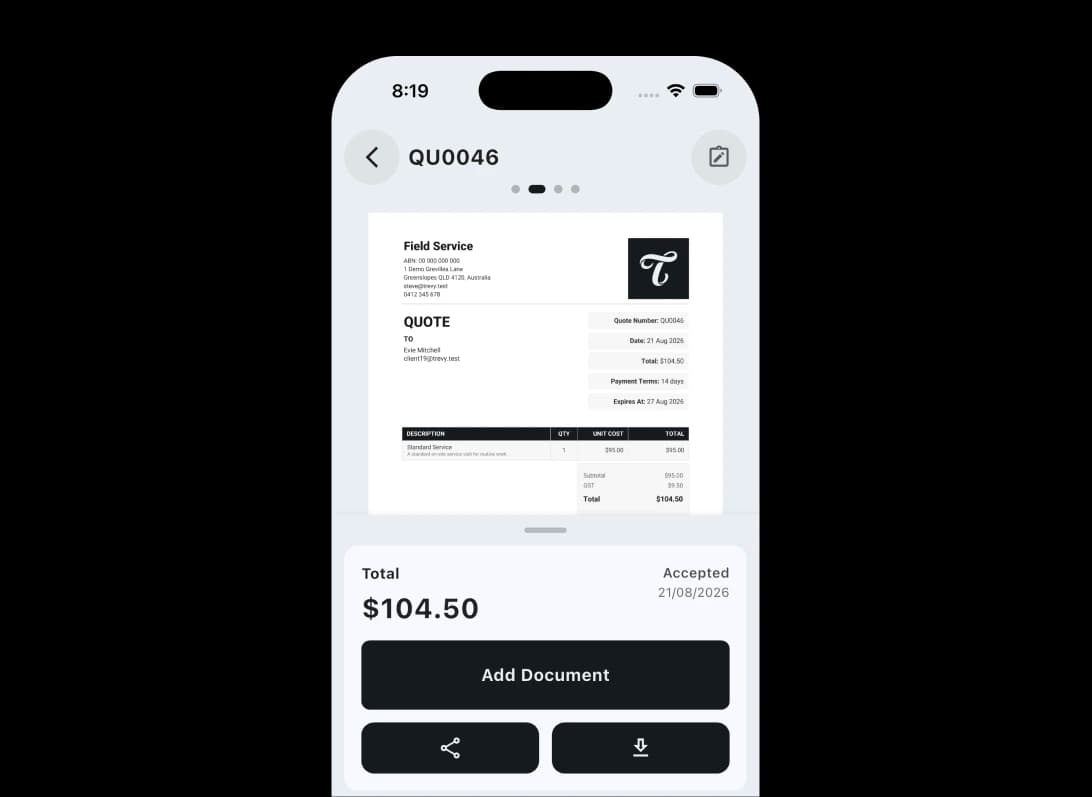
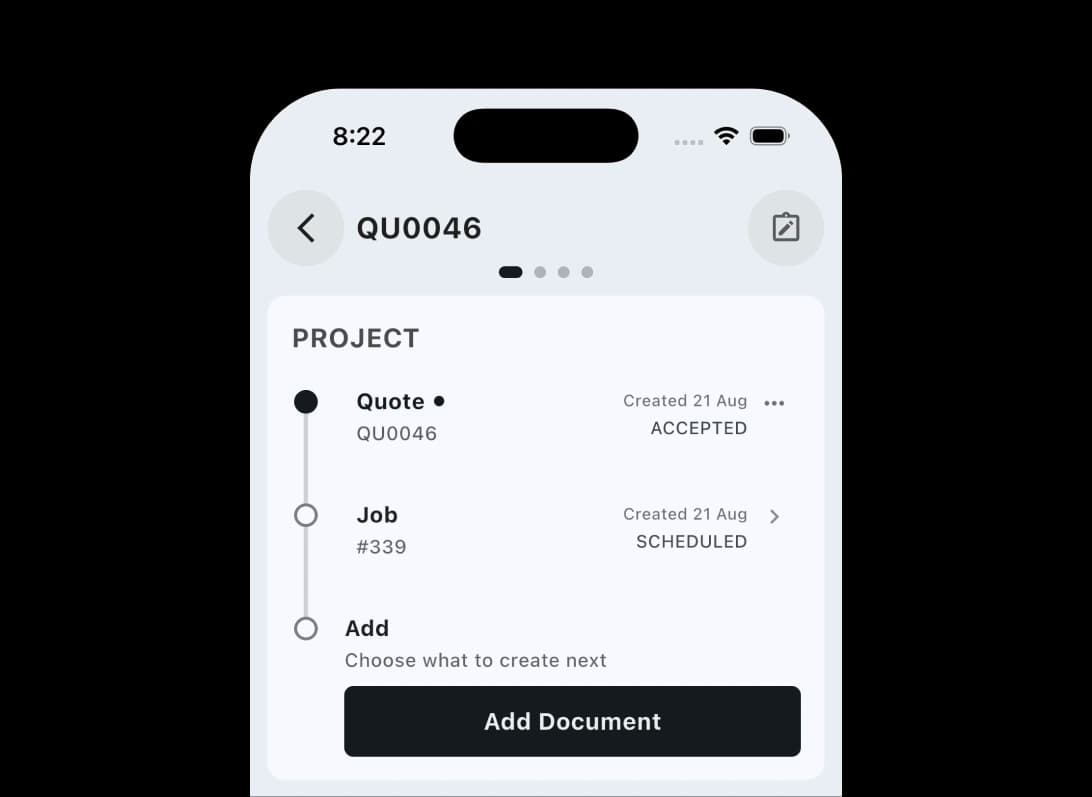
When the client says yes, keep the momentum going. An accepted quote should become the beginning of the work, not a document you have to recreate in the next stage.
When the client says yes, keep the momentum going. Keep the approved quote tied to the job, project, invoices and related documents that follow. Move into scheduling and billing without losing context or duplicating the details already agreed with the client.
Explore more features. Switch to another core workflow and see how TREVY keeps your business moving.
Built for the way your industry works. TREVY keeps your customers, jobs and paperwork organised as work moves forward.
Swipe to explore












Simple, Transparent Pricing. One plan. Every feature. No lock-in.
Start your 7-day free trial and explore every feature. You won't be charged if you cancel before the trial ends.
Cancel anytime via the App Store or Google Play.
Available to Australian businesses only. All features are included in one plan with no tiers or add-ons.
No lock-in contracts. Cancel anytime.
Resources
Explore straightforward guides for managing schedules, quotes, invoices, clients, and the day-to-day work that keeps your business moving.
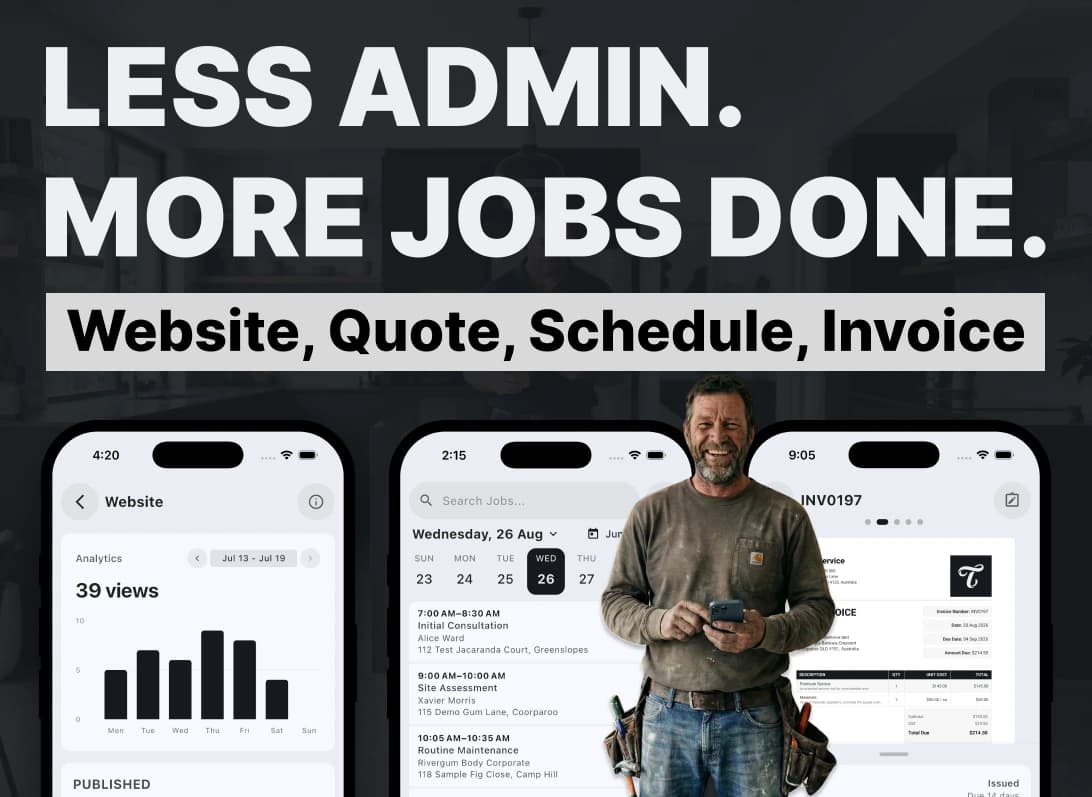
I built TREVY to help hard-working tradies and service providers spend less time on admin, paperwork, quotes, and invoices, and more time on the rest of life.
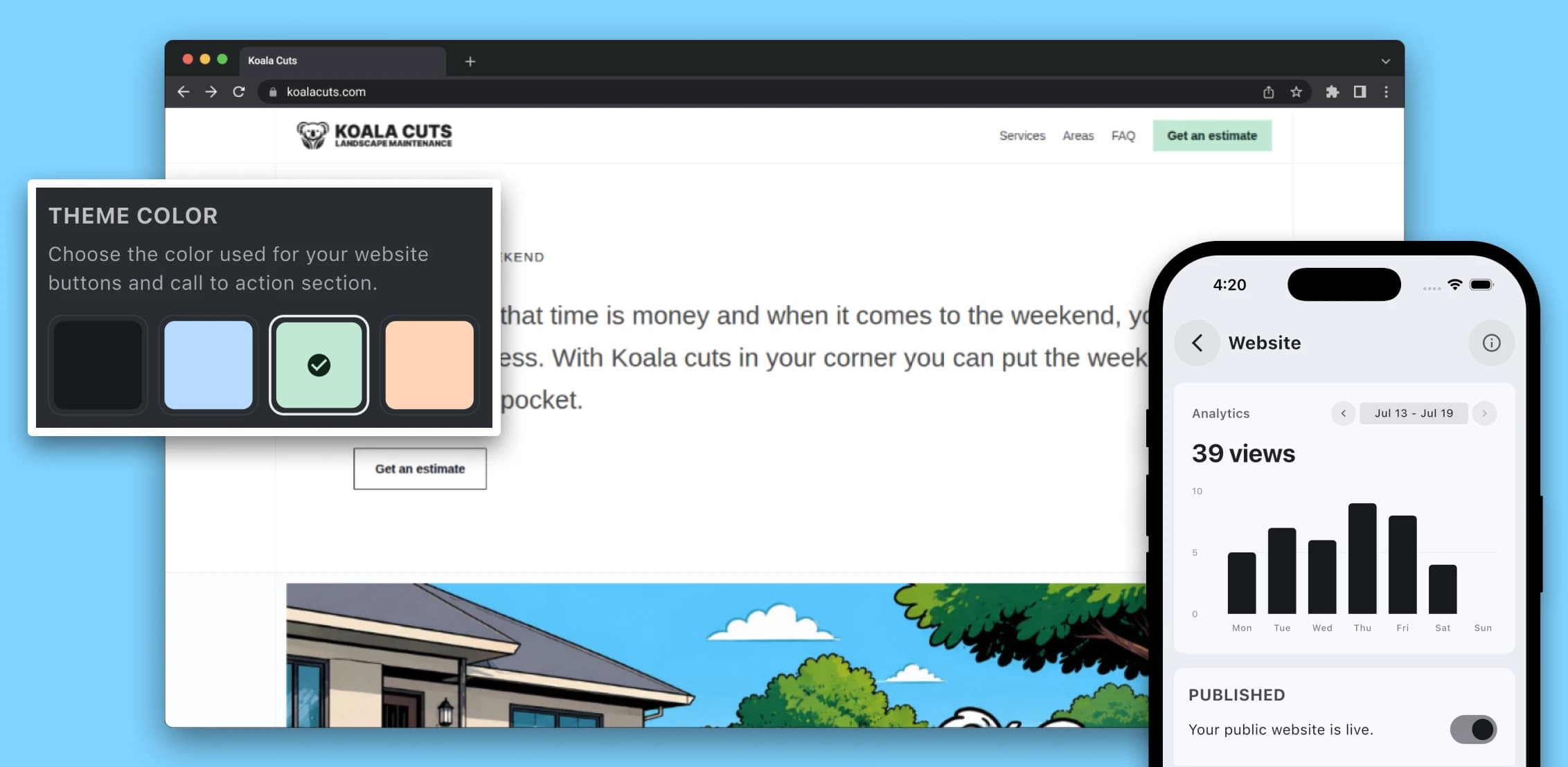
Learn why a professional website matters for service providers in 2026, from local SEO and lead generation to brand awareness, credibility, and converting more enquiries.

A practical guide for Australian service providers who want to price jobs with more confidence by accounting for labour, materials, travel, overhead, margin, GST, and risk.
Questions? Answers. Everything you need to know about TREVY.
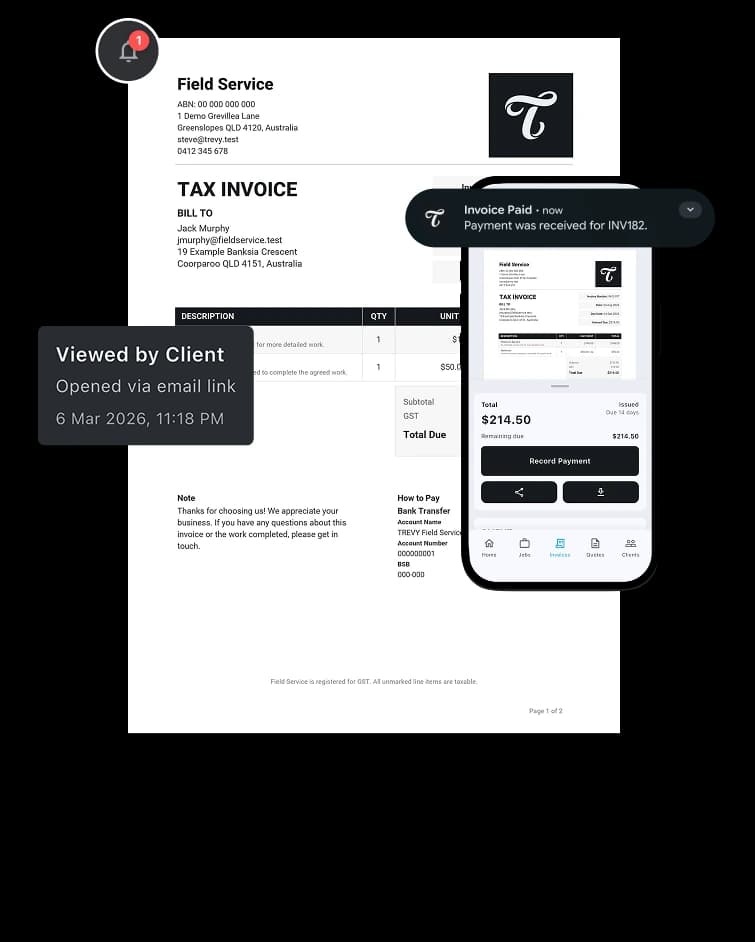
Yes. Clients can view and respond to quotes, and TREVY can notify you when a quote is viewed, accepted, rejected, or expired.
Yes. TREVY tracks quote activity and lets you know when a client views, accepts, or rejects a quote so you can follow up quickly.
Yes. You can set an expiry date on quotes, and TREVY keeps you updated when clients view, accept, reject, or when the quote expires.
Yes. TREVY lets you create quotes from live job and project context so the client, scope, and pricing details can stay connected.
Yes. You can save common services and line items in your price book so creating quotes and invoices is faster and more consistent.
Yes. TREVY creates quote documents and client-facing links so clients can review, download, accept, or reject quotes in a structured way.
Yes. Quotes in TREVY stay tied to jobs, projects, invoices, and related documents so accepted work does not become a disconnected file.
Yes. You can attach photos and notes to your work as you go, making it easier to document site details, completed work, and important context.
Yes. TREVY lets you group related work into projects so jobs, quotes, invoices, photos, and client activity stay connected in one place.
Yes. You can use TREVY for jobs, quotes, or invoices on their own depending on how you run your business. You do not have to use the full workflow or send emails automatically, and client links are available whenever you want to share something.
Yes. TREVY is available to Australian businesses only and is designed around the way local tradies, sole traders and service businesses work. It supports Australian business details and GST settings for registered businesses. You remain responsible for your registration details and tax treatment.
Yes. You get full access to TREVY for 7 days. The trial is handled through the App Store or Google Play, so a payment method on file with your store account is required, but you will not be charged until the trial ends.
You can choose to upgrade to keep using TREVY. If you decide not to continue, your account switches to read-only mode.
Yes. There are no lock-in contracts. You can cancel your subscription at any time through your App Store or Google Play subscription settings.
TREVY is built for Australian solo tradies, sole traders and independent service professionals who need a simple way to manage jobs, quotes, invoices, scheduling, and client communication.
Yes. You can create jobs without booking them straight away, then schedule them later when the timing is confirmed.
Yes. You can schedule recurring jobs for repeat work, add return visits to the same job, or split one job across multiple scheduled visits when needed.
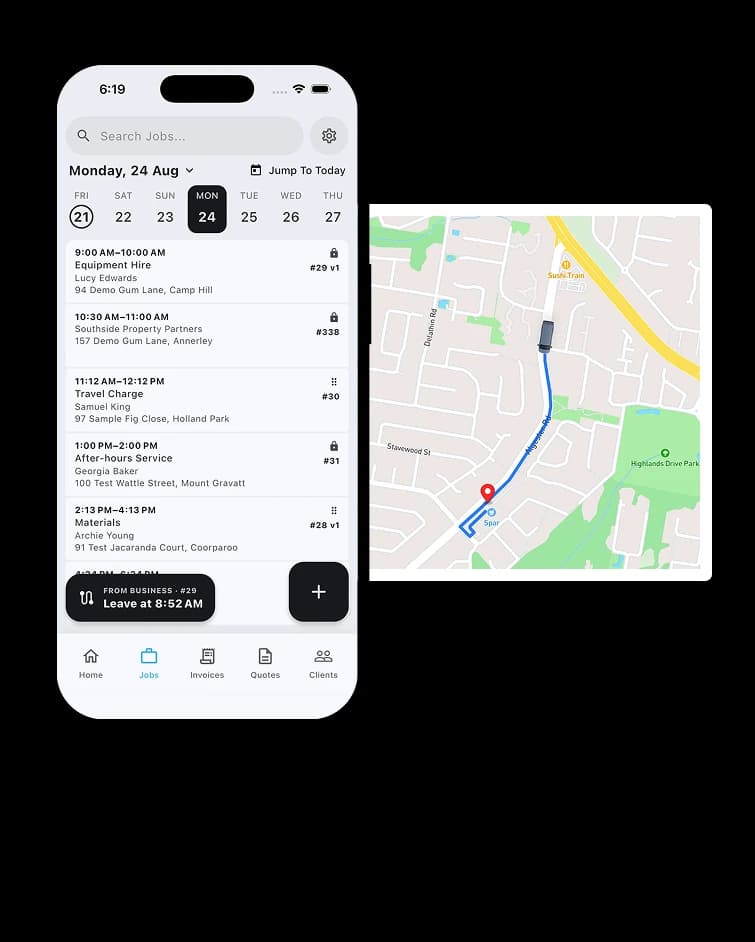
Yes. Fixed visits reserve an exact appointment, while Flexible visits store a date and expected duration for route optimisation. Once a time is committed, you can optionally show the customer an arrival window without changing the internal schedule.
Yes. TREVY can send booking confirmations to clients and let them request a reschedule through the client portal where you allow it, while you stay in control of approving and managing any changes.
Ready When You Are
Streamline your business admin. Save time and get paid faster with the app built for service pros. Download TREVY today.