
Why Service Providers Need a Website in 2026
Learn why a professional website matters for service providers in 2026, from local SEO and lead generation to brand awareness, credibility, and converting more enquiries.
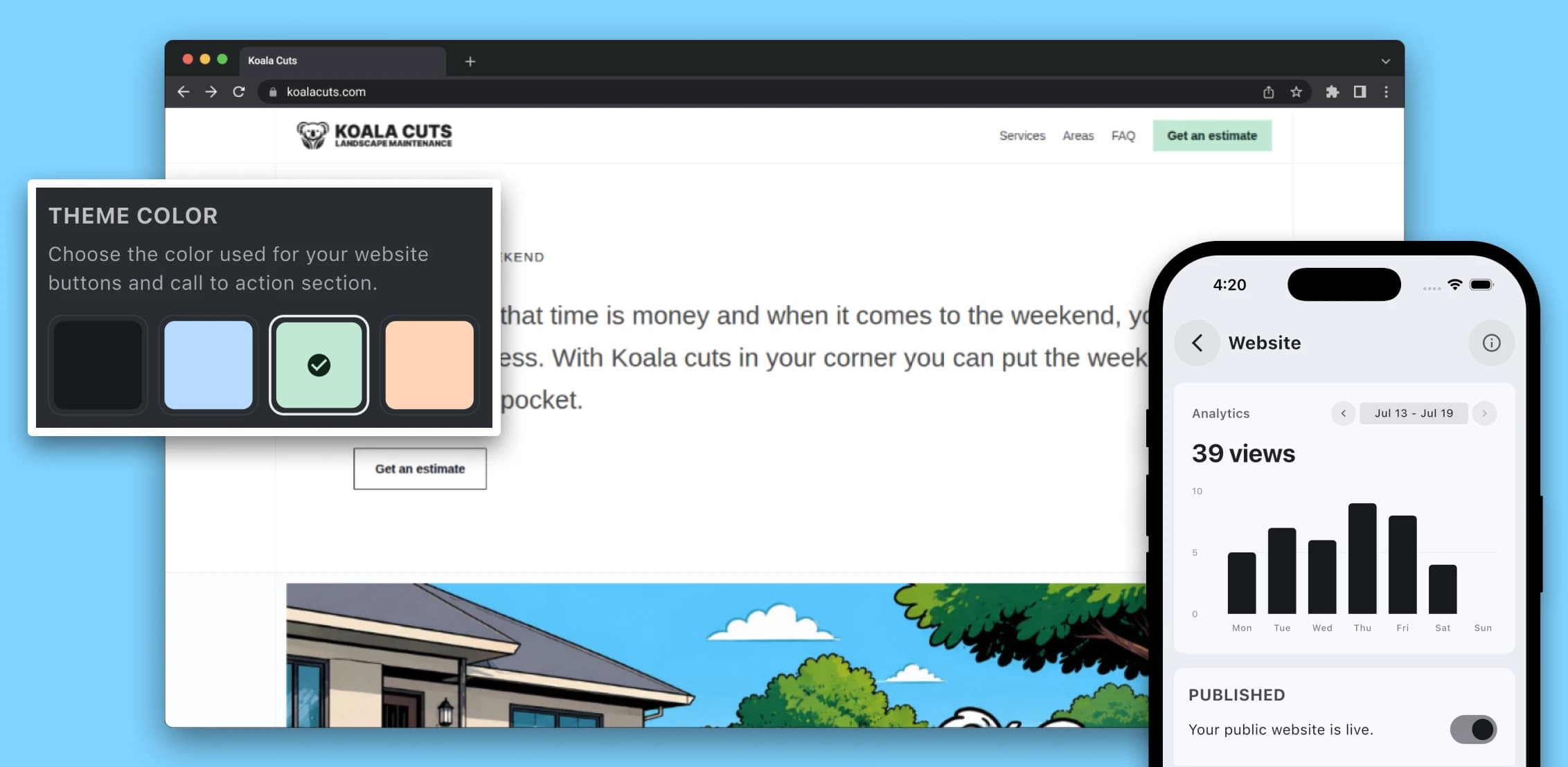
Why a service business needs a website
A service business can still pick up work through referrals, Facebook groups, social media, online marketplaces and word of mouth. Those channels can be valuable, but they don't replace having a professional website that your business owns and controls.
Customers may discover a service provider through Google Search, Google Maps, an AI-generated answer, a social media post, a recommendation from a neighbour or a link shared in a message. No matter where that discovery starts, many potential customers will still look for a website before deciding whether to make contact.
Your website gives them one place to confirm what you do, where you work, whether the business looks trustworthy and what they should do next. It connects your branding, local SEO, lead generation, customer information and enquiry process in one location.
Social media can help someone discover your business. A professional website helps them decide whether to trust it.
TREVY
A Facebook page, Instagram account, marketplace listing or directory profile is space your business uses on somebody else's platform. You can customise parts of it, but you don't control the platform, its design, its algorithm or how your information is presented.
A website on your own domain is different. It gives your business a permanent online address where you control the branding, services, images, content, enquiry process and customer experience.
That doesn't mean you should stop using Facebook or other social platforms. Social media can be excellent for sharing recent work, collecting recommendations, participating in local groups and staying visible in your community. It works best when it supports a website rather than having to act as your entire online presence.
A website also becomes a long-term business asset. Social posts often receive most of their attention shortly after they're published, while useful website pages can continue being discovered, linked to, shared and improved over time.
Owning your domain also gives your online identity more continuity. You can change website providers later while keeping the same domain, email addresses and links your customers already recognise.
Build trust and turn visitors into enquiries
Professionalism starts before you answer the phone or arrive at a job. When a potential customer searches for your business, what they find immediately shapes how established, organised and trustworthy the business appears.
Imagine a customer comparing two providers offering a similar service. One has only a lightly maintained Facebook page. The other has a clear website showing its services, service areas, business details, previous work, customer reviews and an easy way to request a quote.
The provider with the website doesn't automatically perform better work, but it may feel easier to verify and safer to contact. This can be especially important when customers are inviting someone into their home, handing over access to a property or approving expensive work.
The website should also make it easy for that interest to become an actual enquiry. A person might first notice your vehicle, hear your name from a neighbour, see a Facebook recommendation or find a photo of your work. Your website gives that interest somewhere useful to go.
A good service business website should guide visitors towards a clear next step. That might be requesting a quote, describing the work they need, uploading photos, calling the business or confirming whether you service their suburb.
- Use one clear primary call to action, such as Request a quote.
- Keep enquiry forms short enough to complete comfortably on a phone.
- Ask only for information you need at the enquiry stage.
- Allow customers to upload photos when visual information will help.
- Confirm clearly that the enquiry was submitted successfully.
- Make your phone number and important contact options easy to find.
- Respond while the customer is still actively looking for help.
Real proof can strengthen that trust. Use genuine photographs of completed jobs, vehicles, equipment, team members and work in progress. Before-and-after photos can be particularly useful for cleaning, landscaping, painting, repairs, renovations and other visually measurable services.
Customer reviews, project descriptions, licences, insurance information, warranties and accurate contact details can provide additional confidence. Real, slightly imperfect photographs will often tell a customer more about the business than generic stock images that could belong to anyone.
Mobile usability matters too. Many customers will visit a service provider's website while looking directly at the problem they need solved — a leaking tap, overgrown yard, broken appliance or room that needs cleaning. Buttons should be easy to tap, text should be readable without zooming and the enquiry form shouldn't ask for information you don't yet need.
How your website helps local customers find you
One of the biggest advantages of having your own website is that it gives search engines useful information about your services, locations and business.
Someone searching for a local service often has a practical problem they want solved. Searches such as lawn mowing in Moorooka, emergency plumber near me, electrician for ceiling fan installation or mobile mechanic Brisbane southside can indicate much stronger intent than somebody casually scrolling through social media.
Your website gives you the ability to create useful pages around those real services and locations. Instead of trying to make one homepage rank for everything, you can clearly explain your main services and where they're genuinely available.
A cleaning business might separately explain regular house cleaning, end-of-lease cleaning, office cleaning and deep cleaning. A landscaper might explain lawn care, hedge trimming, garden maintenance, turf installation and yard clean-ups.
Each important service should have enough information to help the customer understand what is included, who the service is for, what the process looks like and what information they may need to provide when requesting a quote.
Service-area information is useful for the same reason. Include the city, region or suburbs you genuinely service, but avoid creating dozens of almost identical pages where only the suburb name changes.
Where an individual location page is genuinely useful, include information specific to that area. This might include common services requested there, nearby areas serviced on the same route, typical property types, completed work or customer questions from that location.
Specific customer searches can also help you understand what information to include. A broad phrase such as lawn mowing tells you less than regular lawn mowing service in Moorooka. The more specific search describes both the service and the customer's location and intent.
Don't force every keyword variation into the page. Modern search systems can understand related wording and meaning, so clear and useful writing is more valuable than awkward repetition.
Search is also changing as AI-assisted search becomes more common, but that doesn't remove the value of having a website. Search engines and AI systems still need accessible information to understand what businesses do, which locations they serve and what expertise they may have.
A technically sound website with useful, original information will generally be more valuable than creating hundreds of thin pages or chasing every new search optimisation trend.
Your Google Business Profile should support the website as well. Keep your business name, phone number, service category, opening hours, website address and service information consistent and accurate.
For service-area businesses that don't receive customers at a public location, follow Google's rules about residential addresses and service areas rather than listing locations customers can't actually visit simply to appear closer to a target suburb.
You don't need to become a technical SEO expert, but the website should give search engines a clean foundation to work with.
- Give important pages clear and unique titles.
- Write useful meta descriptions that accurately describe the page.
- Use one descriptive main heading and organise longer content clearly.
- Use readable page addresses.
- Add descriptive alternative text to meaningful images.
- Link related services and resources together internally.
- Create and submit an XML sitemap.
- Make sure important pages aren't accidentally marked noindex.
- Use HTTPS and keep the website software secure.
- Compress large images and avoid unnecessary scripts that slow the site.
- Test important pages on mobile devices.
- Use appropriate LocalBusiness or organisation structured data.
Helpful resource content can create additional opportunities to be discovered. Good topics often come directly from questions customers already ask: a plumber might explain what to do when a hot-water system starts leaking, while a lawn care business could explain how often lawns should be mowed during summer.
The goal isn't to publish articles simply because a keyword tool shows search volume. Answer real customer questions thoroughly and include your own experience, examples and photographs where possible.
What should a service business website include?
A service provider doesn't necessarily need a large or complicated website. A focused website with the right information can be much more effective than a large site filled with thin or outdated pages.
At a minimum, the website should make three things obvious: what you do, where you work and what the customer should do next.
- A clear explanation of your main service.
- The city, region or suburbs you genuinely service.
- Useful descriptions of your important services.
- A prominent request-a-quote or contact action.
- Real photographs of your work, team, vehicle or equipment.
- Customer reviews or other legitimate trust signals.
- Frequently asked questions.
- Accurate business contact information.
- A simple quote or enquiry form.
- A privacy policy and any required business information.
- A professional domain name.
The top of your homepage should explain the business within a few seconds. Avoid opening with a vague headline such as Quality you can trust without saying what the business actually does.
A heading such as Reliable lawn mowing and garden maintenance across Moorooka and Brisbane's southside gives customers and search engines much more useful information.
Important services should have enough space to explain what the customer receives. One short list of service names may not be enough for somebody deciding whether you're the right provider for their job.
You can expand the website later with project galleries, resources, more detailed service pages, team information, booking tools and additional service-area content. Start by making the essential customer journey clear.
A well-structured one-page website can also be a sensible starting point for a small provider with a limited number of services. Separate service and location pages can be added as the business and website grow.
Turn website enquiries into actual jobs
A website is most useful when enquiries don't disappear into an inbox or become another message you need to remember.
A new enquiry should enter a clear process where you can review what the customer needs, follow up, work out a price, prepare a quote, schedule the work and retain the customer's information if the enquiry becomes a job.
Before sending the quote, you'll need to know what the job should cost. Our guide to pricing a service job without guessing explains how labour, materials, business costs and margin can fit into that calculation.
Once the work is completed, the same customer journey continues into invoicing. Our guide to creating an invoice in Australia explains the information Australian invoices and tax invoices may need.
Ideally, the information collected from the customer should continue through that process rather than being manually re-entered at every stage.
This is why TREVY connects business websites with the rest of the service workflow. A customer can submit an enquiry through the website and that lead can continue into a quote, scheduled job, project and invoice.
Keep your business identity consistent online
Your website is also one of the main places customers learn and remember your business name. Use the same business identity consistently across your website, Google Business Profile, social media, quotes, invoices, vehicle signage and other customer-facing materials.
If you're still deciding what customers will know your business as, our guide to registering a business name in Australia explains when a business name needs to be registered, how to check whether a name is available and what to consider before committing to it.
Before settling on a name, it's also worth checking whether a suitable domain is available. Your business name, domain name and social media handles don't have to be identical, but keeping them recognisable and consistent makes the business easier for customers to find and remember.
Consistent branding also helps build awareness even when somebody doesn't enquire during their first visit. A visitor may remember the business name, recognise your ute later, send the website to a partner or return when the job becomes more urgent.
A website also gives previous customers something professional to share when recommending you. Sending a website link is much easier than explaining how to find an old social post or asking someone to search through a local Facebook group.
Common service business website mistakes
A website doesn't automatically generate leads simply because it exists. Avoid creating unnecessary friction or building the site entirely around search engines instead of the customers who will actually use it.
- Using a vague homepage that never clearly states the service or location.
- Hiding the main contact or quote button beneath several screens of content.
- Listing services without explaining what is included.
- Using only generic stock photographs.
- Creating dozens of duplicated suburb pages.
- Publishing fake reviews or claims that can't be verified.
- Letting phone numbers, opening hours or service areas become outdated.
- Using large images or videos that make the mobile website slow.
- Requiring customers to create an account before making an enquiry.
- Sending website enquiries to an inbox that is rarely checked.
- Building the entire website around keywords rather than customers.
- Trying to make every page target every service and location at once.
Is a website worth it for a small service business?
For most small service businesses, a website is valuable because it gives customers a reliable place to confirm your services, locations, business information, previous work and contact options.
It can make a solo provider look more established, turn local searches and recommendations into enquiries, improve brand recognition and reduce dependence on platforms the business doesn't control.
You don't need a large website or an expensive custom design to begin. A clear one-page site can be enough for a new provider with a small service range, as long as it explains what you do, where you work and how someone can contact you.
As the business grows, you can add stronger service pages, location information, customer resources, project galleries and other content that helps both customers and search engines understand the business.
SEO results also aren't immediate or guaranteed. Search engines need time to discover, crawl, index and evaluate new pages. Focus on improving the website, business information, reviews, internal links, services and local reputation over time rather than expecting one optimisation to produce instant rankings.
Ultimately, a professional website does more than prove that your business exists. It gives potential customers somewhere to understand your services, verify the business, view your work and take the next step.
In 2026, a website isn't separate from running a service business. It's part of how customers discover the business, decide whether it feels professional and become paying clients.
Related articles
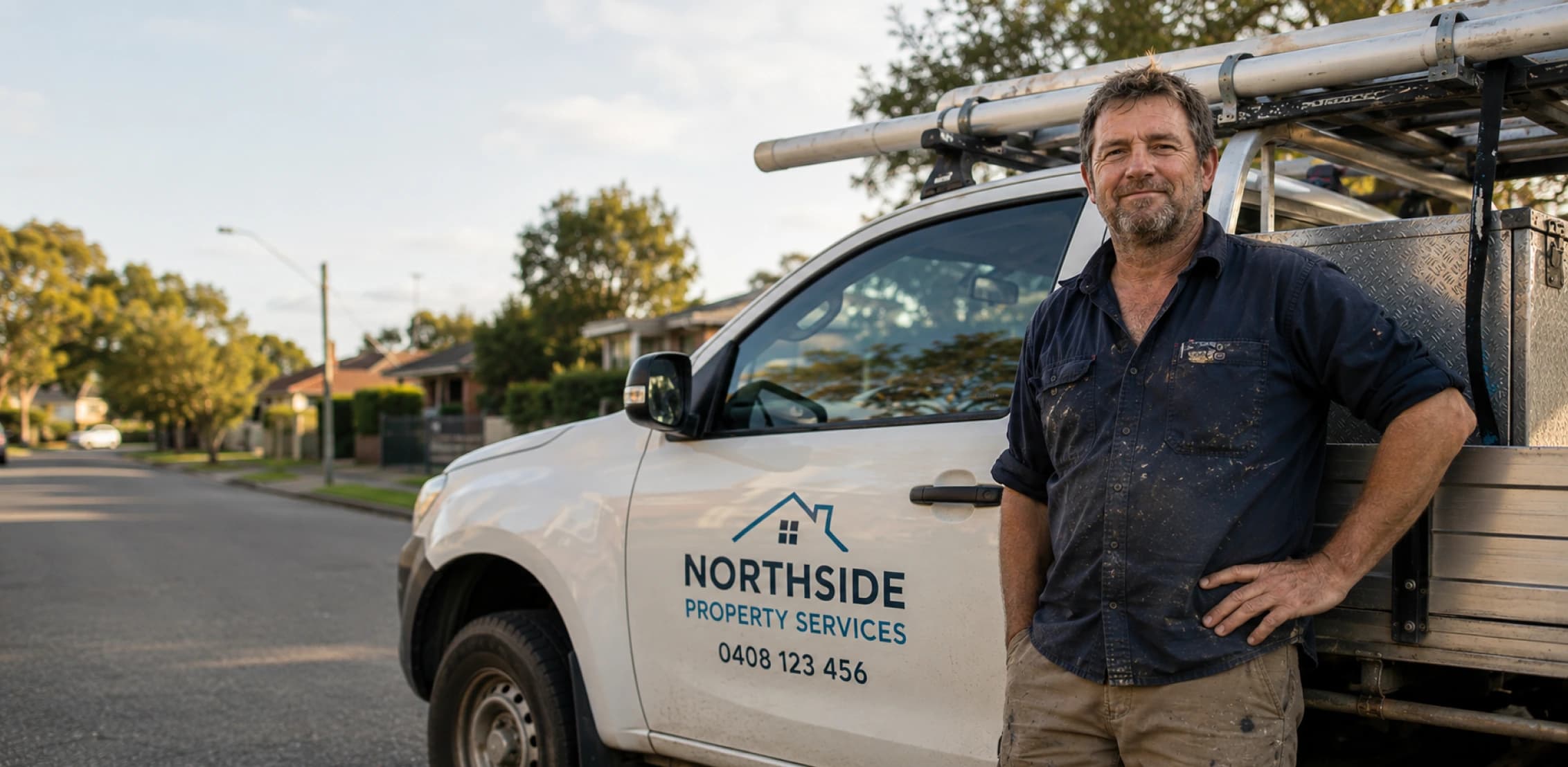
How to Register a Business Name in Australia: A Guide for Tradies & Service Businesses
A practical guide to registering a business name in Australia, covering when you need one, how much it costs, checking availability and trade marks, and how to register through ASIC.

How to Price a Service Job Without Guessing
A practical guide for Australian service providers who want to price jobs with more confidence by accounting for labour, materials, travel, overhead, margin, GST, and risk.

How to Create an Invoice in Australia: Free Guide
A practical guide to creating invoices and tax invoices in Australia, covering the ATO requirements, GST, the seven details a tax invoice needs, and how to send one.