The Simple
Recurring Job App
For Service Businesses
Turn a single job into a year of predictable revenue. Set up automated schedules for lawn care, cleaning, and maintenance in seconds.
What is Recurring Job Scheduling?
Recurring job scheduling lets you automate repeat work. Instead of manually booking the same lawn care or cleaning job every week, you set it once and the app fills your calendar for months ahead. It's the easiest way for owner-operators to secure predictable income.
In TREVY, recurring jobs are deeply integrated with your entire workflow. Create a single job, then turn it into a daily, weekly, or monthly series with a tap. The app handles conflict detection automatically, alerting you before double-bookings.
Whether you are a landscaper with a full mowing roster or a cleaner managing office contracts, TREVY helps you fill your week and invoice every visit without lifting a finger.
Key Capabilities
- Flexible FrequenciesDaily, Weekly, Fortnightly, or Monthly. You pick the perfect rhythm for your clients.
- Smart Conflict DetectionTREVY checks your calendar for clashes and alerts you before creating conflicts.
- Predictable RevenueLock in weeks or months of work and know exactly what's coming in.
- One-Tap InvoicingEach scheduled visit becomes a full job you can invoice instantly.
How to Automate Recurring Work
Follow this simple workflow to turn a single job into a year of automated, recurring revenue.
One Tap Automation
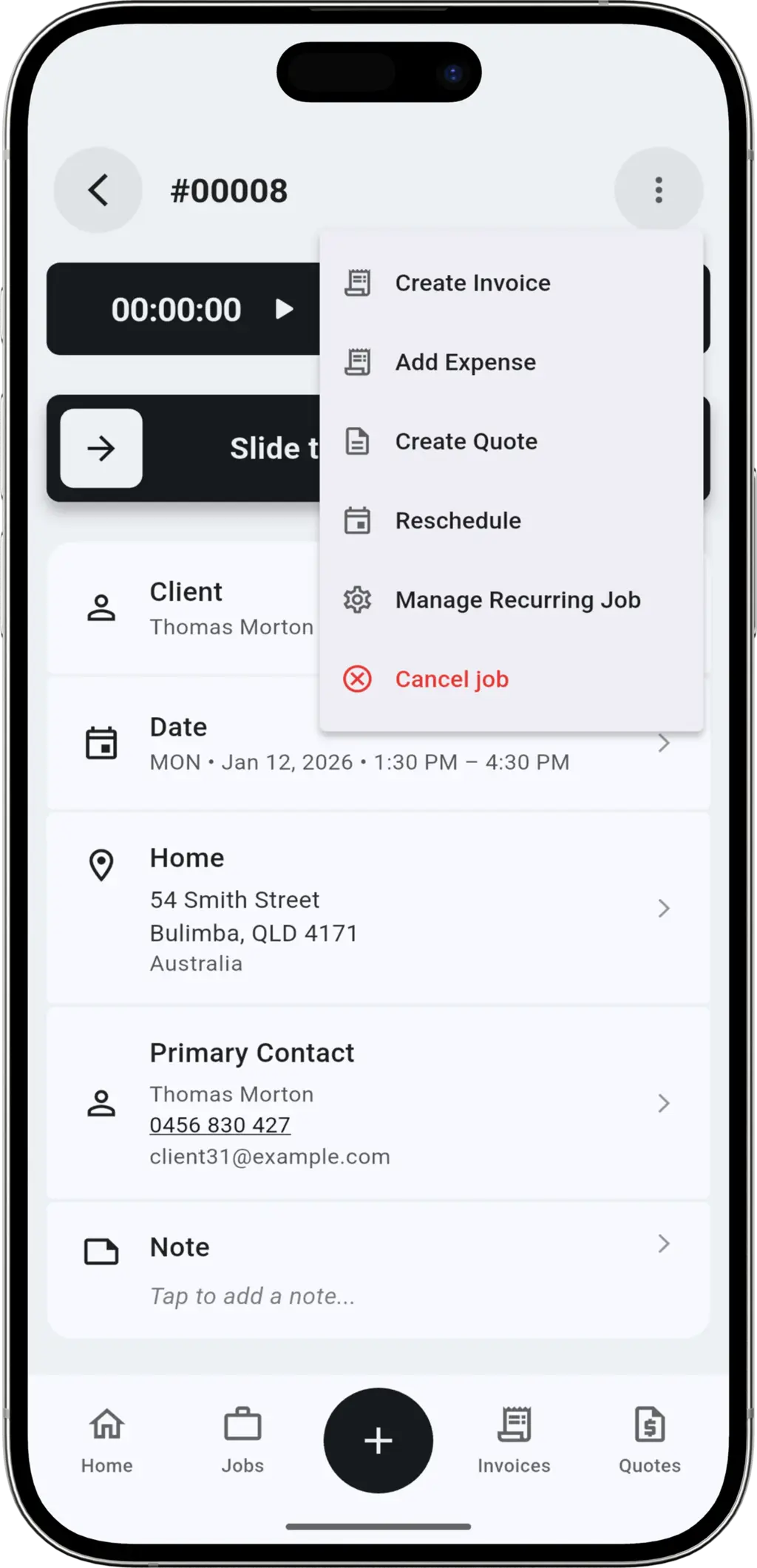
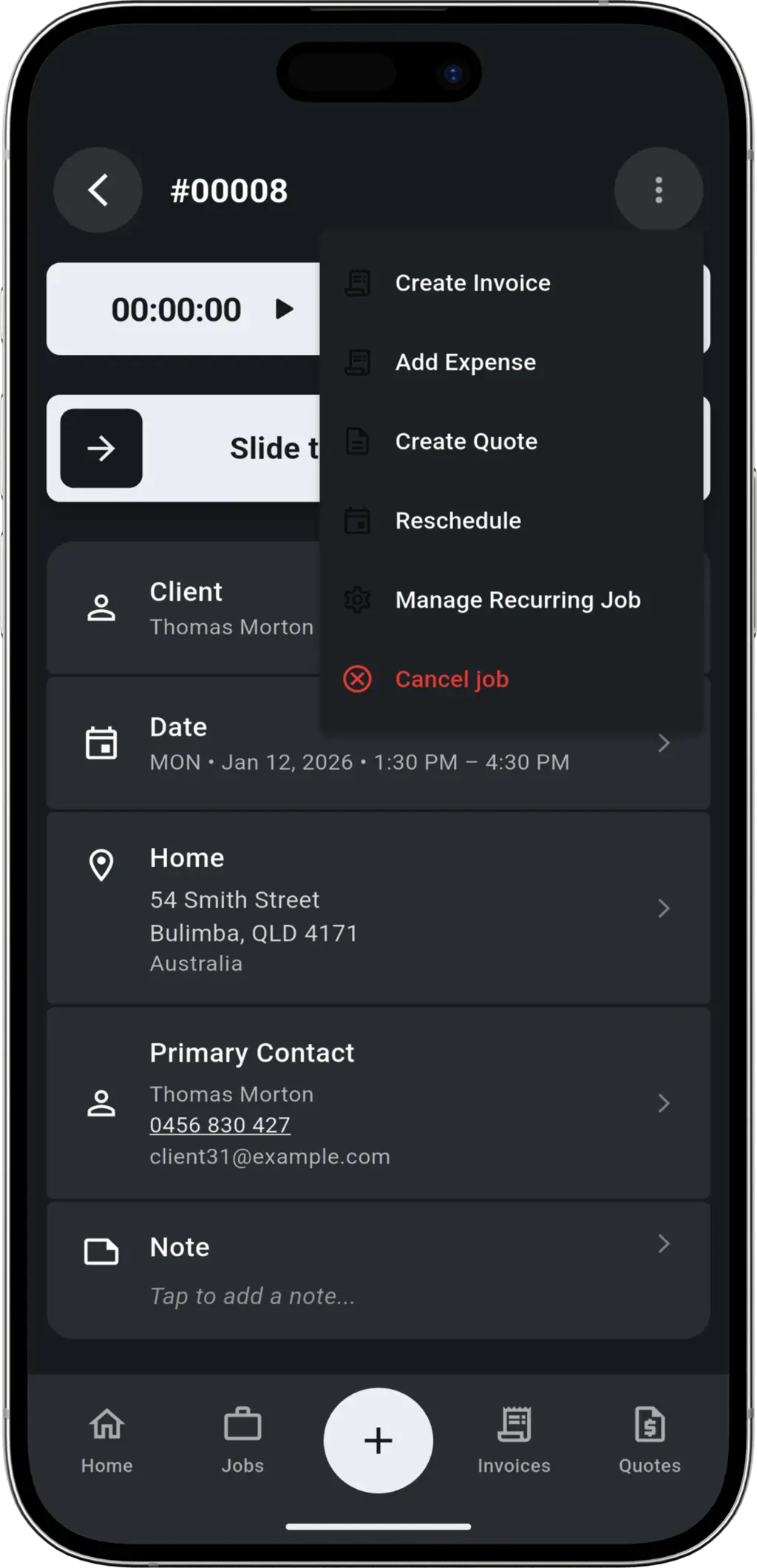
Start from any existing scheduled job. Open the menu and select "Create Recurring" to instantly generate a series based on the original job details.
You Choose the Schedule
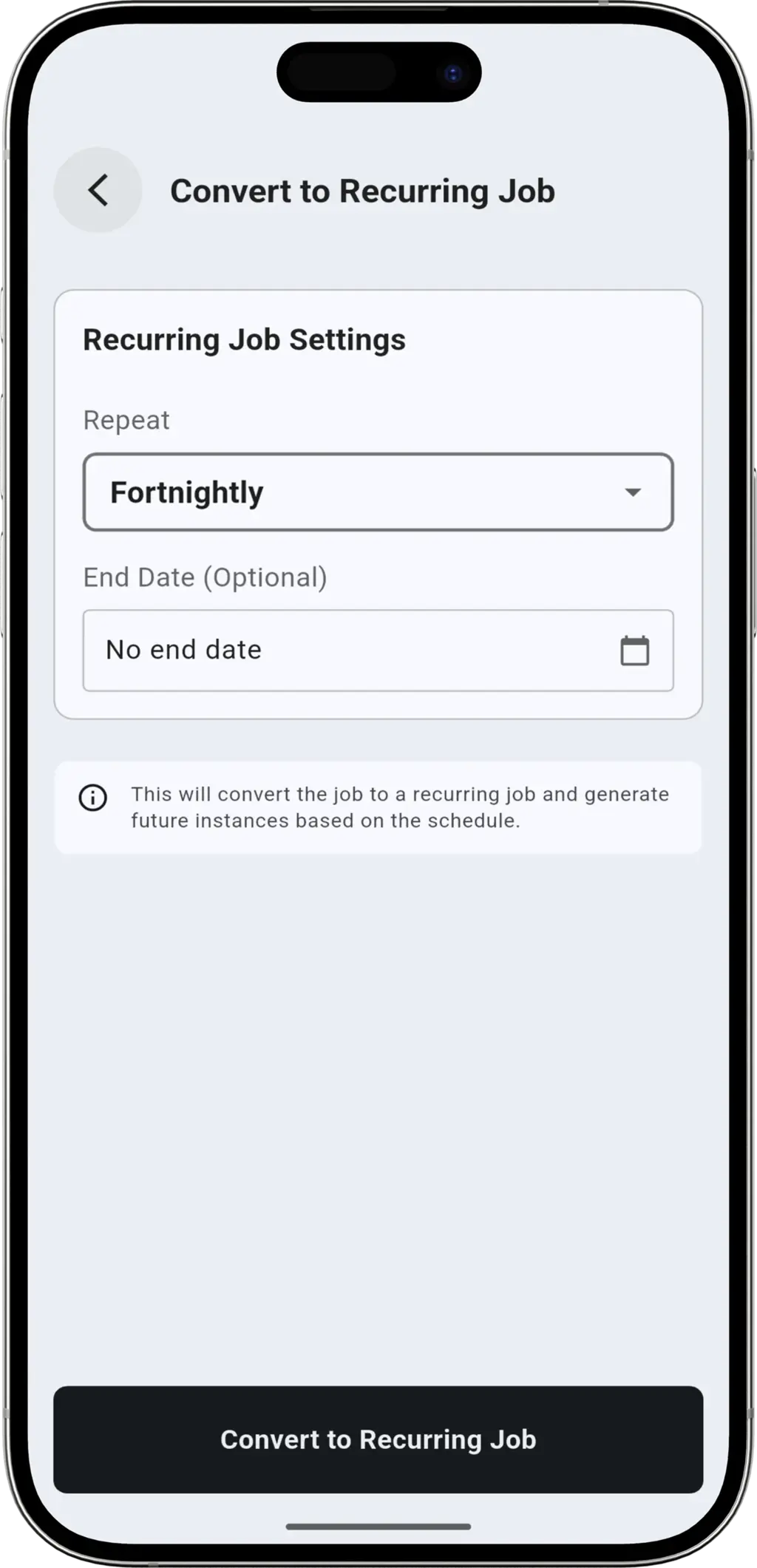
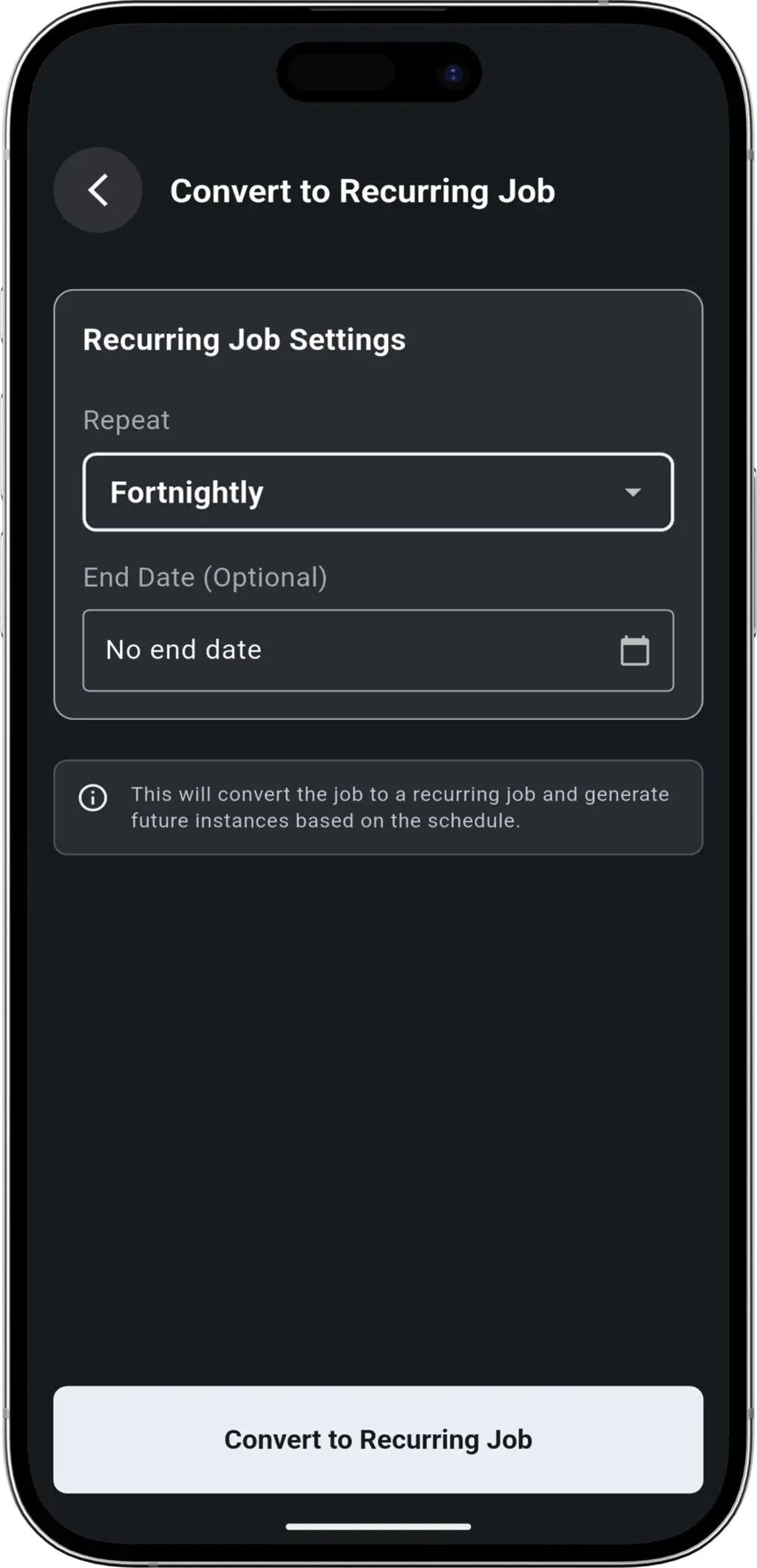
Daily, Weekly, Fortnightly, or Monthly. You select the perfect schedule to match your client's needs and set an end date—or let it run indefinitely.
No Double Bookings
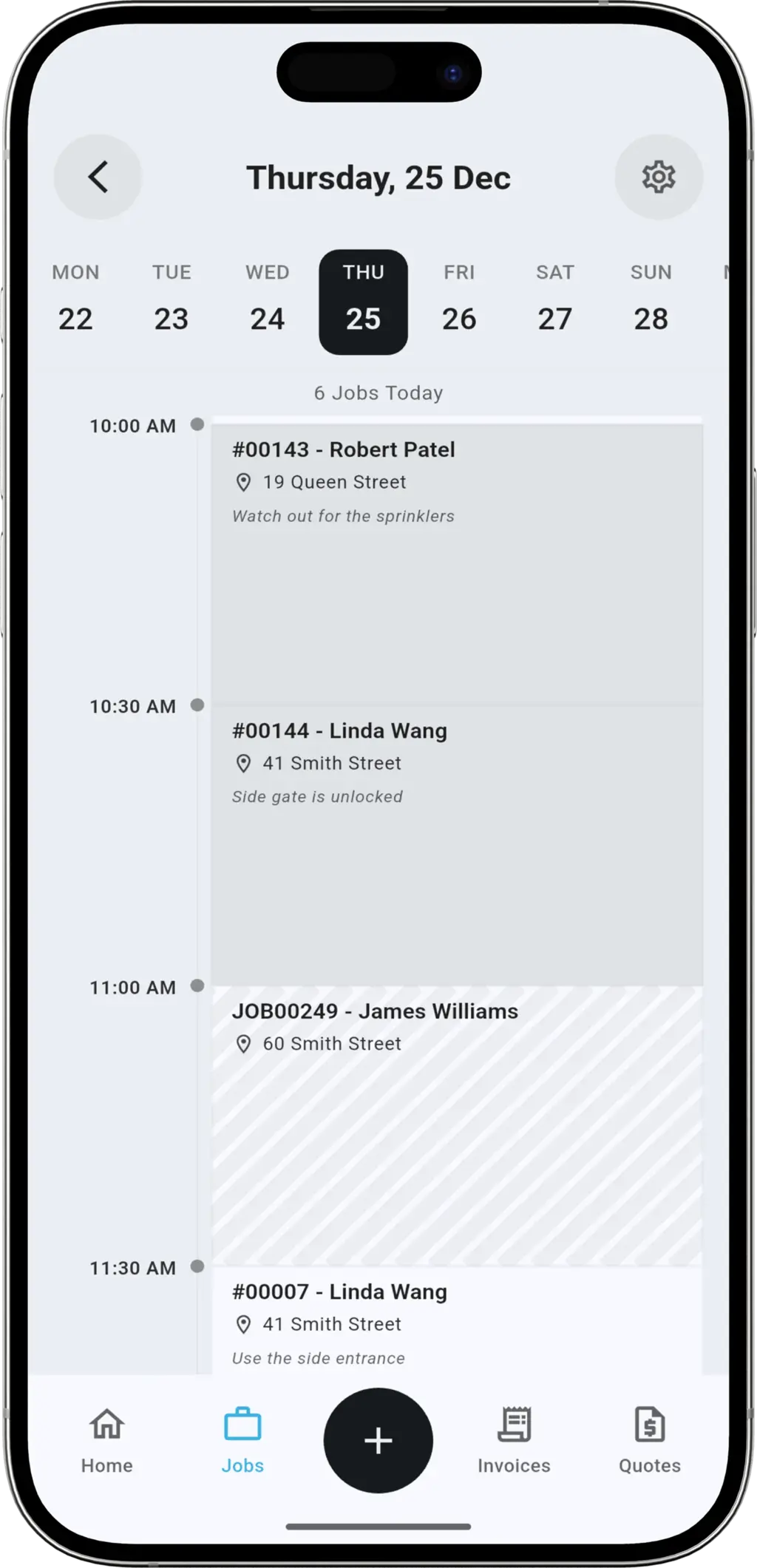
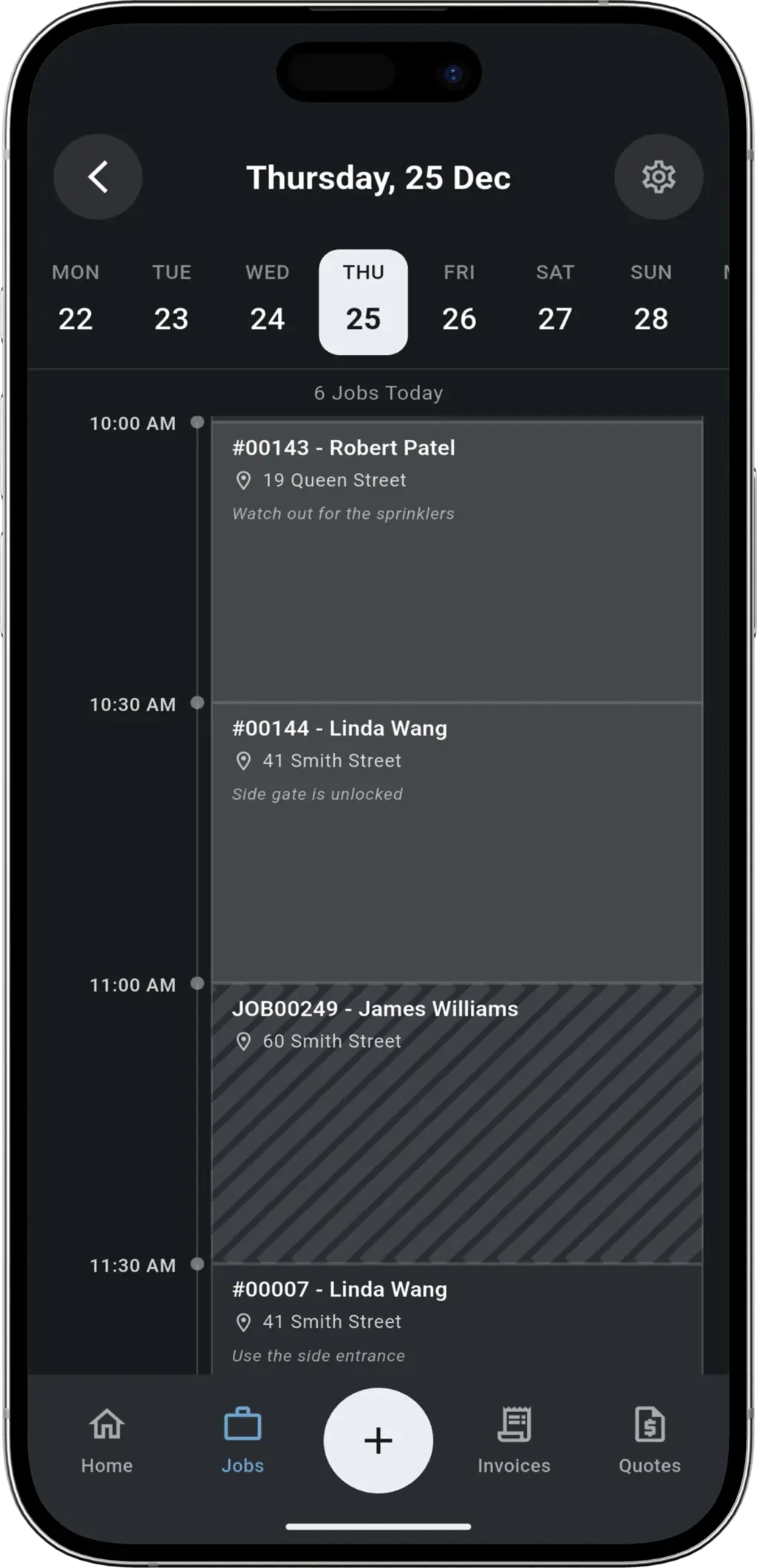
TREVY automatically checks future dates. If a holiday or existing job clashes, it alerts you instantly and creates jobs only up until that point, keeping your calendar conflict-free.
Built for Solo Tradespeople
We don't overload you with enterprise features. Every tool is designed for the owner-operator who needs to move fast.
Simple & Intuitive
No training required. Set up a recurring schedule in under 30 seconds and get back to the job.
All-in-One Platform
From the first quote to the final invoice, everything is connected. Stop switching between apps to run your day.
More Features
Everything else you need to run your business.

QUOTING
Quoting
Send professional quotes to your clients for review and approval. Receive instant notifications when a quote is accepted, so you can lock in the job and start working sooner.

JOB SCHEDULING
Job Scheduling
Send smart booking confirmations that allow customers to request better times, giving you total control over your dates. Manage your schedule with a simple day view that keeps you focused on the job at hand.

ON MY WAY
On My Way
Let clients know you are on the way to their property with a single tap. They'll receive a live tracking link to see your location in real-time, reducing missed appointments and anxiety.

EXPENSE TRACKING
Expense Tracking
Snap photos of receipts and record purchases on the go. Perfect for personal business expense tracking. Manage your suppliers and keep concise records, or export to CSV via data export.

PROFESSIONAL INVOICING
Professional Invoicing
Create professional, customisable tax invoices in seconds. Speed up billing by adding your saved services, offer instant payment links via Stripe, and look forward to even more templates coming soon.

CLIENT MANAGEMENT
Client Management
Keep all your client details in one secure place. Save company names, contacts, and multiple addresses. When you're ready to invoice, just select the client and we'll fill in the rest.

RECURRING JOBS
Recurring Jobs
Set up automatic recurring jobs for your regular clients. With support for Daily, Weekly, Fortnightly, and Monthly schedules, you can ensure your steady work is always booked in on time.
Automation for Every Trade
Perfect for maintenance businesses and regular service providers.




Pest Control

Locksmiths

Pool Maintenance


Electricians

HVAC Techs



Recurring Jobs FAQ
Common questions about automated scheduling.
You can set jobs to repeat Daily, Weekly, Fortnightly (Bi-weekly), or Monthly. You can also set custom end dates or let them run indefinitely.
Absolutely. For every scheduled visit, you can use our On My Way feature to send a professional notification with a single tap.
Yes. You can cancel the entire future series with a single tap. We are working on allowing you to edit individual jobs in a series - check our roadmap for updates.
Yes! Each visit in a recurring series is a full job, so you can create a professional invoice from it with a single tap.
If you have clients who need regular service—like lawn care, cleaning, pool maintenance, or HVAC servicing—recurring job scheduling is perfect for you.
Ready to grow your business?
Sort out your business admin. Save time and get paid faster with the app built for service pros. Download TREVY today.